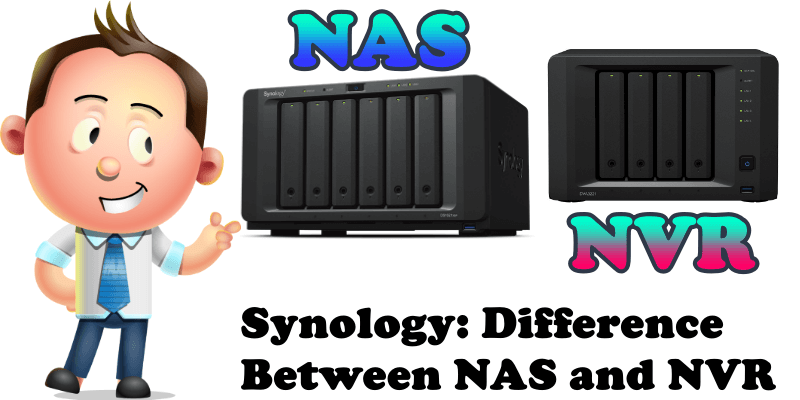
Synology: Difference Between NAS and NVR

Synology Difference Between NAS and NVR

The operating system of Synology NAS and NVR devices is called DSM (DiskStation Manager) and both devices support the latest OS called DSM 7. To access the video surveillance potential on both the NAS and NVR you need to download a software called Surveillance Station via Package Center. Synology introduced Surveillance Station for the first … Read more about Synology: Difference Between NAS and NVR

Synology: Surveillance Station Client Management

Synology Surveillance Station Client Management

Did you know that with Synology Surveillance Station you have complete control over all connected clients that can remotely view your Video Surveillance Cameras? If for some reason you want to restrict access to some devices, you can instantly terminate the connection to a particular client in just a few simple steps. STEP 1 Please … Read more about Synology: Surveillance Station Client Management

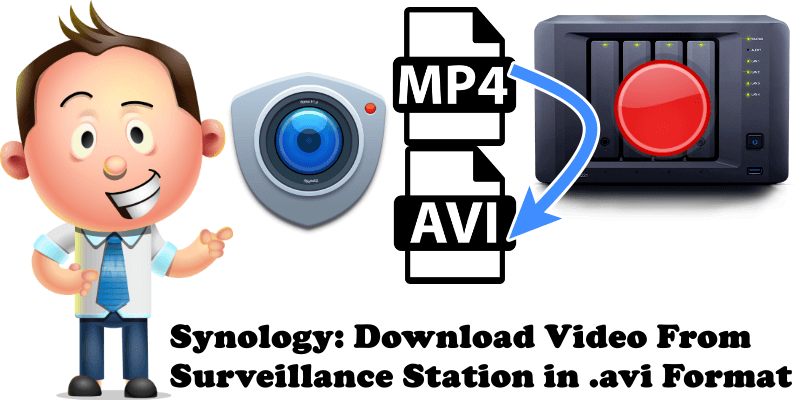
Synology: Download Video From Surveillance Station in .avi Format

Synology Download Video From Surveillance Station in .avi Format

When you download a pre-recorded video from your Synology NAS or NVR via Surveillance Station it will automatically be downloaded in the .mp4 file format. But if you prefer the .avi file format instead of the .mp4, you can manually change the format so that all your future videos will be downloaded in the .avi … Read more about Synology: Download Video From Surveillance Station in .avi Format