How to Install OnlyOffice on Your Synology NAS

How to Install OnlyOffice on Your Synology NAS
OnlyOffice Document Server is an online office suite comprising viewers and editors for texts, spreadsheets and presentations, fully compatible with Office Open XML formats: .docx, .xlsx, .pptx etc. In this step by step guide I will show you how to install OnlyOffice on your Synology NAS using Docker. STEP 1 Please Support My work by … Read more about How to Install OnlyOffice on Your Synology NAS

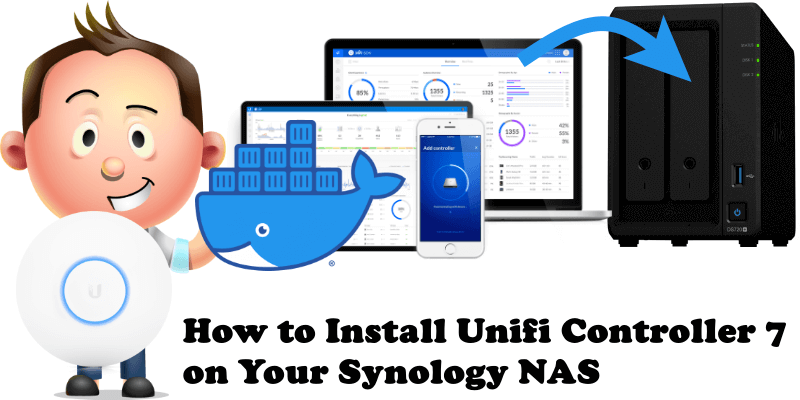
How to Install Unifi Controller 7 on Your Synology NAS

How to Install Unifi Controller 7 on Your Synology NAS

The UniFi Controller or Network Application is a wireless network management software solution from Ubiquiti Networks. It allows you to manage multiple wireless networks using a web browser. Do you want to install the latest Unifi Network Application 7 via Docker without a terminal? Are you tired of complicated guides? Do you want something quick … Read more about How to Install Unifi Controller 7 on Your Synology NAS

How to Install Libreddit on Your Synology NAS

How to Install Libreddit on Your Synology NAS

Libreddit hopes to provide an easier way to browse Reddit, without the ads, trackers, and bloat. Libreddit was inspired by other alternative front-ends to popular services such as Invidious for YouTube, Nitter for Twitter, and Bibliogram for Instagram. In this step by step guide I will show you how to install Libreddit on your Synology … Read more about How to Install Libreddit on Your Synology NAS

How to Install Papermerge on Your Synology NAS

How to Install Papermerge on Your Synology NAS

Papermerge is an open source document management system (DMS) primarily designed for archiving and retrieving your digital documents. Instead of having piles of paper documents all over your desk, office or drawers, you can quickly scan them and configure your scanner to directly upload to Papermerge DMS. In this step by step guide I will … Read more about How to Install Papermerge on Your Synology NAS