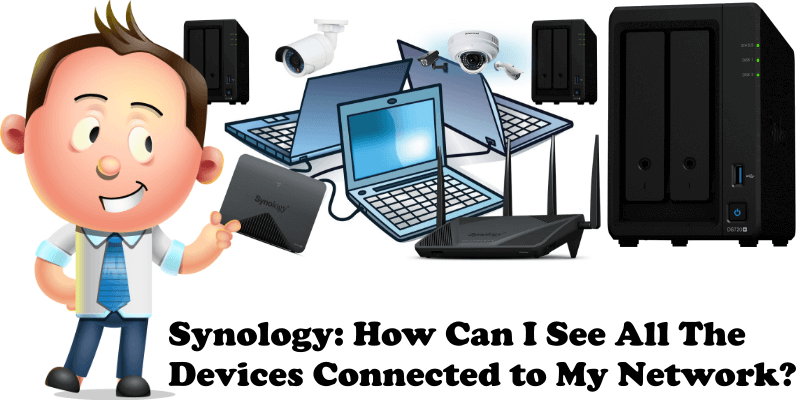
Synology: How Can I See All The Devices Connected to My Network?

Synology How Can I See All The Devices Connected to My Network

When you have more devices connected to your network, such as a Synology NAS, a computer and a router, knowing how you can see all of them can prove extremely useful. Really, you can’t do without this very important feature that will surely come in handy someday. For example, today I accidentally changed the IP … Read more about Synology: How Can I See All The Devices Connected to My Network?
How to Install Wireshark on Your Synology NAS

How to Install Wireshark on Your Synology NAS

Wireshark is the world’s foremost and widely-used network protocol analyzer. It lets you see what’s happening on your network at a microscopic level and is the de facto (and often de jure) standard across many commercial and non-profit enterprises, government agencies, and educational institutions. Wireshark development thrives thanks to the volunteer contributions of networking experts … Read more about How to Install Wireshark on Your Synology NAS

How to Install Pylon on Your Synology NAS

How to Install Pylon on Your Synology NAS

Pylon is a web based integrated development environment built with Node.js as a backend and with a supercharged JavaScript/HTML5 frontend, licensed under GPL version 3. This project originates from Cloud9 v2 project. Pylon is built entirely on a web stack and has a high performance ACE text editor with bundled syntax highlighting to support a … Read more about How to Install Pylon on Your Synology NAS

How to Install OpenHAB on Your Synology NAS

How to Install OpenHAB on Your Synology NAS

The open Home Automation Bus is an open source, technology-agnostic home automation platform which runs as the center of your smart home. It has the ability to integrate a multitude of other devices and systems. openHAB includes other home automation systems, (smart) devices and other technologies into a single solution to provide a uniform user … Read more about How to Install OpenHAB on Your Synology NAS