
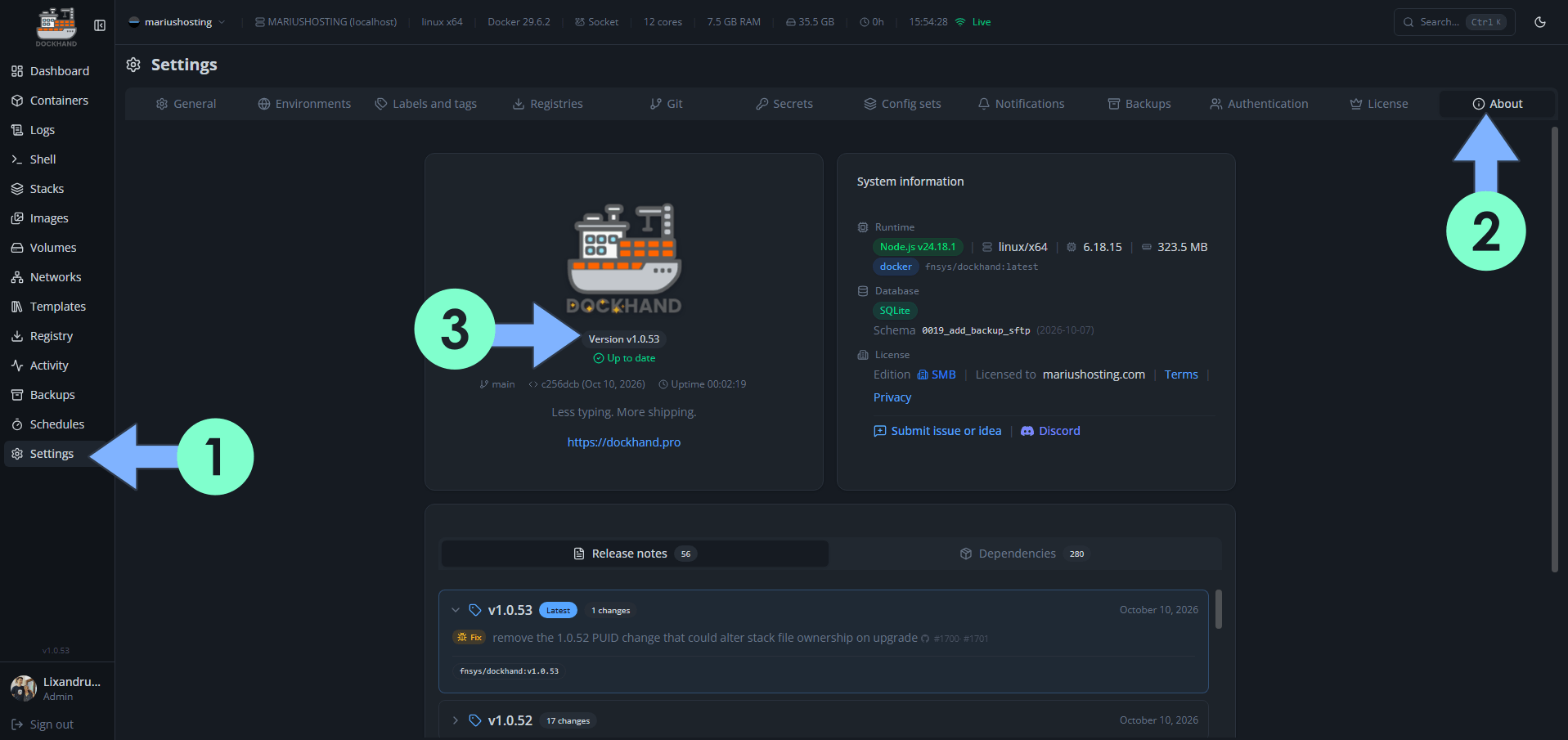
On October 10, 2026, Dockhand switched from version 1.0.51 to the new 1.0.52 version then, immediately after version 1.0.52, to the new 1.0.53 that fixes the PUID change that could alter stack file ownership on upgrade. If you have installed version 1.0.52 on your Synology NAS and are stuck on that version because of a permission issue, you should make sure that your administrator user has read/write access/permission to the Dockhand folder. Check out my common docker issue Number 9. Dockhand fixes the following issues and adds new options:
New – Back up to an SFTP server with a dedicated SSH key and verified host keys
New – Offer the compose file detected from container labels when adopting an external stack
New – Hold off automatic updates until a new image is older than a configurable minimum image age
New – A dockhand.name label sets the name a container is shown under
New – Redeploy a stack without recreating every service, and choose how it redeploys
New – Sign in with a passkey instead of a password
New – Filter newer-version candidates per container
New – Read per-stack resource totals from the API
New – Show stack health on the stacks page, and filter by it
Fix: Remove the 1.0.52 PUID change that could alter stack file ownership on upgrade (Fixed in version 1.0.53)
Fix: A container started with PUID=1001 runs as that user instead of root
Fix: Skip newer-version tags whose image is older than the one running
Fix: Find the stack folder when a nested bind shares a name with one at the root
Fix: Ordering one container with dockhand.order now moves it ahead of the unlabelled ones
Fix: Restore preview no longer reports an empty target for a stack whose files are there
Fix: Updating a Podman container started by podman-compose no longer leaves it stopped
Fix: The next compose deploy no longer recreates a container Dockhand just updated
Fix: A stack’s bind directories are no longer left out of a backup when no volume covers them

🌟Starring projects like Dockhand on GitHub is a quick way to thank developers for their work. It boosts visibility so more people discover it, attracts contributors, and motivates the team to keep improving it.
What is Dockhand? Dockhand allows you to easily manage your different Docker environments. Dockhand is a modern, self-hosted Docker management platform with an intuitive web interface for homelabs, small businesses, and enterprises. It simplifies container operations, stack deployments, and observability through real-time management (start/stop/restart containers, web terminals, file transfers), a visual Compose editor, GitOps auto-sync, metrics, logs, OIDC/SSO, MFA, vulnerability scans, and multi-host support via the open-source Hawser agent. You can deploy it quickly as a Docker container with no cloud dependencies or telemetry. It’s forever free for personal use.
This post was updated on Saturday / October 10th, 2026 at 4:43 PM