
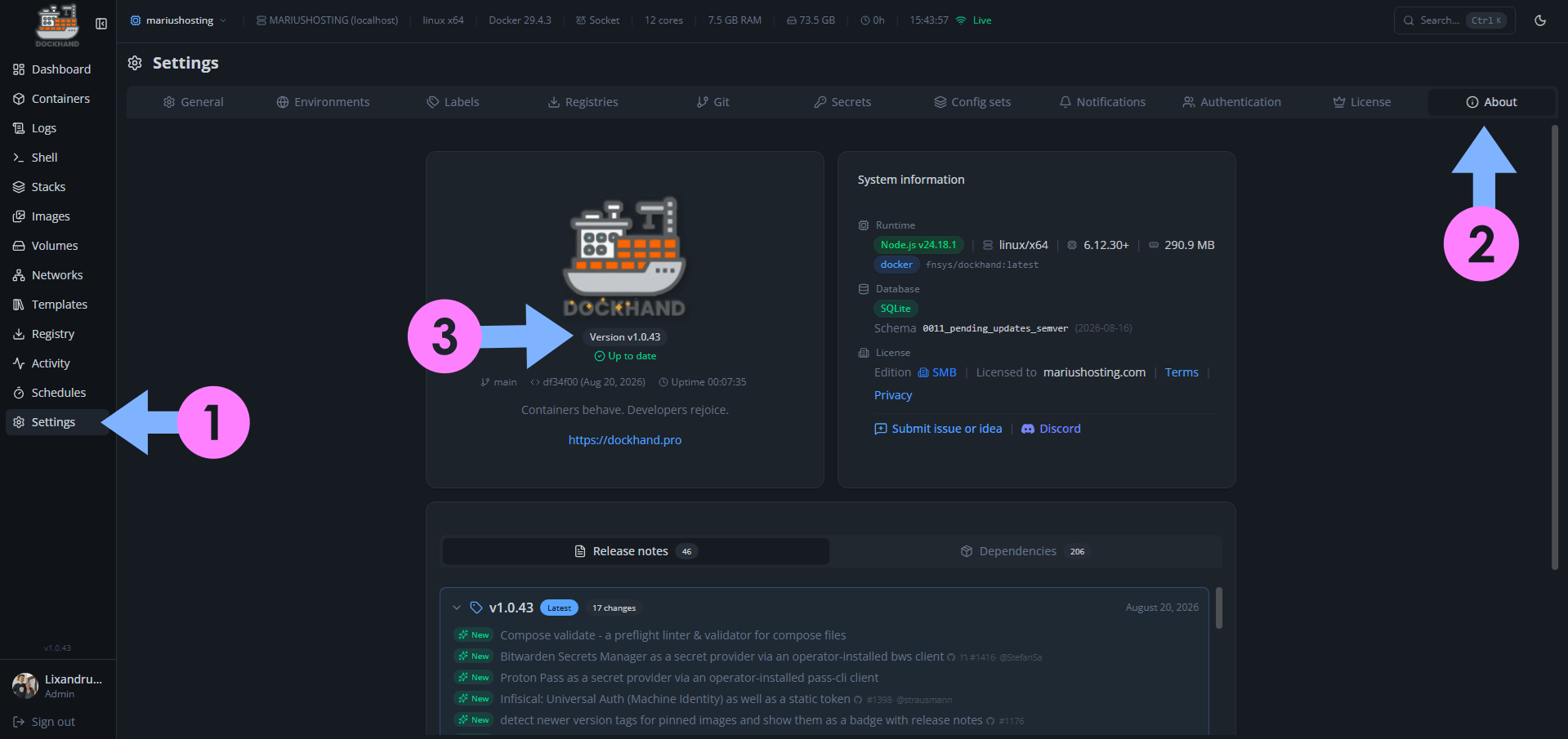
On August 20, 2026, Dockhand switched from version 1.0.42 to the new 1.0.43 version. Dockhand fixes the following issues and adds new options:
New – Compose validate – a preflight linter & validator for compose files
New – Bitwarden Secrets Manager as a secret provider via an operator-installed bws client
New – Proton Pass as a secret provider via an operator-installed pass-cli client
New – Infisical: Universal Auth (Machine Identity) as well as a static token
New – Detect newer version tags for pinned images and show them as a badge with release notes
New – OpenAPI spec at /api/docs with a Scalar viewer, opt-in via FEAT_API_DOCS
New – Zabbix notification channel via the history.push API
Fix: Registry auth survives an http to https token realm redirect behind a TLS proxy
Fix: Security: update Go to 1.25.13 (8 HIGH stdlib CVEs) and update docker-compose to 5.5.0
Fix: Concurrent git syncs sharing an SSH credential no longer fail on a missing temp key
Fix: Backup notifications show a real title and message instead of “undefined”
Fix: Git stacks accept a compose/env path with a leading slash
Fix: Container update notifications now fire properly
Fix: Infisical: the project ID is optional when using a service token – it’s taken from the token
Fix: API: adopting a stack rejects a compose path not on Dockhand’s filesystem
Fix: API: validating a stack’s env vars no longer drops the environment id
Fix: Editing a secret provider no longer wipes its stored token
📋Install Dockhand 1.0.43 On Your Synology NAS
🔄How to Update Dockhand to Version 1.0.43 on Synology NAS
🔄How to Update Dockhand to Version 1.0.43 on UGREEN NAS
📋Install Dockhand 1.0.43 On Your Asustor NAS
🔄How to Update Dockhand to Version 1.0.43 on Asustor NAS
⚡How to Move Your Docker Containers From Portainer to Dockhand
🚀Farewell to 7 Docker Tools: Dockhand Just Killed Them All in One Go

🌟Starring projects like Dockhand on GitHub is a quick way to thank developers for their work. It boosts visibility so more people discover it, attracts contributors, and motivates the team to keep improving it.
What is Dockhand? Dockhand allows you to easily manage your different Docker environments. Dockhand is a modern, self-hosted Docker management platform with an intuitive web interface for homelabs, small businesses, and enterprises. It simplifies container operations, stack deployments, and observability through real-time management (start/stop/restart containers, web terminals, file transfers), a visual Compose editor, GitOps auto-sync, metrics, logs, OIDC/SSO, MFA, vulnerability scans, and multi-host support via the open-source Hawser agent. You can deploy it quickly as a Docker container with no cloud dependencies or telemetry. It’s forever free for personal use.
This post was updated on Saturday / October 17th, 2026 at 12:23 AM