
These are the major differences between Active Backup for Business and Hyper Backup packages offered by Synology. In the example below, I want to show you how the two packages work in synergy to offer a limitless backup experience.
Active Backup for Business and Hyper Backup serve different (but complementary) roles:
- Active Backup for Business (ABB) is primarily designed to back up other devices to your Synology NAS. This includes Windows/Mac PCs, physical servers (Windows & Linux), virtual machines (VMware & Hyper-V), file servers (SMB/rsync), and since September 2022 other Synology NAS devices.
To back up another Synology NAS you install the Active Backup for Business Agent (DSM) on the source NAS. This gives you full-system image backup (including system configuration, packages, and data), incremental block-level backups, deduplication, and both full-system or file/folder-level restore. - Hyper Backup is the classic tool for backing up the data that already lives on your Synology NAS. You can send it to another Synology NAS, a USB drive, an rsync server, or cloud storage (Synology C2, Dropbox, Google Drive, Amazon S3, Backblaze B2, etc.).
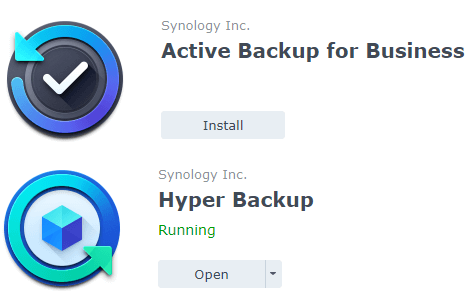
In short:
- Use Active Backup for Business when the source is a PC, server, VM, file server, or another Synology NAS.
- Use Hyper Backup when you want to back up the contents of the NAS itself (or to create a secondary copy of your Active Backup data).
The two packages still work very well together. A common best-practice setup is:
Back up PCs / servers / other NAS devices to your main Synology NAS with Active Backup for Business.
Then use Hyper Backup (or Snapshot Replication) to copy those Active Backup data to a second location (another NAS, USB, or cloud).
📝Note (Updated July 2026):
Since the release of Active Backup for Business Agent (DSM) in September 2022, you can now perform full-system backups of one Synology NAS to another using Active Backup for Business. Hyper Backup remains the preferred tool for flexible NAS-to-cloud or NAS-to-USB backups and for creating off-site copies of your Active Backup repositories.
Note: Backup Solution Packages
Note: Synology Active Backup For Business: Review
This post was updated on Wednesday / July 8th, 2026 at 3:51 AM