
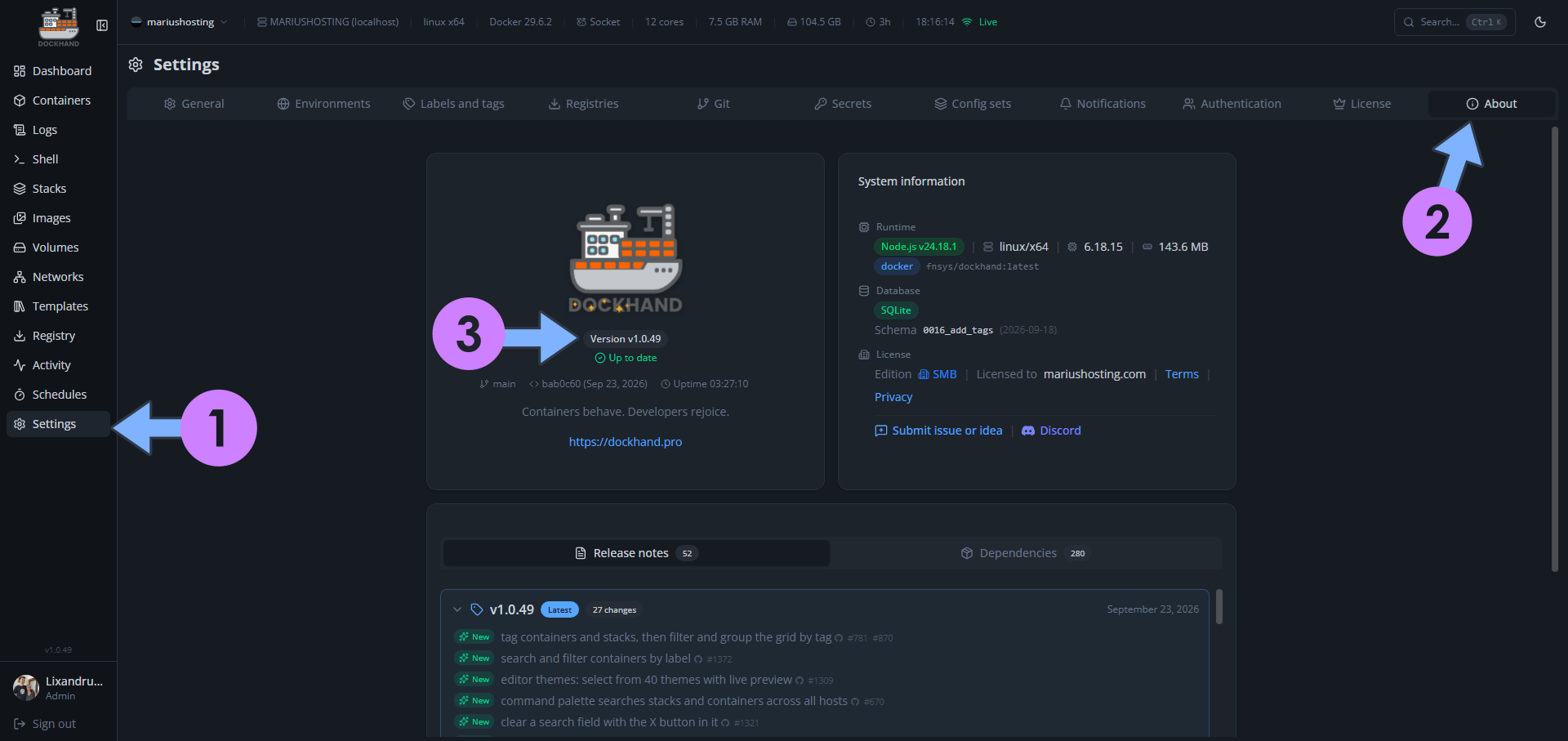
On September 23, 2026, Dockhand switched from version 1.0.48 to the new 1.0.49 version. Dockhand fixes the following issues and adds new options:
New – Tag containers and stacks, then filter and group the grid by tag
New – Search and filter containers by label
New – Editor themes: select from 40 themes with live preview
New – Command palette searches stacks and containers across all hosts
New – Clear a search field with the X button in it
New – One-shot container exec API returning stdout, stderr and exit code
New – Set and change file ownership in the container file browser
Fix: Select-all checkbox shows a partial state, not a full tick, for a partial selection (Reported by your Internet friend Marius).
Fix: A long backup no longer crashes the app when its log stream goes quiet
Fix: Removing all of a stack’s environment variables no longer leaves stale entries
Fix: Templates with duplicate names no longer stop the templates page from rendering
Fix: The container toolbar no longer clips its buttons on mobile
Fix: Use webp or png for selfh.st icons that have no svg
Fix: Don’t report a newer version tag that resolves to the image you already run
Fix: Fix vulnerability scans failing on the containerd image store
Fix: Show CPU and memory for containers on Windows Docker hosts
Fix: Don’t send container died/killed notifications for a container being updated
Fix: Stop, start, restart and remove stacks that use secret providers, e.g. stop-during-backup
Fix: Check for image updates on a plain-HTTP registry
Fix: Send you to the login page when your session expires
Fix: Skip hidden folders like .snapshots when scanning for stacks to adopt
Fix: Updating a Podman container managed by a systemd Quadlet unit now works
Fix: Option to skip bind mounts when scheduling backups for a whole environment
Fix: Git stack env vars stay visible in the editor after saving
Fix: Clearing a container’s command now reverts it to the image default
Fix: Cut backup read transactions on S3/B2 by caching the restic index between runs
Fix: Dashboard no longer flashes zero running containers on a remote host

🌟Starring projects like Dockhand on GitHub is a quick way to thank developers for their work. It boosts visibility so more people discover it, attracts contributors, and motivates the team to keep improving it.
What is Dockhand? Dockhand allows you to easily manage your different Docker environments. Dockhand is a modern, self-hosted Docker management platform with an intuitive web interface for homelabs, small businesses, and enterprises. It simplifies container operations, stack deployments, and observability through real-time management (start/stop/restart containers, web terminals, file transfers), a visual Compose editor, GitOps auto-sync, metrics, logs, OIDC/SSO, MFA, vulnerability scans, and multi-host support via the open-source Hawser agent. You can deploy it quickly as a Docker container with no cloud dependencies or telemetry. It’s forever free for personal use.
This post was updated on Wednesday / September 23rd, 2026 at 6:21 PM