

Dear friends, I am truly excited and feel deeply honored to be among the very first in the world to have had the opportunity to get my hands on the new AI iDX6011 Pro UGREEN NAS. I will try to share with you, step by step, my first impressions of this NAS, fully aware of how special it is to be able to test it so early. First of all, I want to thank from the bottom of my heart Gabrielle, who is part of the UGREEN staff, for kindly gifting me this device. Without her trust and generosity, I would never have been able to start this review so soon, and I am infinitely grateful to her. To Gabrielle, I would like to dedicate these words:
亲爱的Gabrielle,您的慷慨支持让我每次都温暖我的心,并让我充满谦卑。从心底里:非常感谢您!衷心祝愿您一切顺利、工作愉快、生活幸福每一天!
The disks you see installed in the photos are two M.2 Samsung 990 PRO, a truly precious gift from Marcel, a follower from Germany. A huge thank you goes to him and to the entire wonderful German community for your constant and warm support: it means the world to me and gives me the strength to keep going.
Liebe Freunde in Deutschland, eure herzliche Unterstützung öffnet mir jedes Mal das Herz und erfüllt mich mit großer Demut. Von ganzem Herzen: vielen Dank! Ihr seid wunderbar.
Ah, and a small note on the images below: if you notice some scattered fur on the NAS, don’t worry, it’s because my Mioritic dogs were my faithful little assistants during the tests and photo sessions. They are always there to lend me a paw, leaving every now and then a small signature of their love!
💰SUPPORT MY WORK!
Here it is! The large, black, sleek official UGREEN iDX6011 Pro box has finally arrived, with the two Samsung 990 PRO M.2 SSDs placed right on top. Inside, the NAS is meticulously protected by thick, custom-cut foam inserts that cradle every side perfectly, ensuring the device arrives in pristine condition. The iDX6011 Pro is not “just” a NAS. It is a true intelligent storage workstation, one of the most powerful ever created for those who want professional-level performance without compromising on privacy.
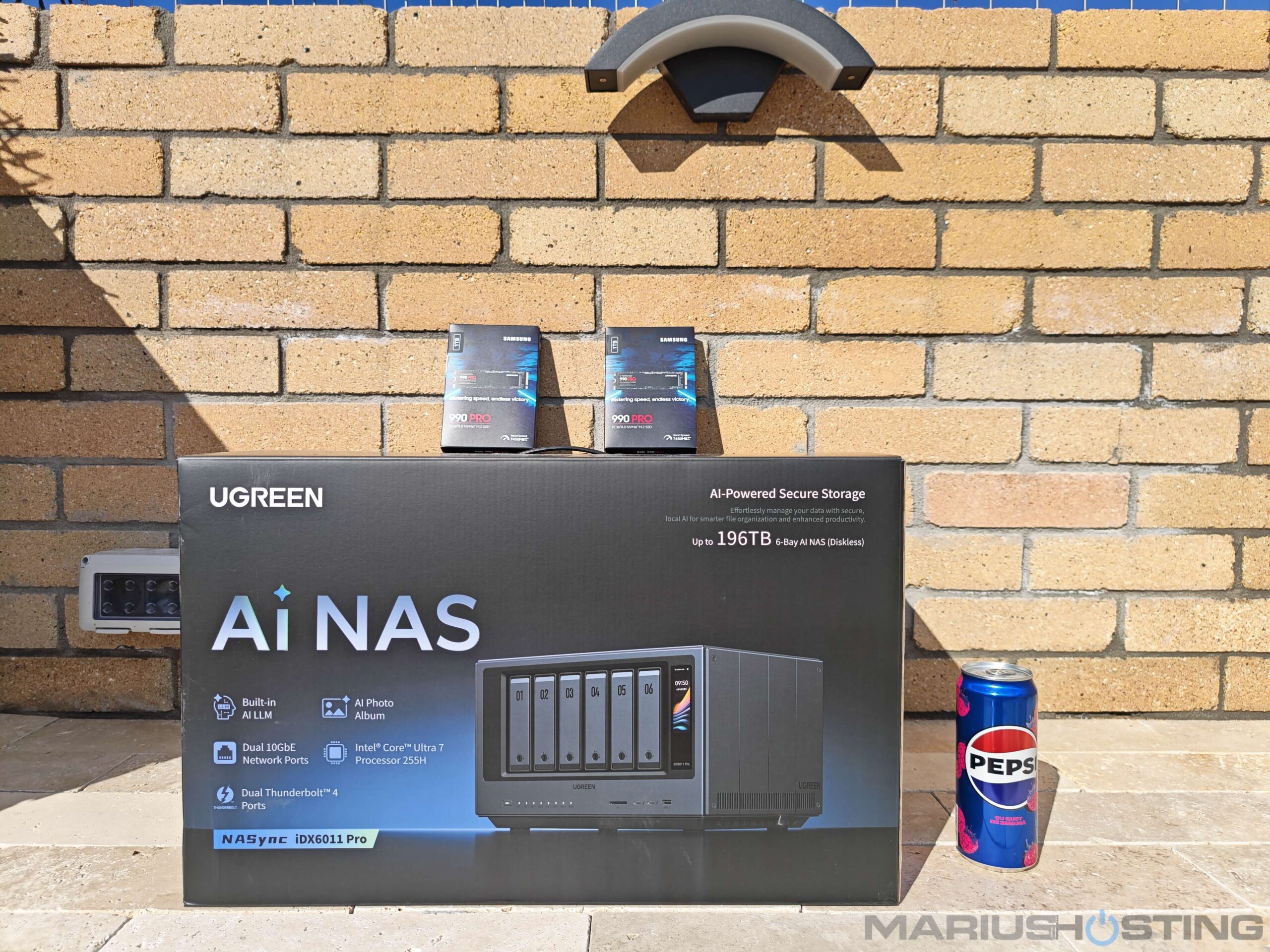
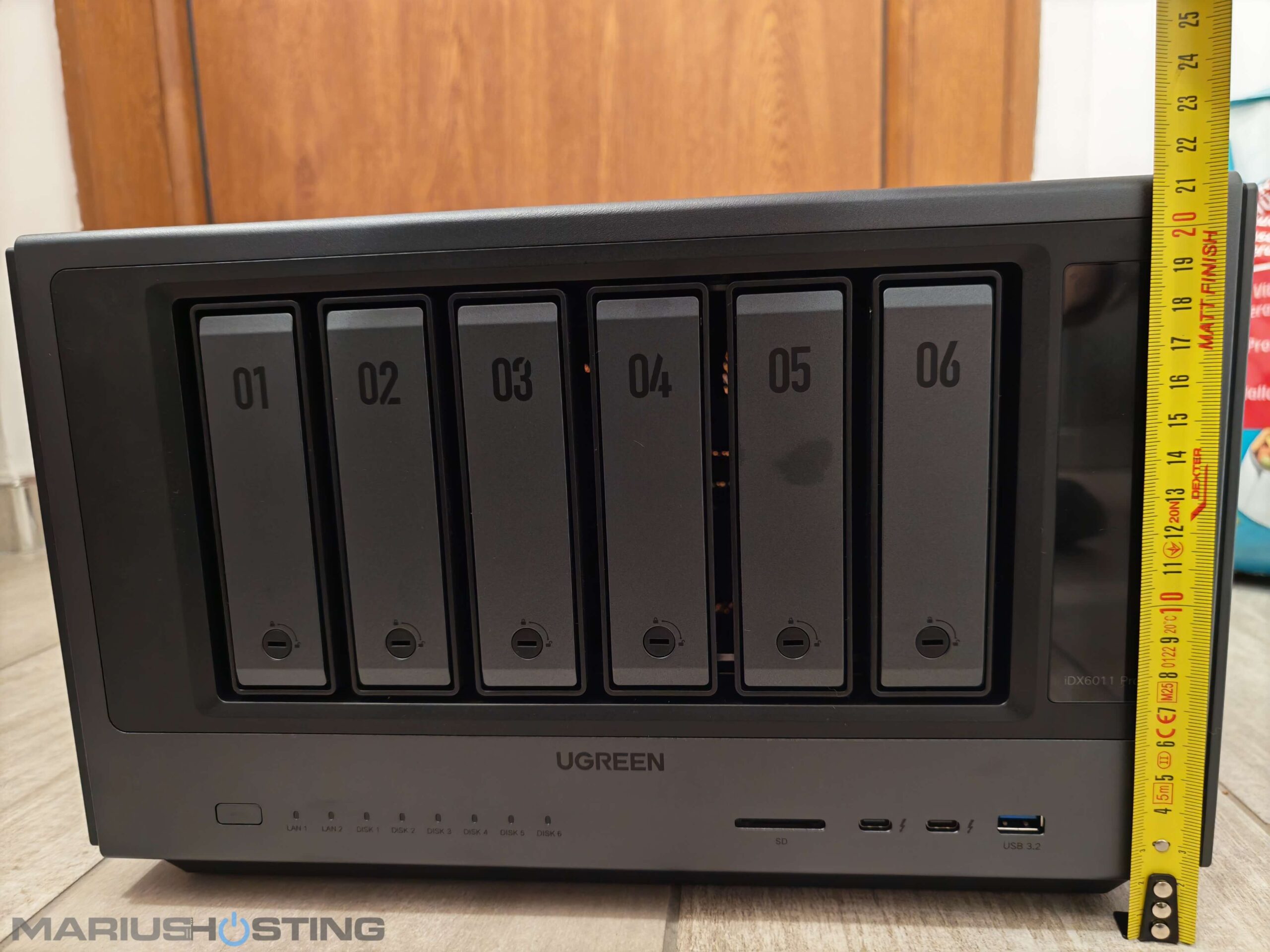
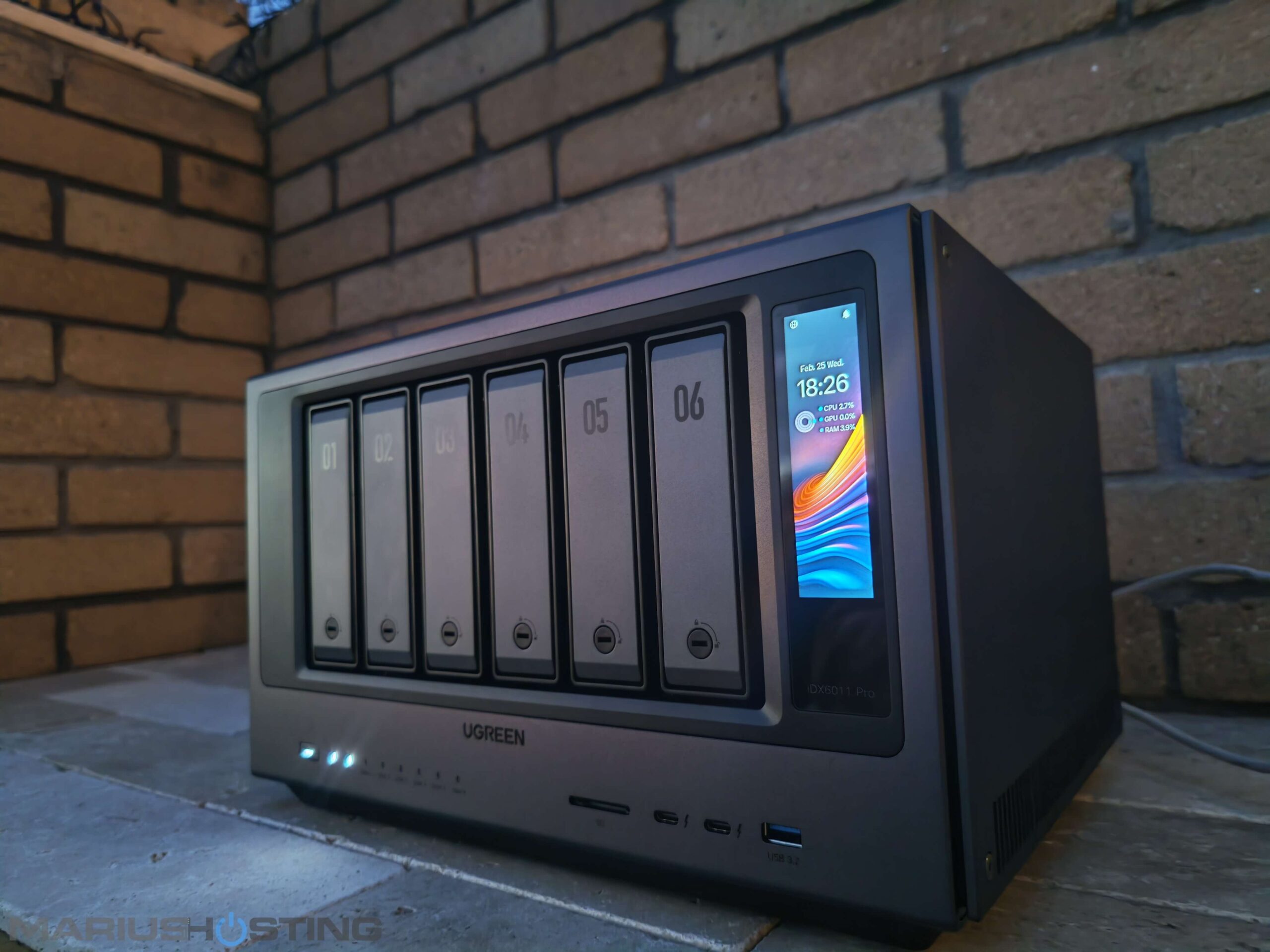
The quality of the build is outstanding. A solid matte-black aluminum chassis with clean, elegant lines that give it a truly premium feel and sophisticated look. The front panel features six beautifully finished diskless drive bays, clearly numbered from 01 to 06, while the right side boasts a crisp, vibrant color touchscreen that adds a wonderful high-tech touch and makes daily management feel effortless.
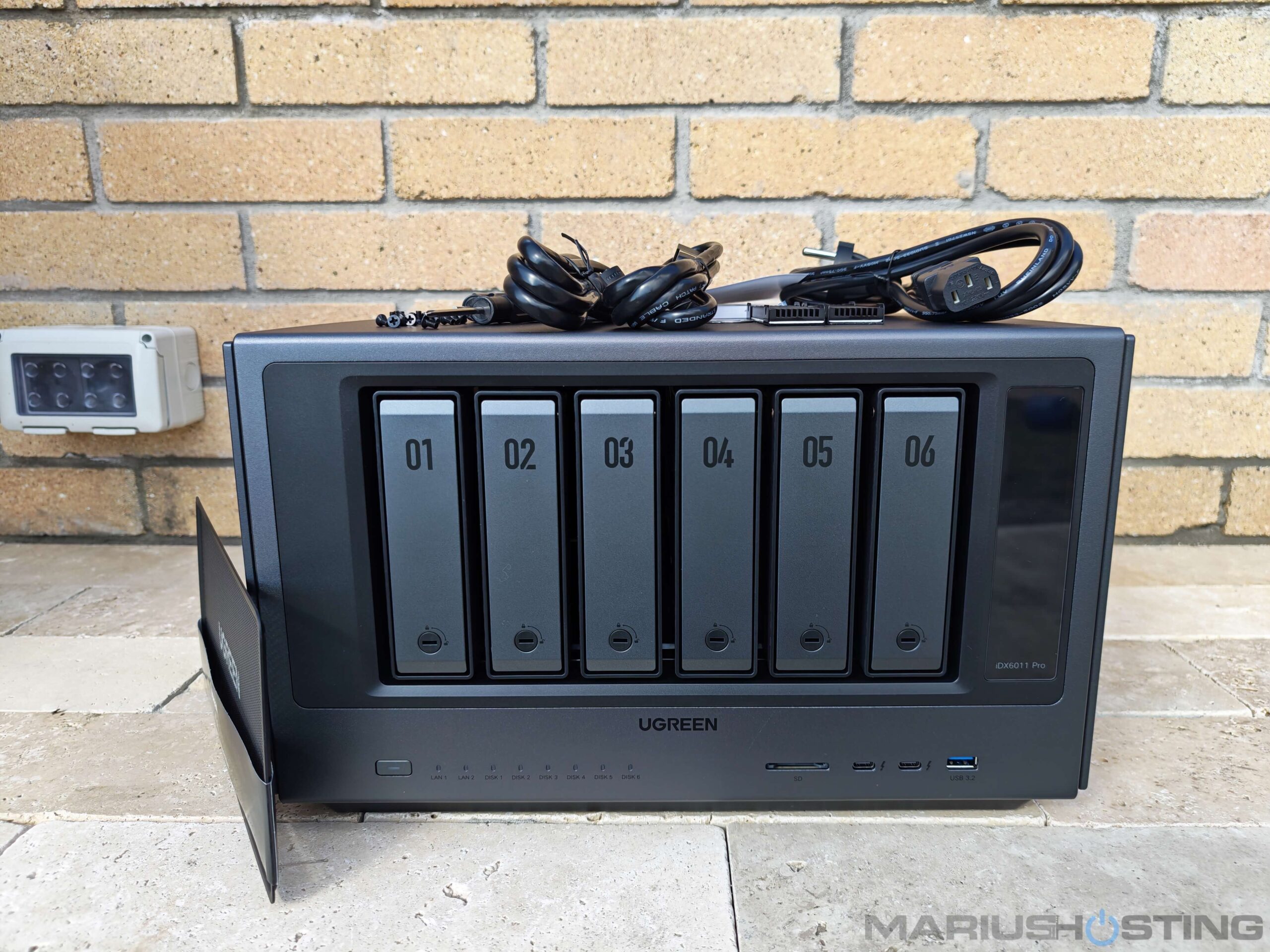
Inside the box, along with the excellent foam protection, I also found a high-quality power cable, 2 CAT 7 Patch network cables, two M.2 heatsinks for the SSDs, eight very small screws for mounting those heatsinks (be careful not to lose them as they are really tiny!), two practical screwdrivers (one Phillips and one Torx), plus the usual mounting screws for SATA disks and the complete quick-start documentation. Also included were two keys to lock the bays for extra peace of mind. All these thoughtful little details from UGREEN are impressive and show an incredible level of care and attention to the user experience. Everything feels thoughtfully and professionally packaged, ready for use.
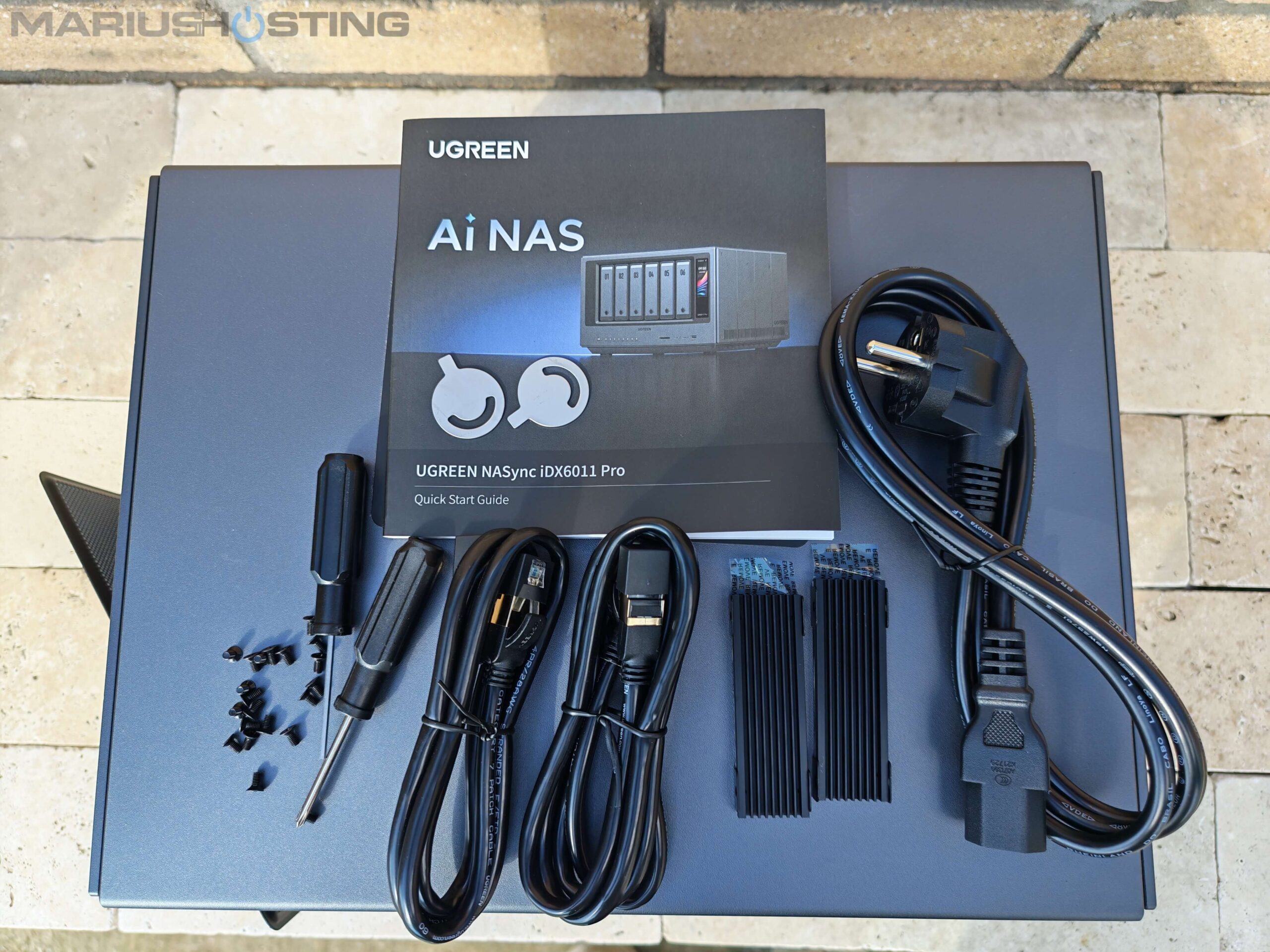
Curious to check its real weight and quality of build, I placed the completely empty iDX6011 Pro (with absolutely no drives installed inside) on my bathroom scale. The display clearly showed 11.9 kg which is a solid, impressive weight that immediately tells you how premium and robust the entire chassis and thermal construction really are.
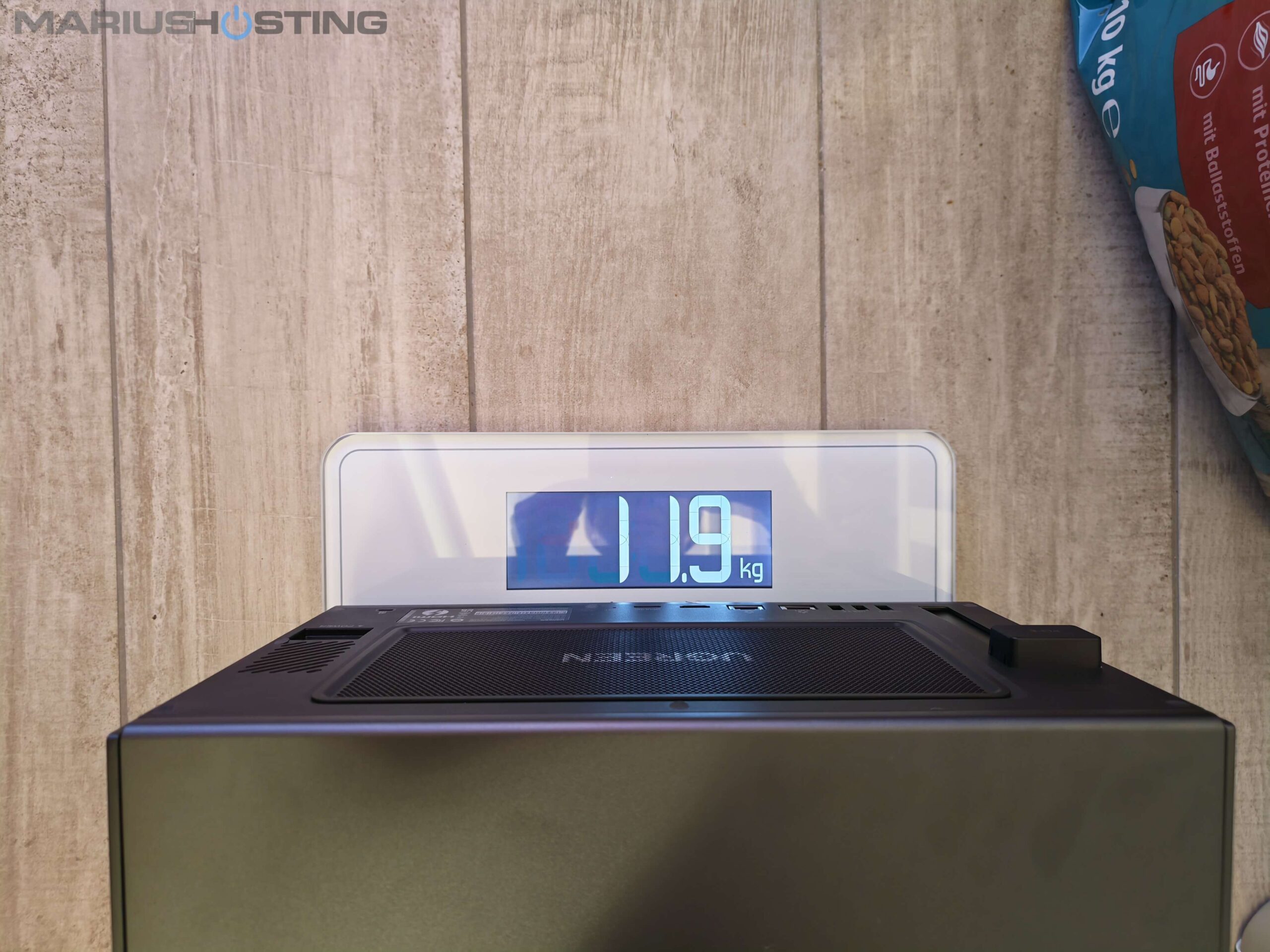
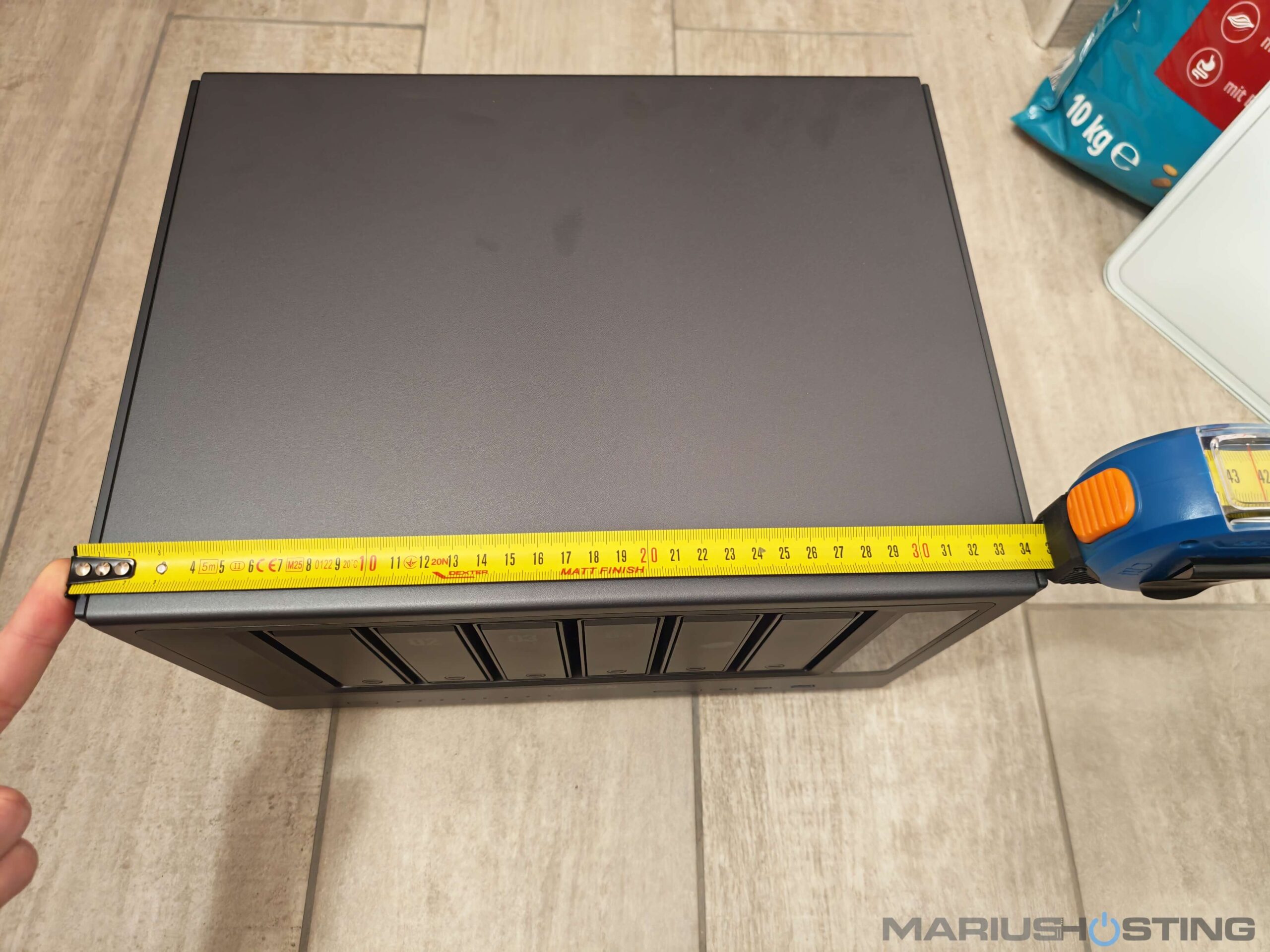
Length: 350.8 mm
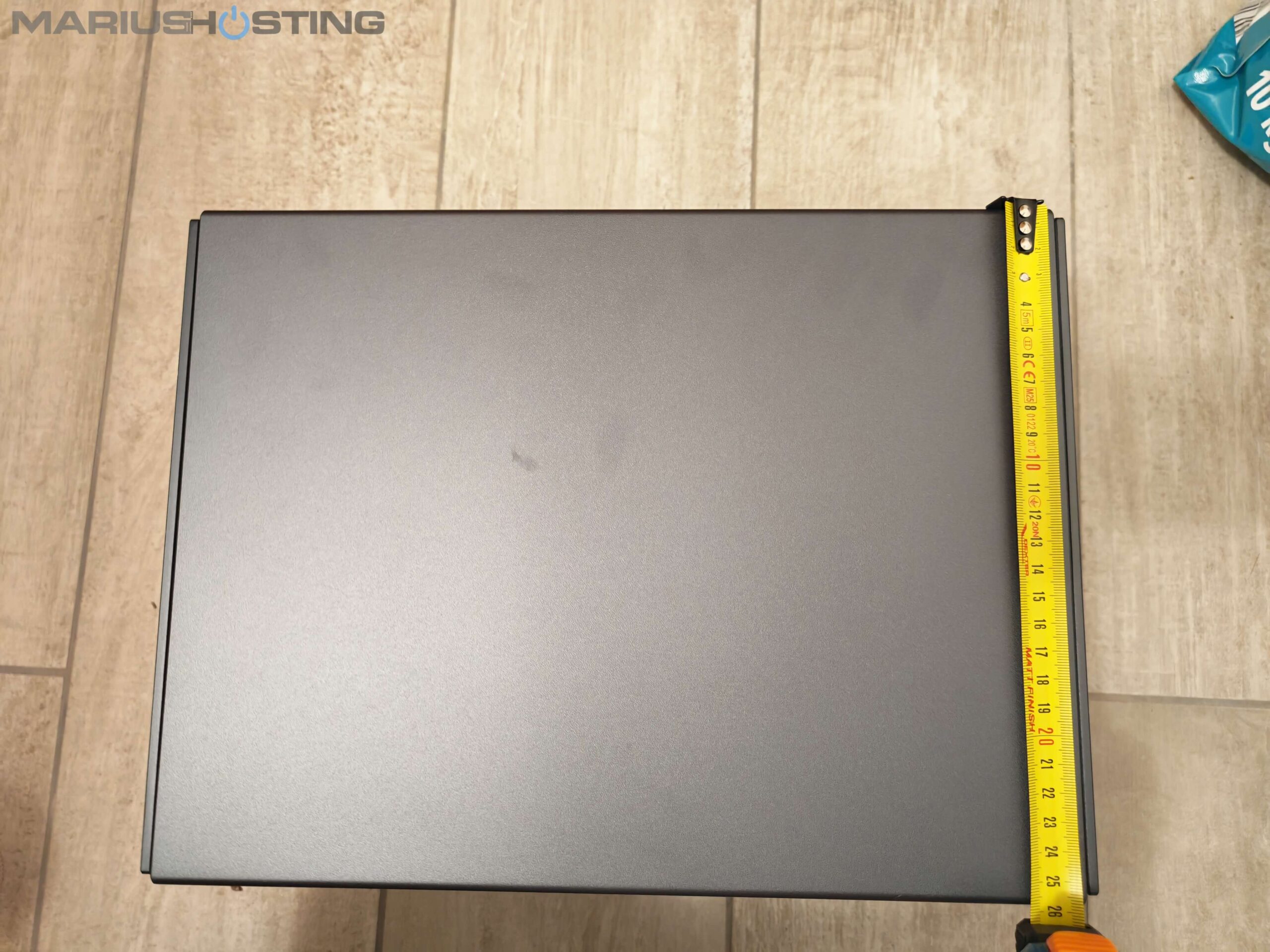
Width: 257,5 mm
Height: 212 mm
Personally, I have never had the need to lock my disks with the keys provided, but I know many people, for one reason or another, prefer to lock the bays.
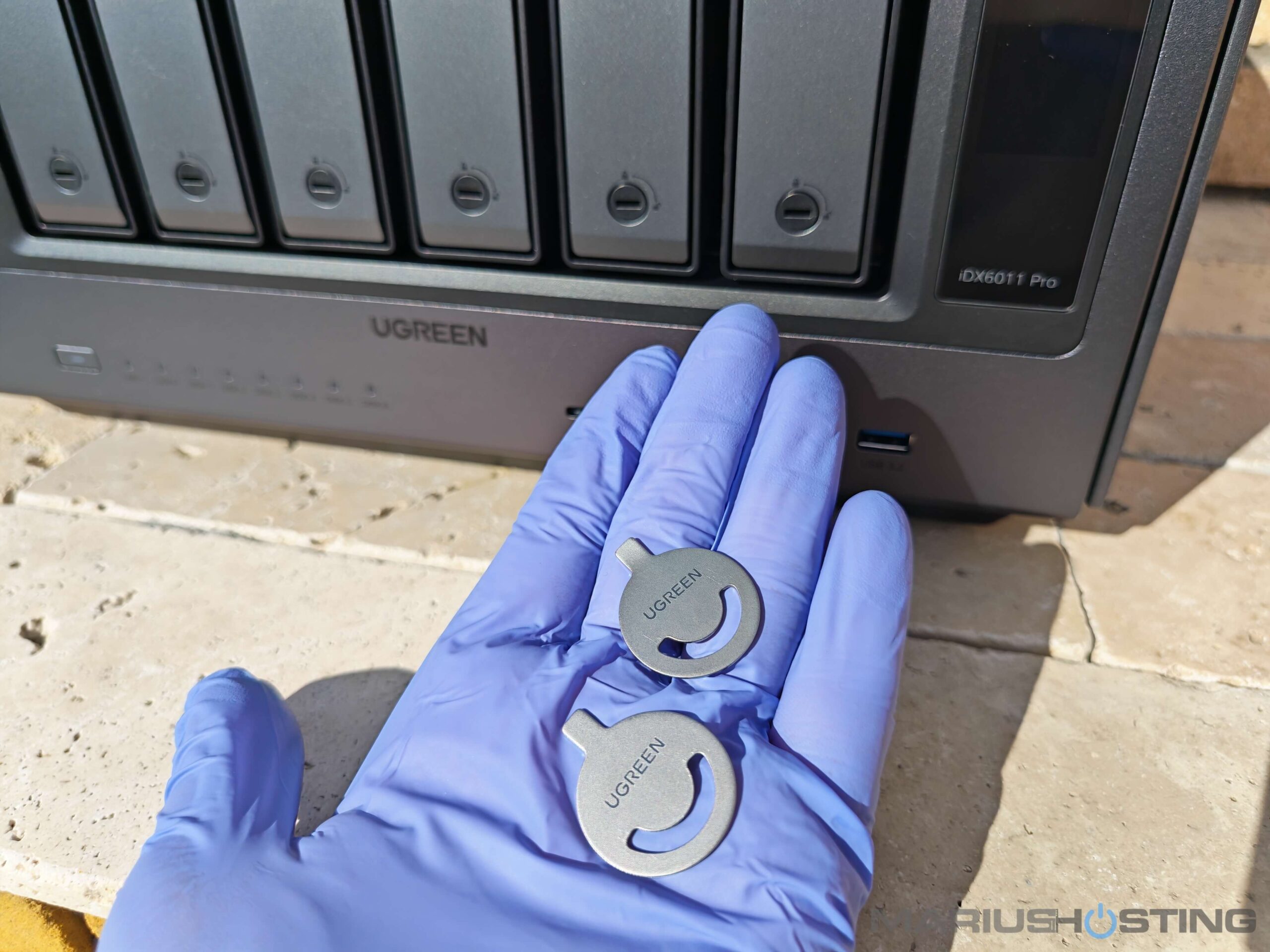
You can easily Lock and Unlock following the symbols depicted on the NAS box.
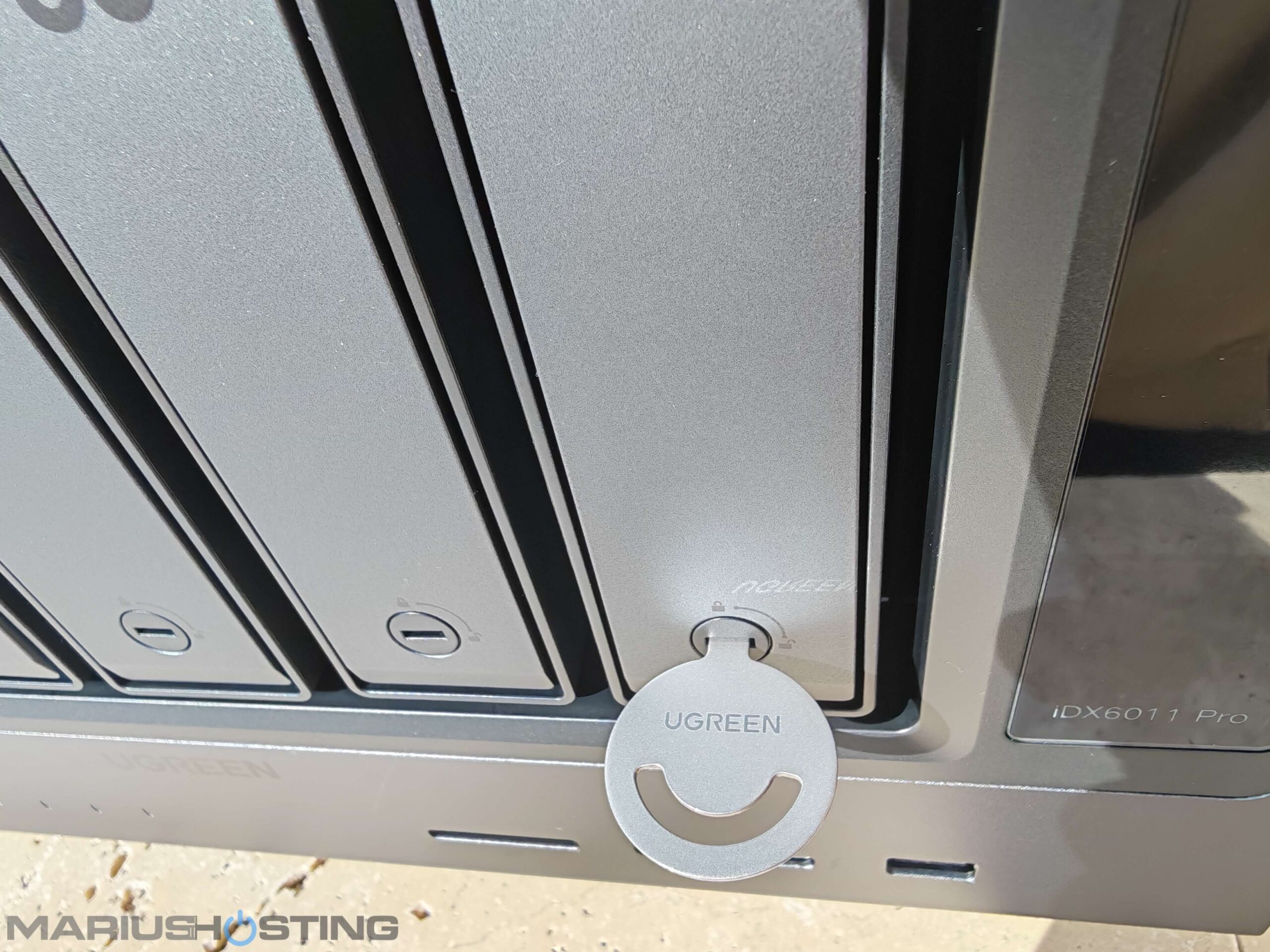
Here it is once again: the UGREEN AI NAS iDX6011 Pro in all its beauty, this time with the key inserted.
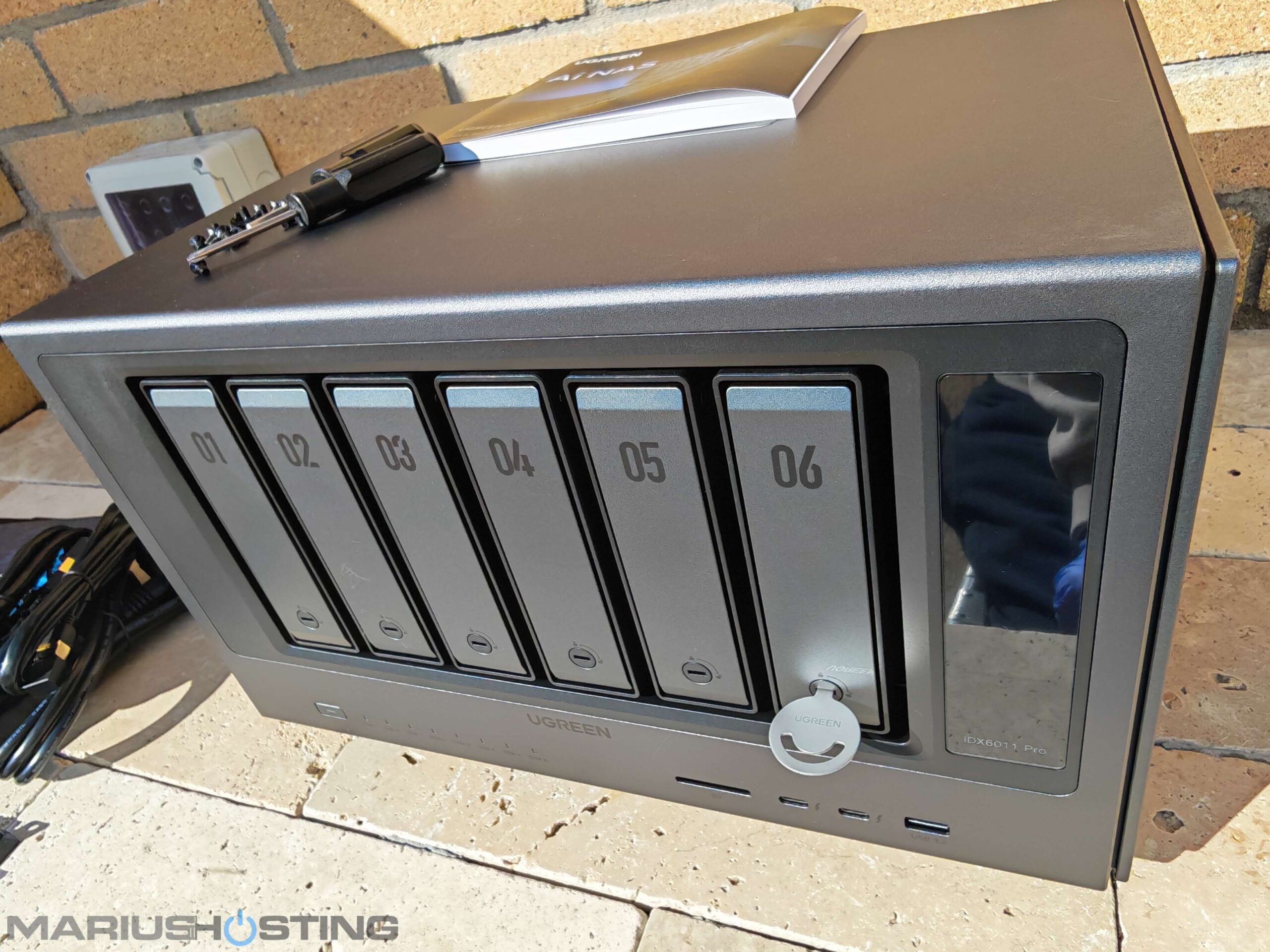
Here’s a short video for you so you can see, in real time, just how effortlessly the drive bays open, completely tool-less and super intuitive.
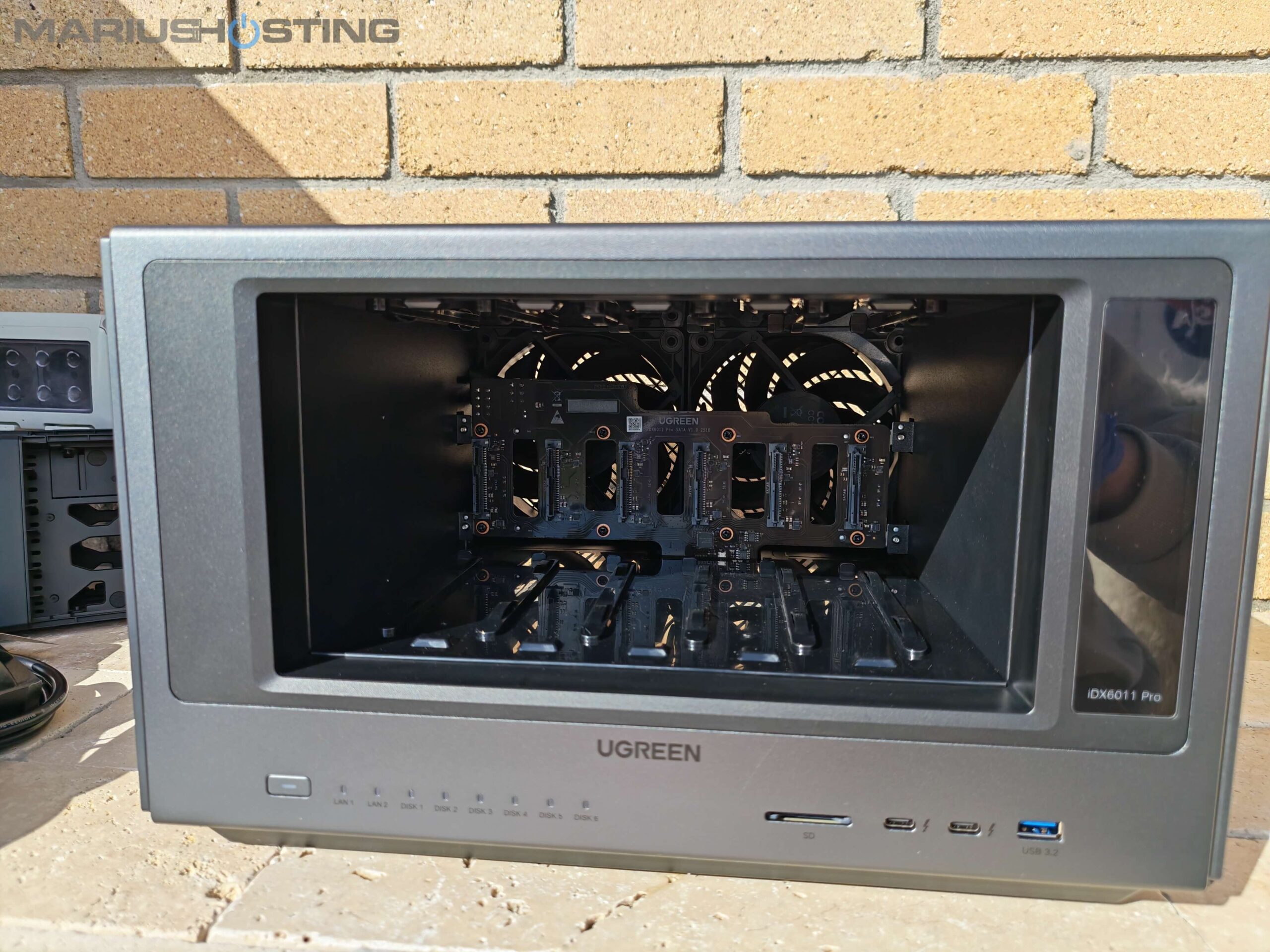
Your Bays at a glance!
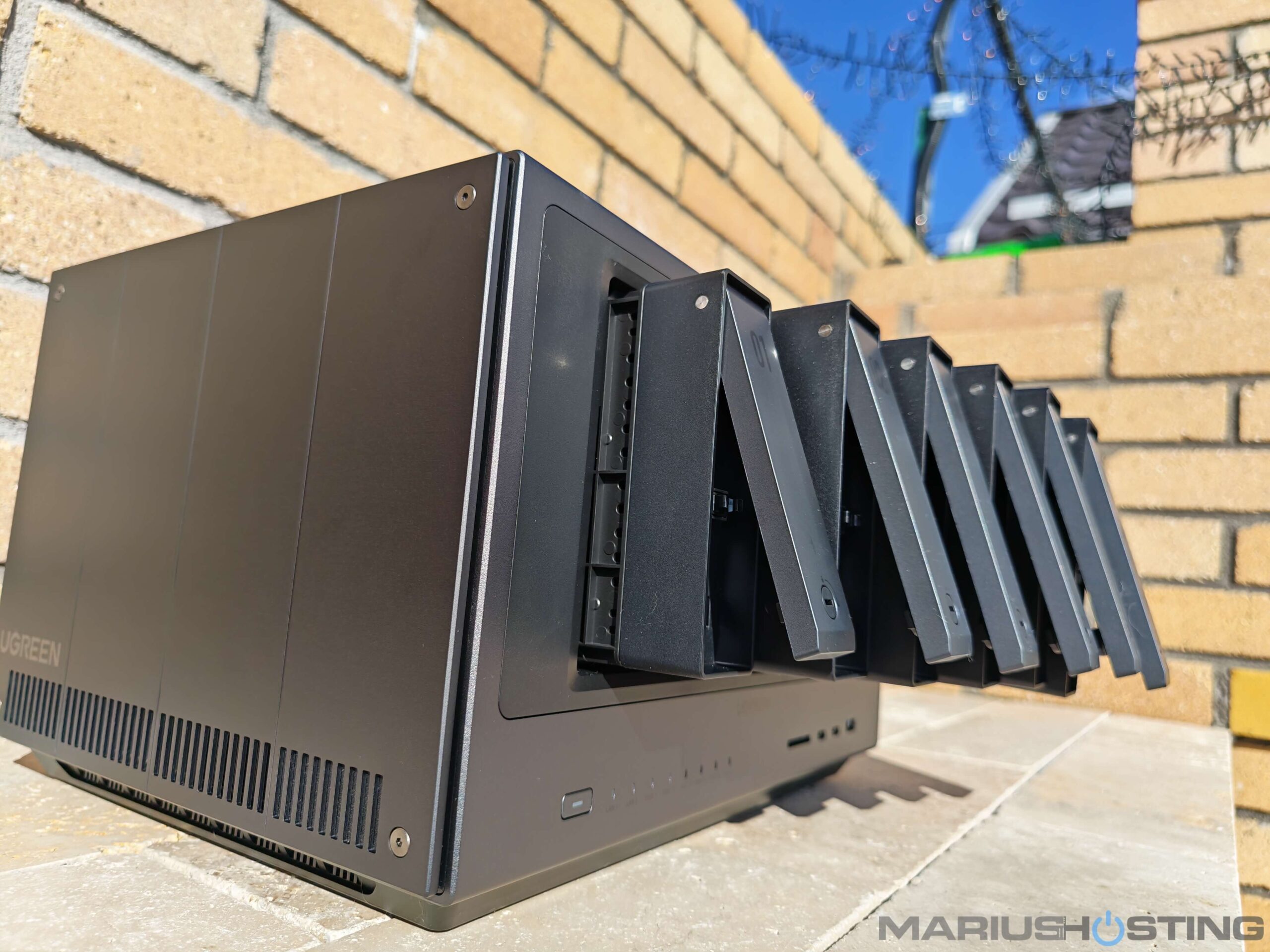
Push on the side of the bay to increase the space and accommodate your HDDs or SSDs.
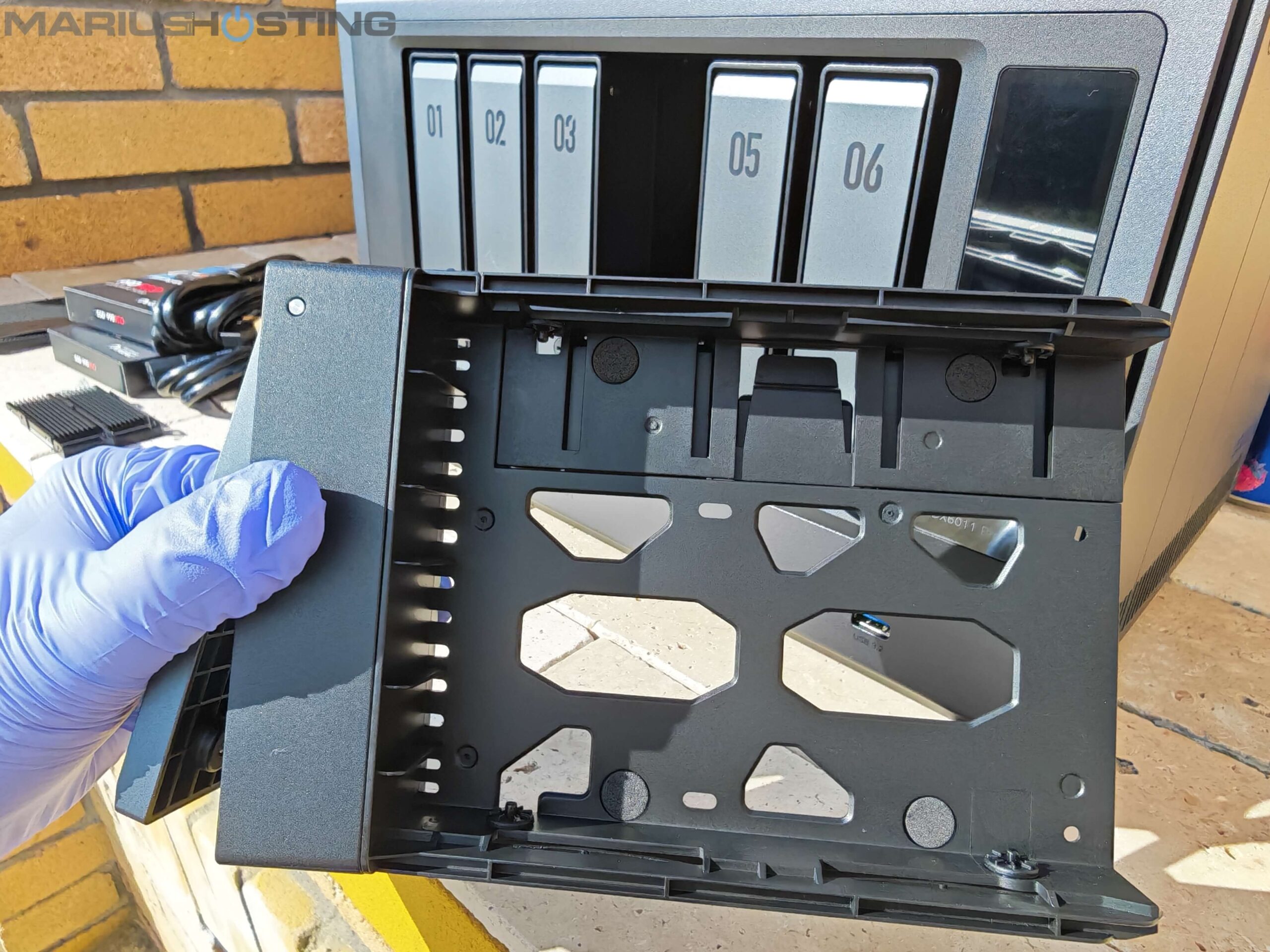
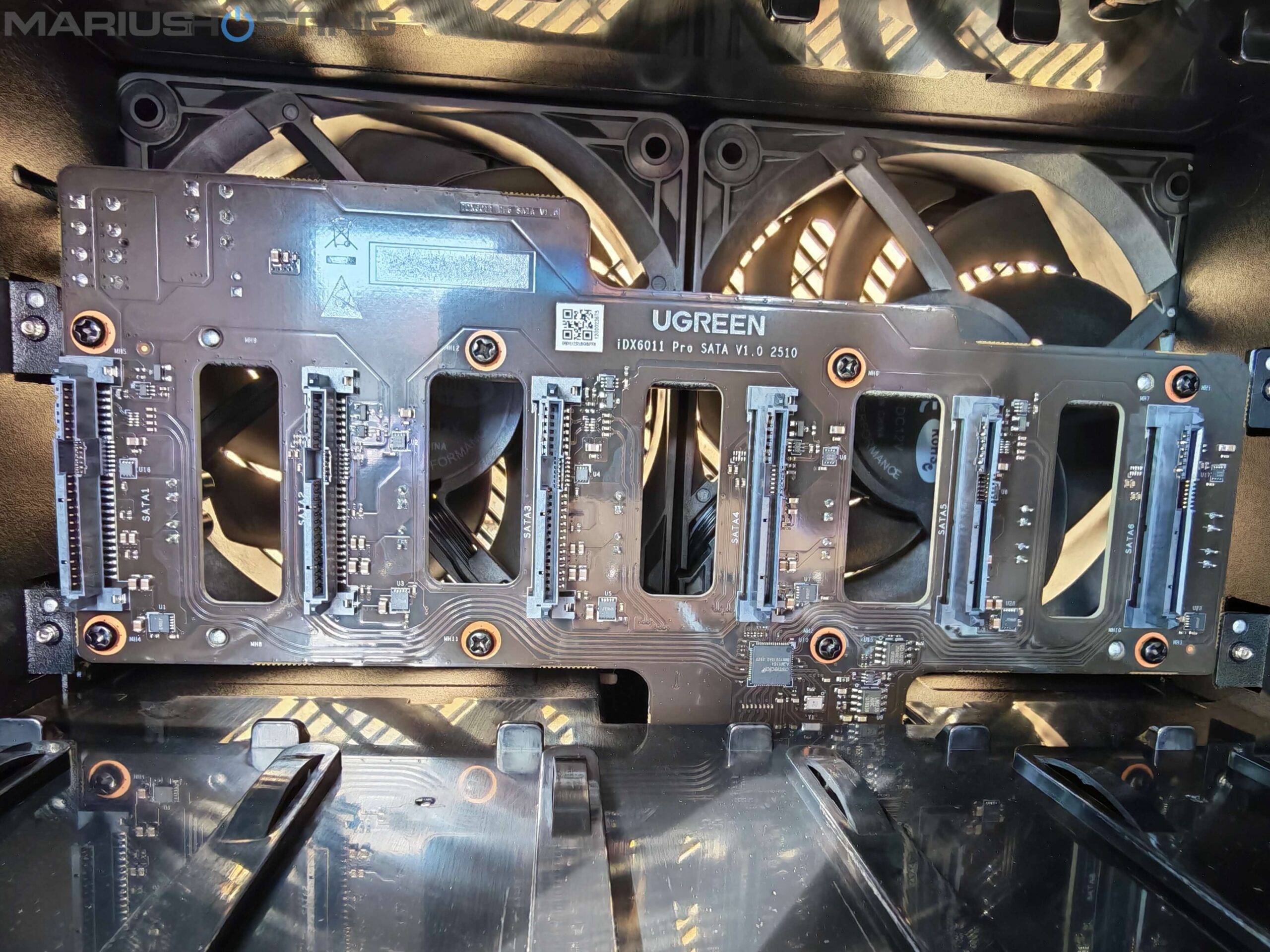
SATA and Power Connectors
6 integrated SATA and power connectors at a glance.
Close up look of the 6 integrated SATA and power connectors.
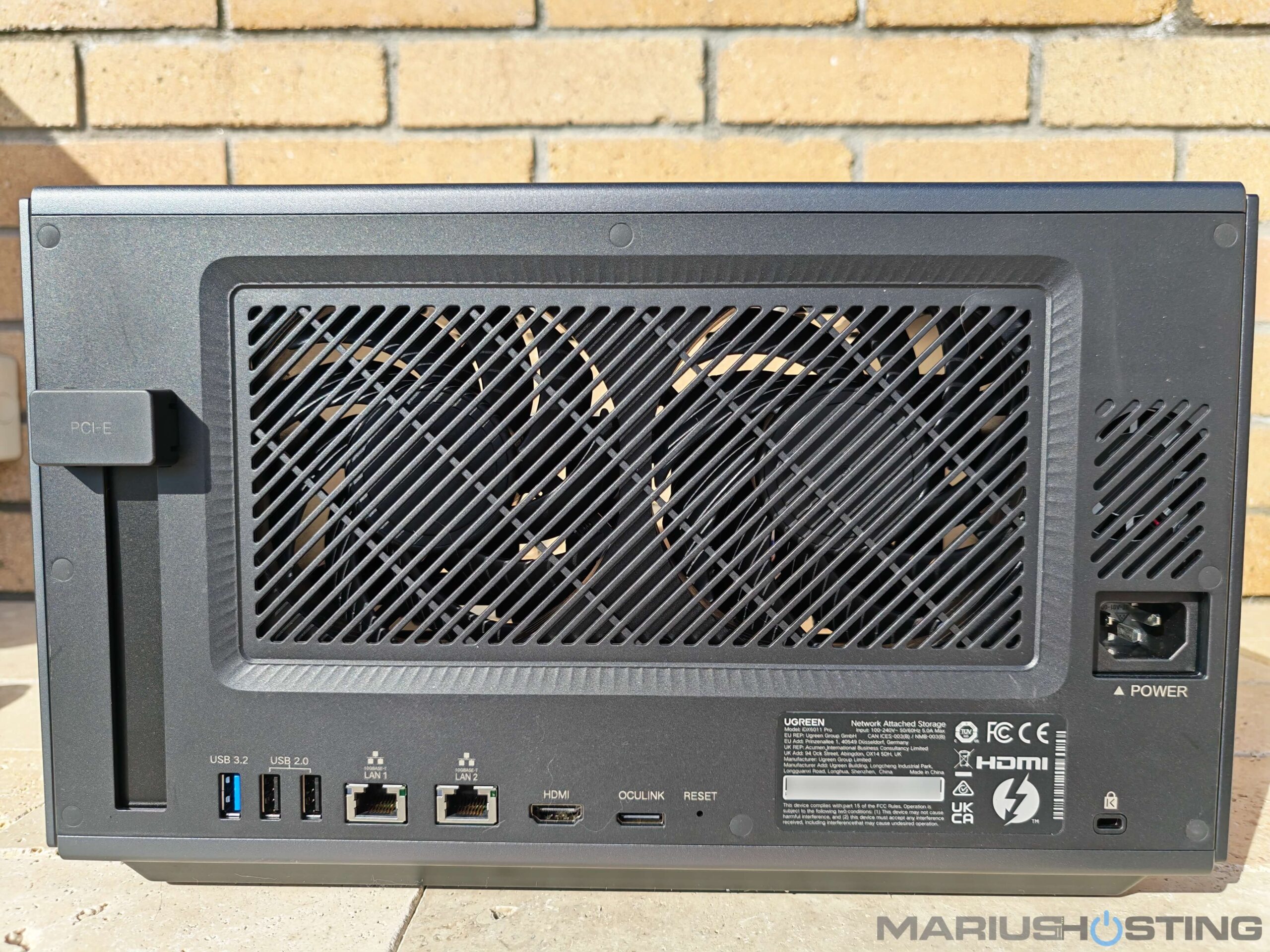
Magnetic FAN Cover
Great attention to detail by UGREEN: including a magnetic dust mesh filter for the back of the NAS where the two large fans are. Dust can prove to be a real issue for electronic devices and something as simple as a protective filter to prevent dust ingress can add years to your device.
Below is a little video where you can see how easy it is to attach the magnetic fan cover to your NAS.
Dream Connectivity
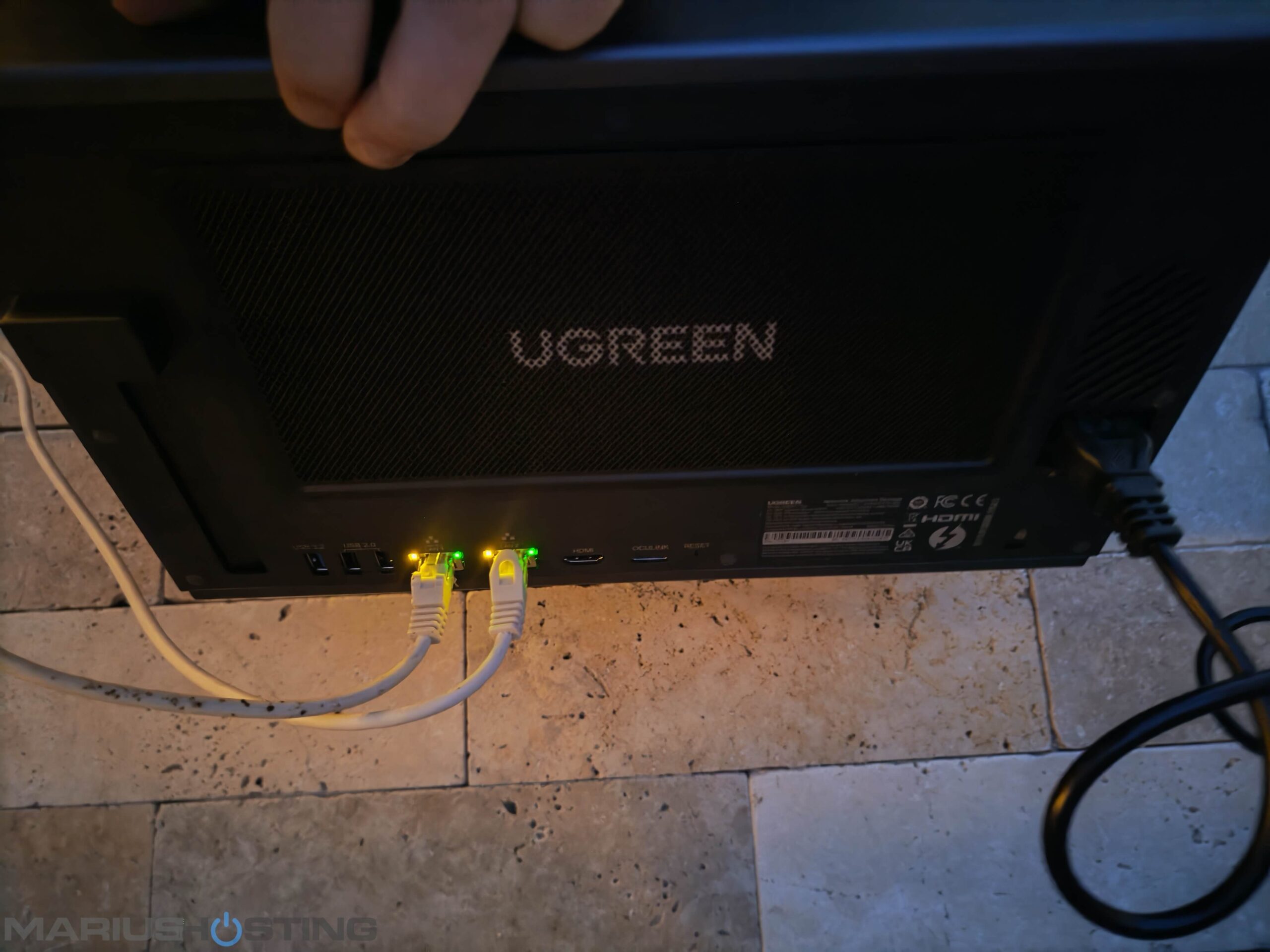
Dual 10GbE (up to 20 Gbps with link aggregation), two Thunderbolt 4 ports, OCuLink port for external eGPU, PCIe Gen4 x8 slots, 8K HDMI. This NAS fears nothing. Connected to my 10GbE network, transfers with the two Samsung 990 Pro reach incredibly fast and stable speeds.
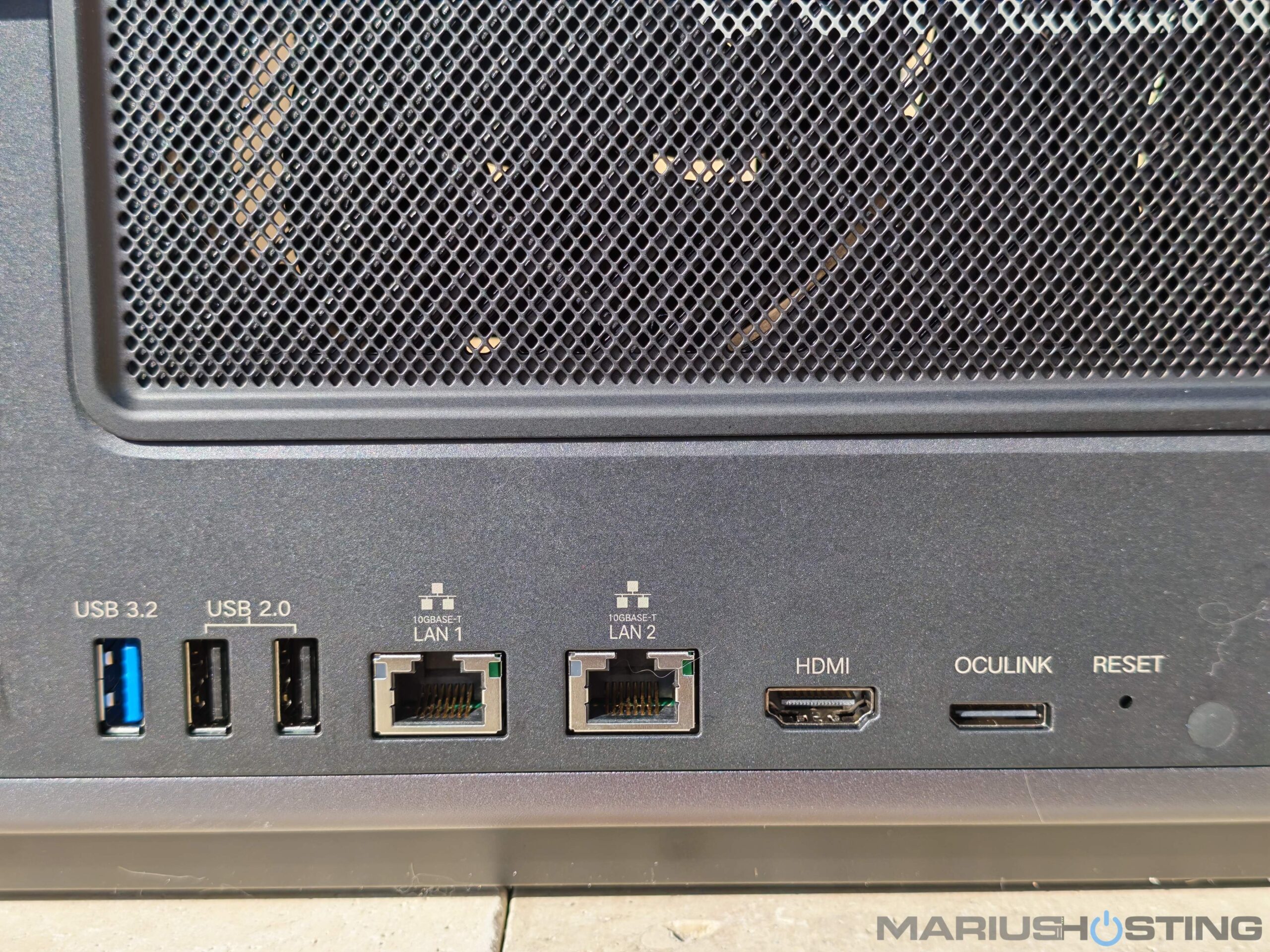
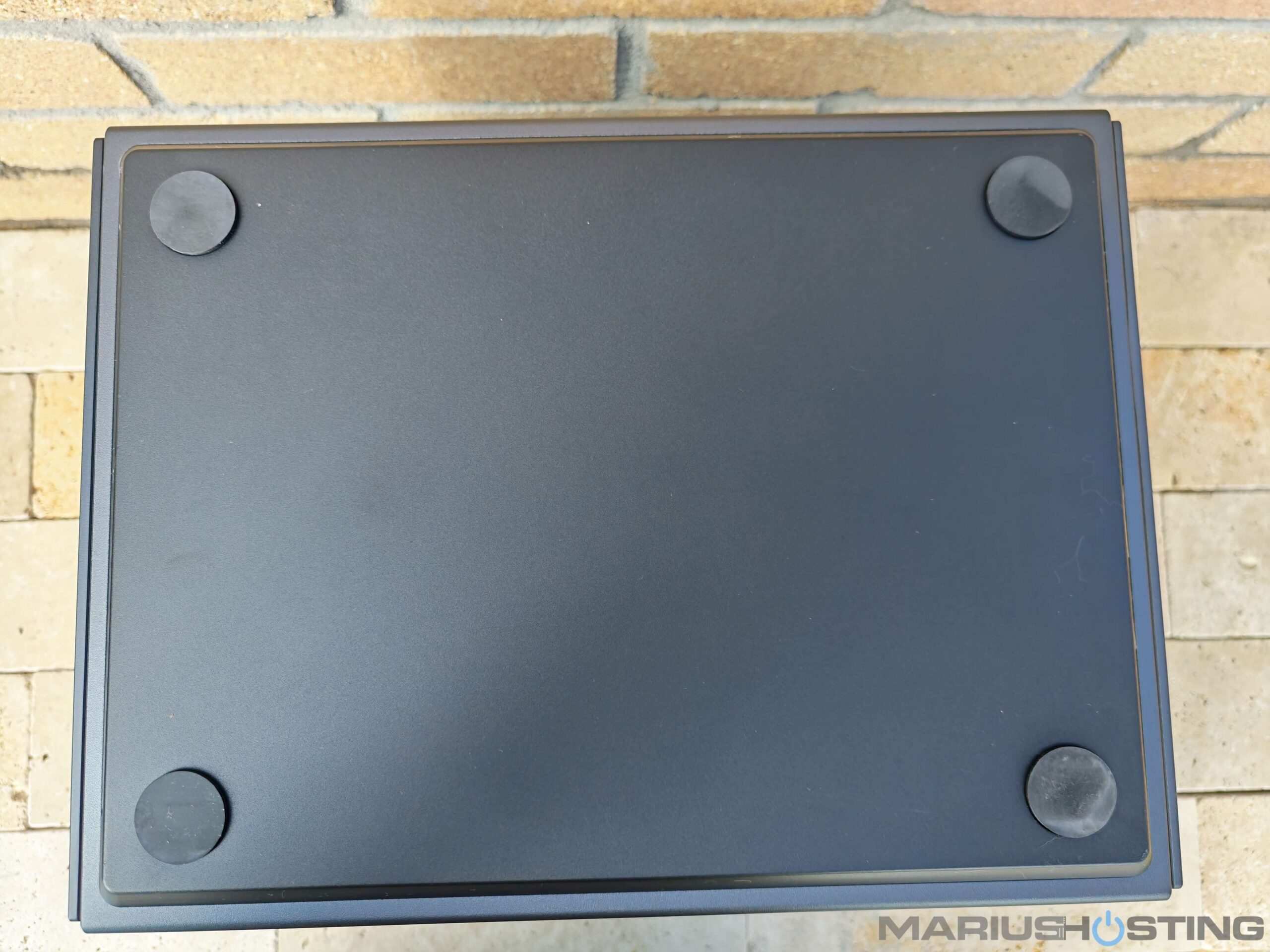
A photo with a detailed underside view.
General view of the NAS in a little video.
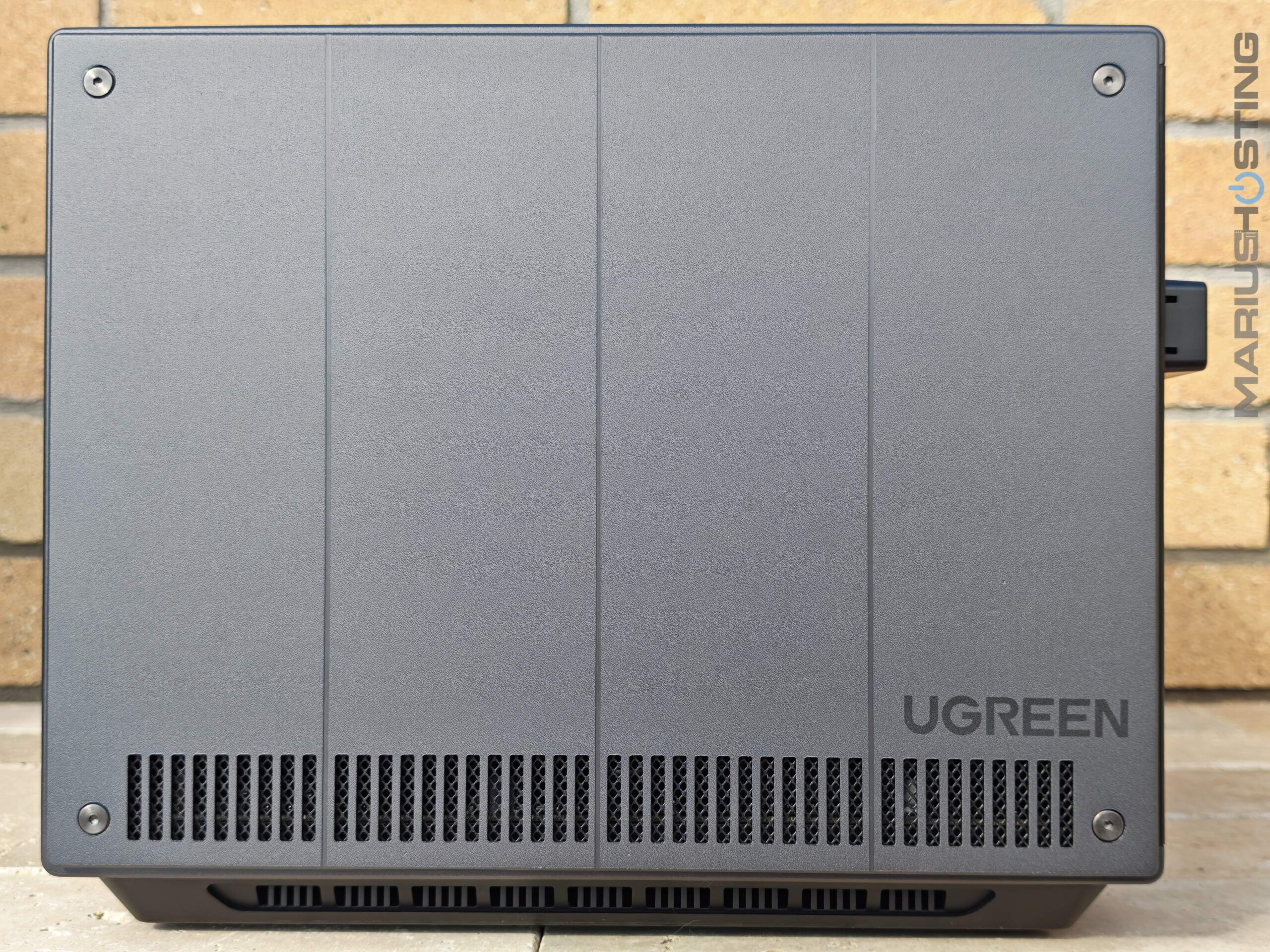
Below is a lateral view of the iDX6011 Pro where you can see the UGREEN logo.
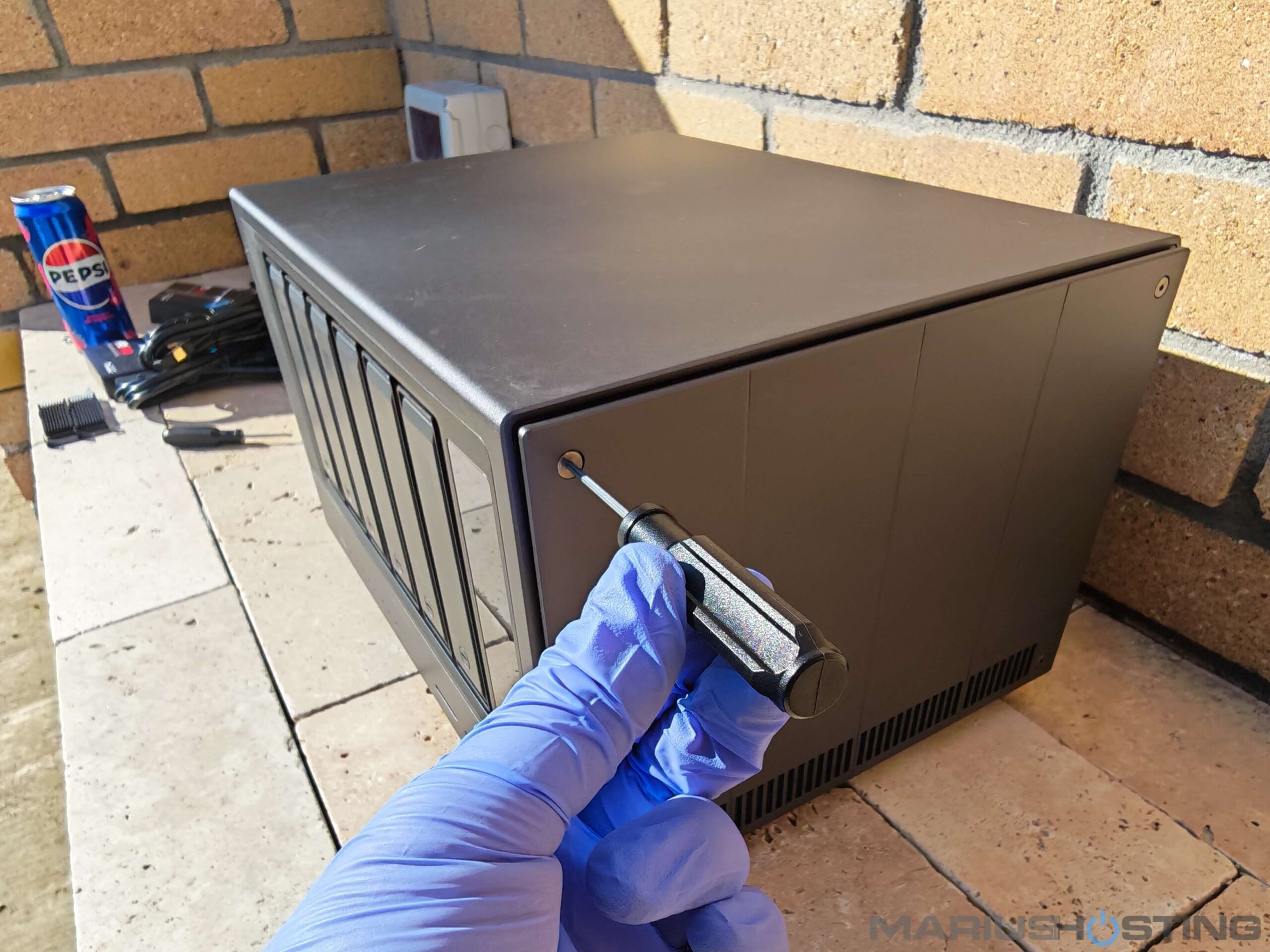
To install your M.2 SSDs, simply use the screwdriver (the star-shaped one included in the box) to remove these screws. Once the panel is opened, you’ll find clean, spacious internal slots that are thoughtfully designed and ready for easy installation of your drives.
Panel removed.
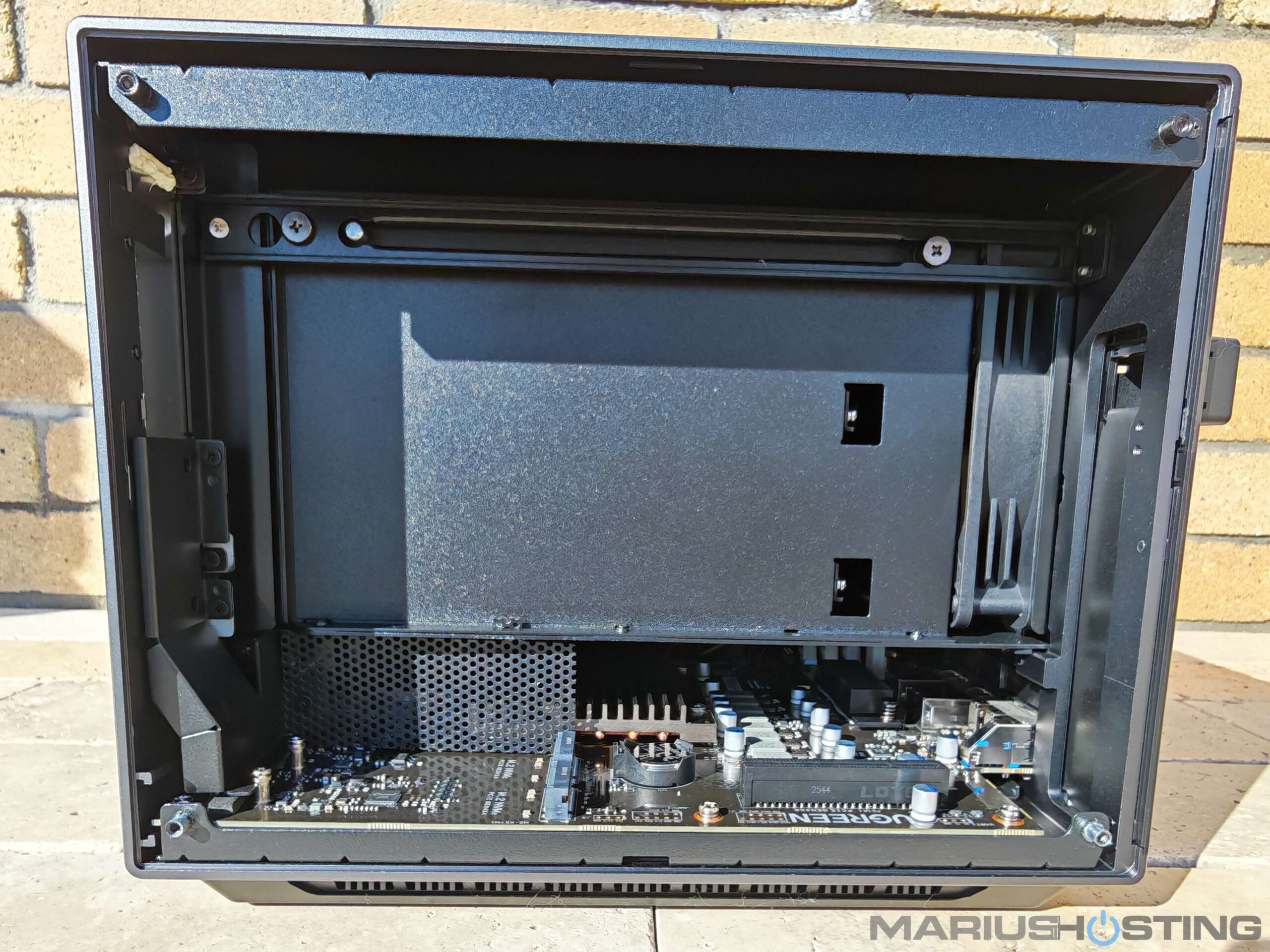
Your M.2 NVMe slots at a glance!
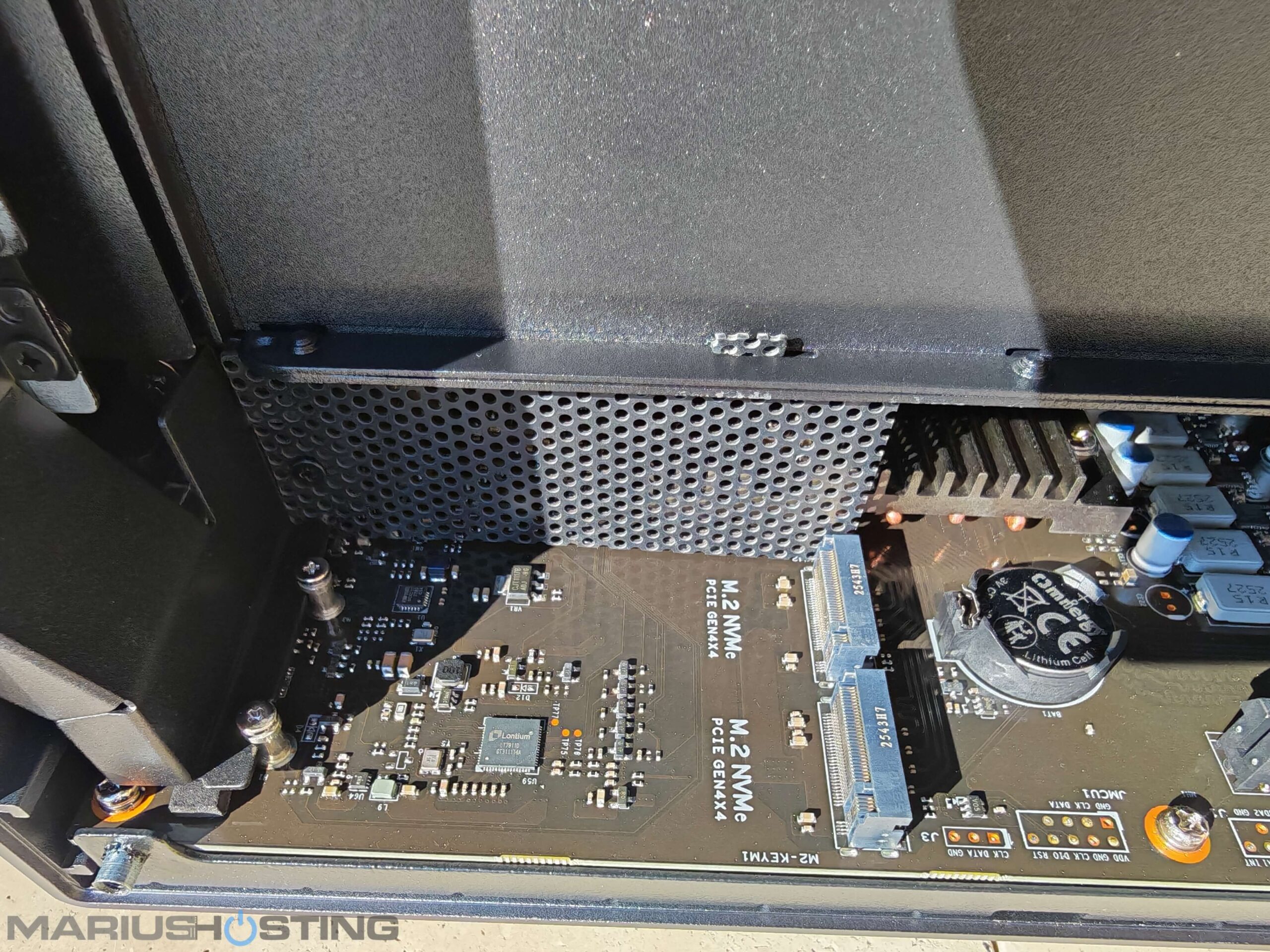
With the rear access panel removed using the screwdriver from the box, it was finally time to install the two Samsung 990 PRO M.2 SSDs that Marcel so kindly gifted me from Germany.
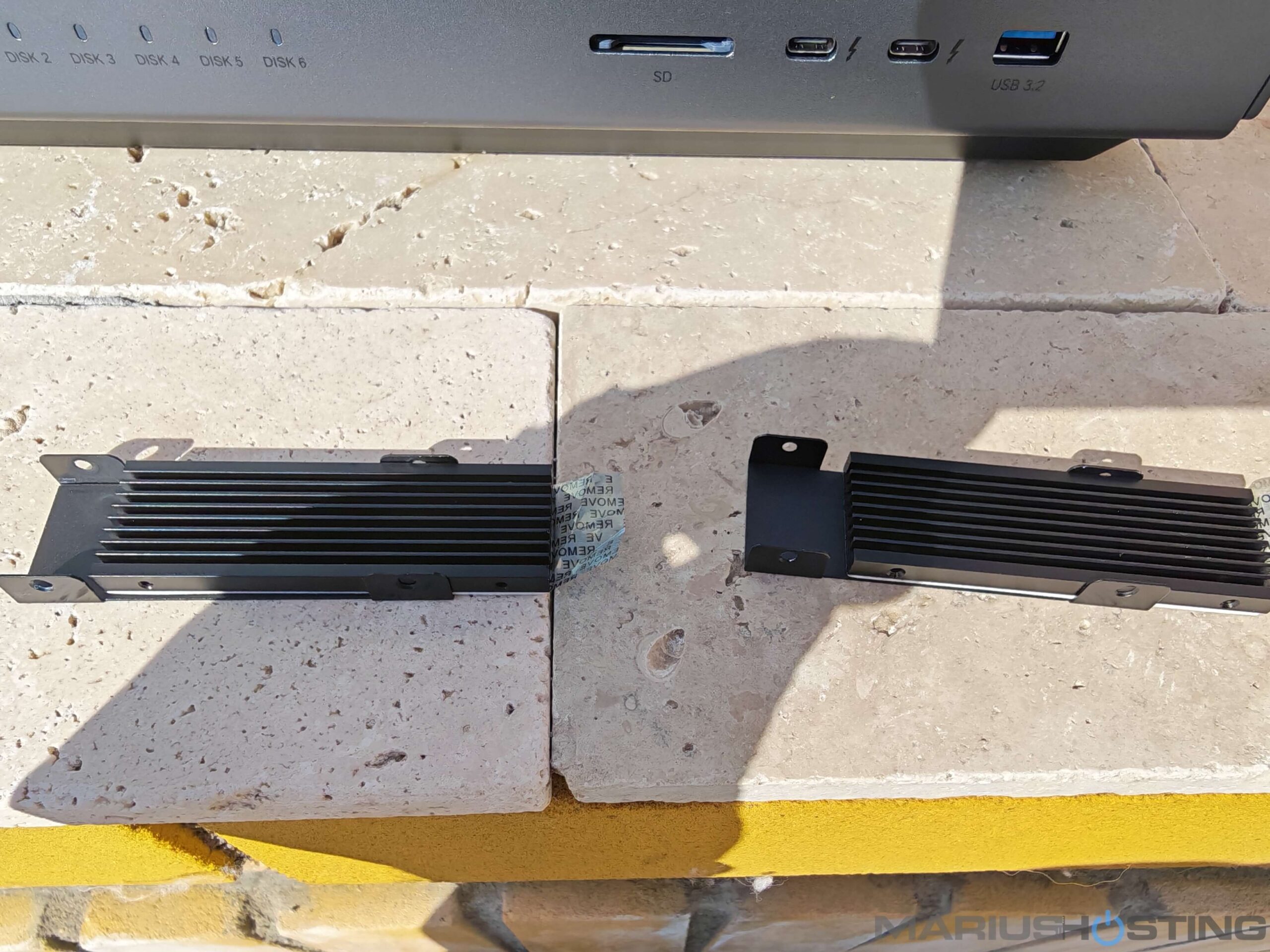
Before installing the SSDs, I laid out the two M.2 heatsinks supplied by UGREEN. As you can see in the photo, these are far from basic heatsinks. They are completely premium assemblies featuring a sleek black aluminum finned shroud. This clever design dramatically increases the cooling surface area while also adding excellent physical protection to each drive.
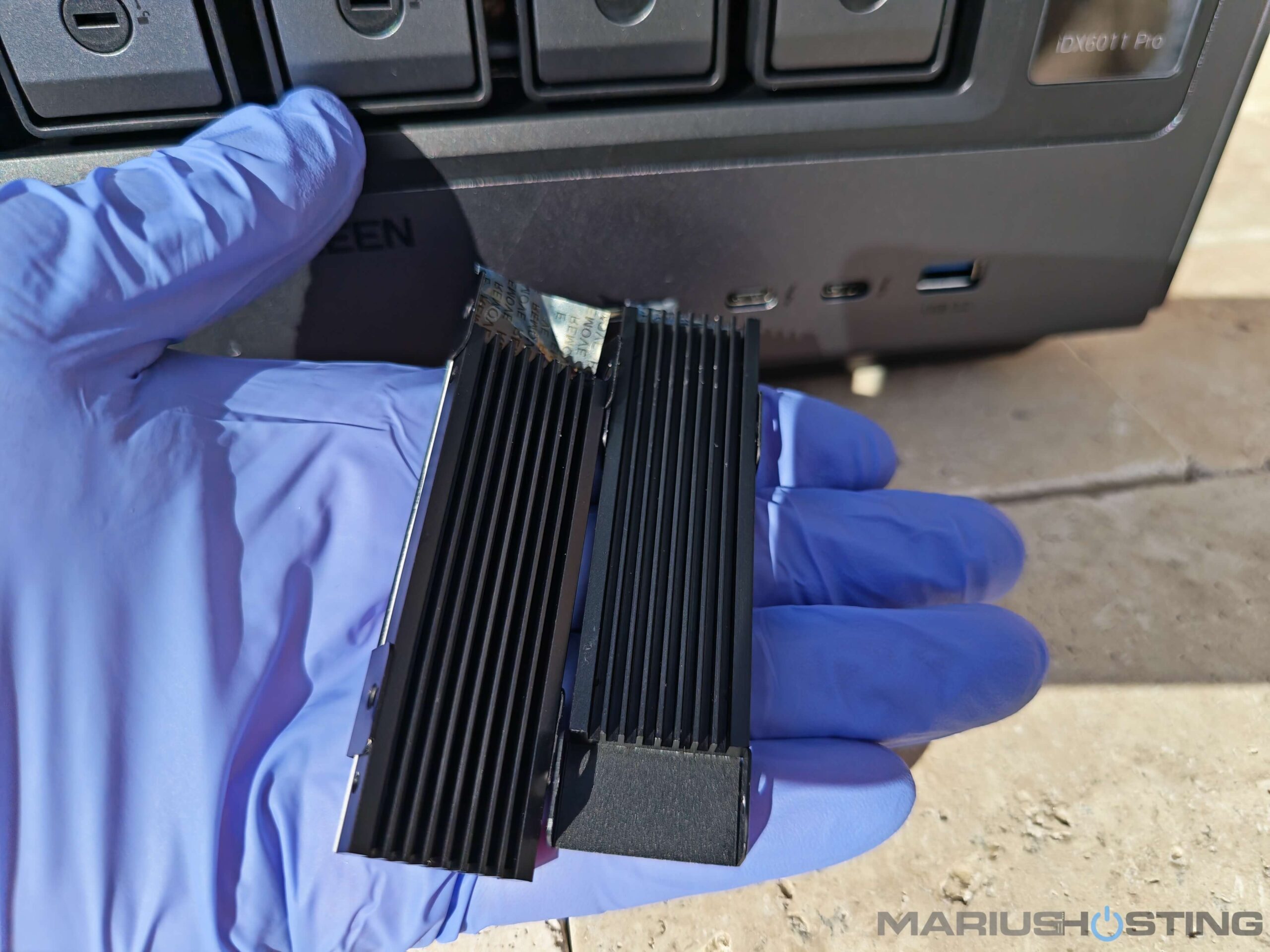
I carefully peeled off the protective plastic film from the thermal pads.
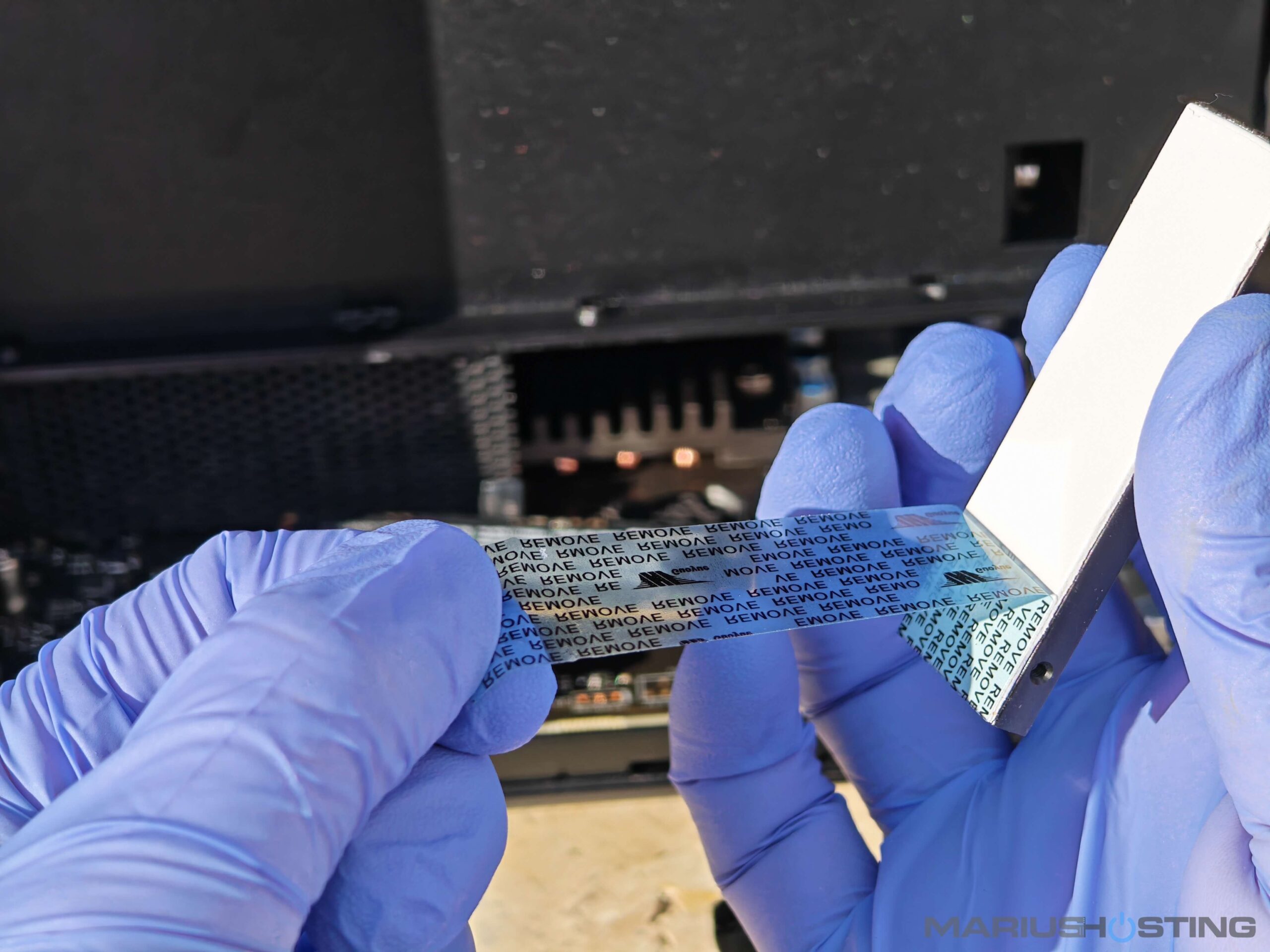
Place your M.2 disk in the sleek black aluminum finned shroud.
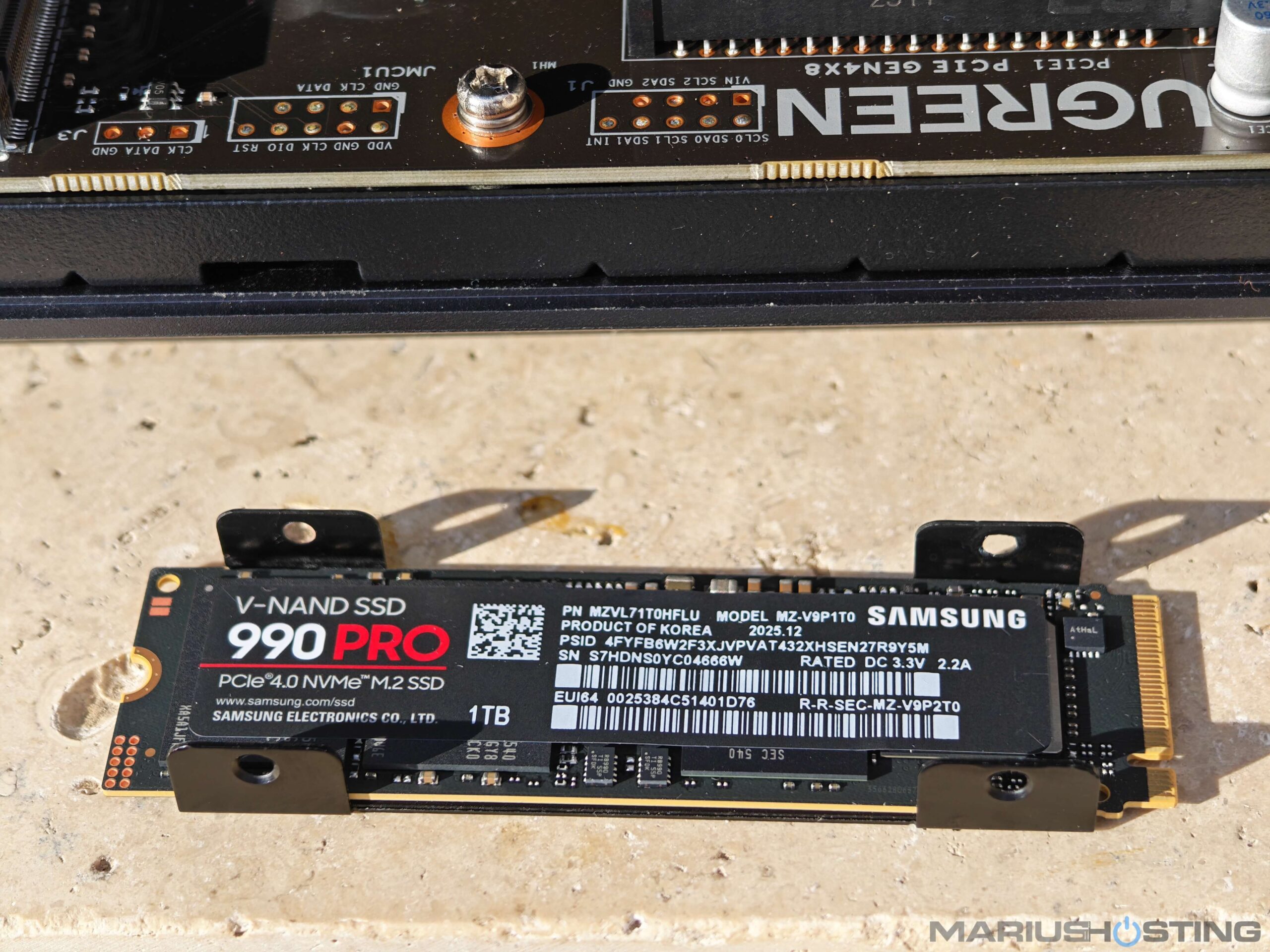
Important note: Do not remove any of the factory labels or stickers present on top of your M.2 SSDs. These labels contain important information such as barcodes, serial numbers, and model details and must stay in place. The thermal pad from the UGREEN heatsink is designed to be placed directly on top of the SSD, covering the existing labels. This is perfectly normal and the correct way to install them.
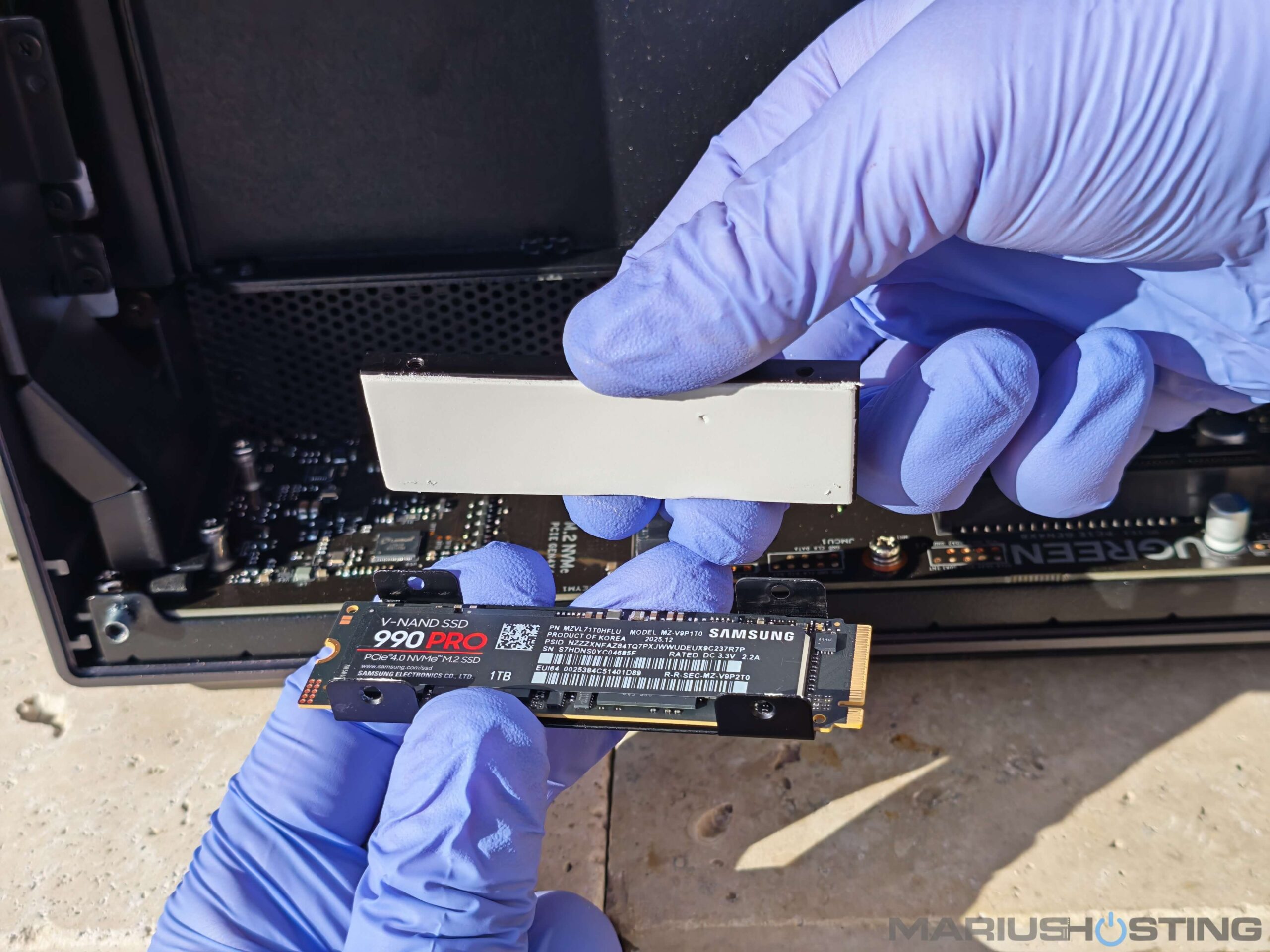
Are you ready for contact?
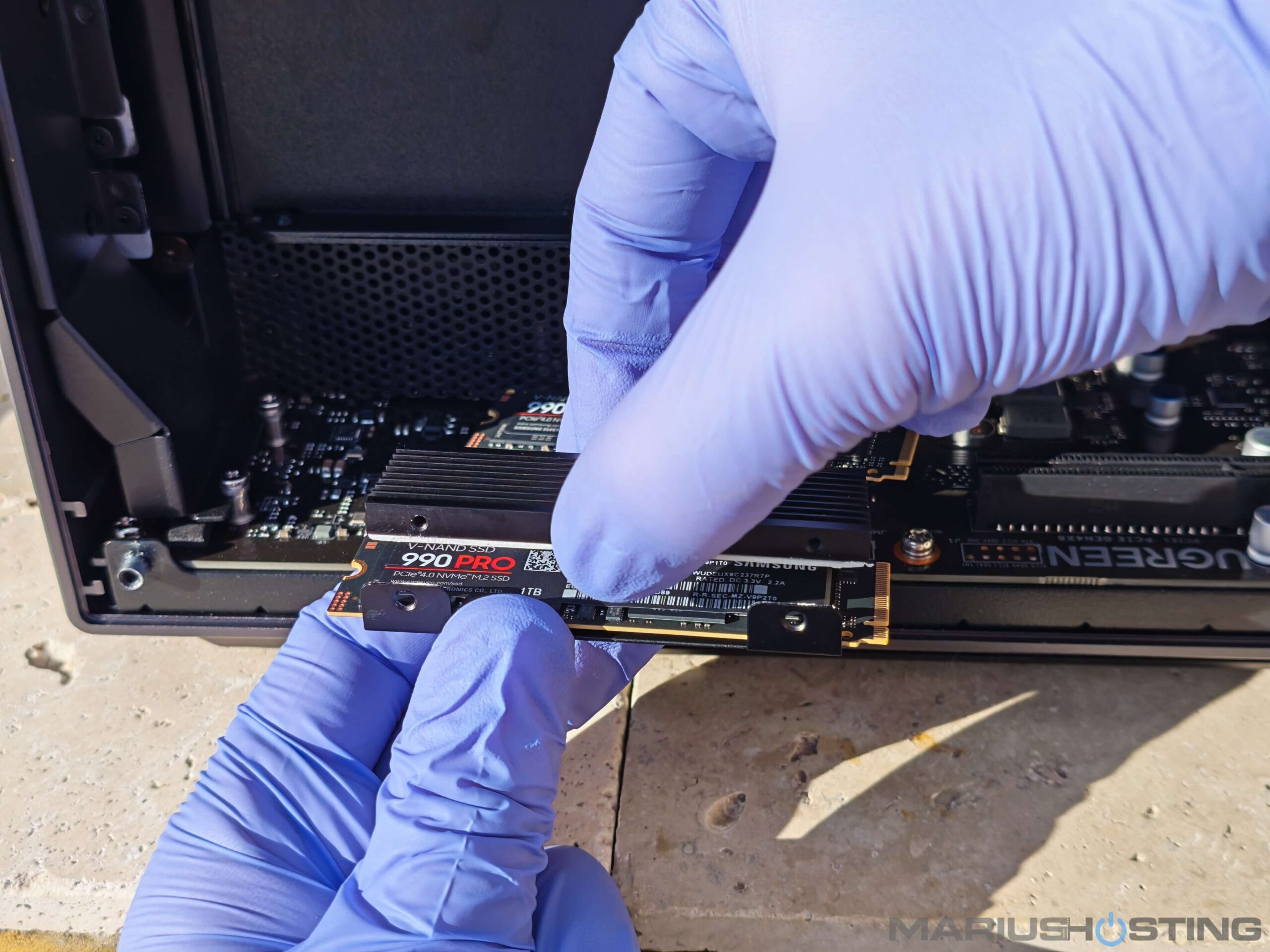
Everything’s perfectly aligned with the Samsung 990 PRO SSDs.
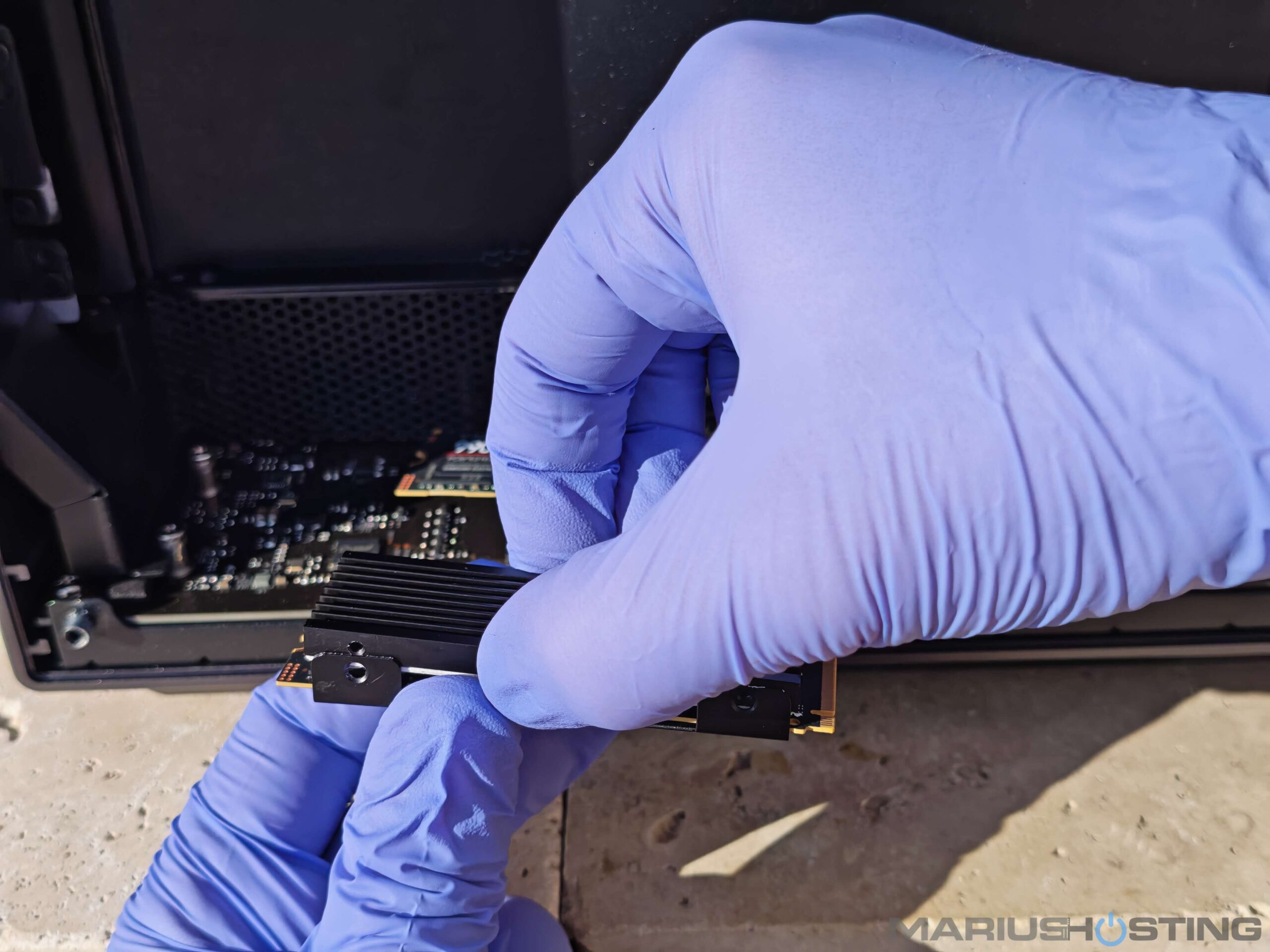
Closer look.
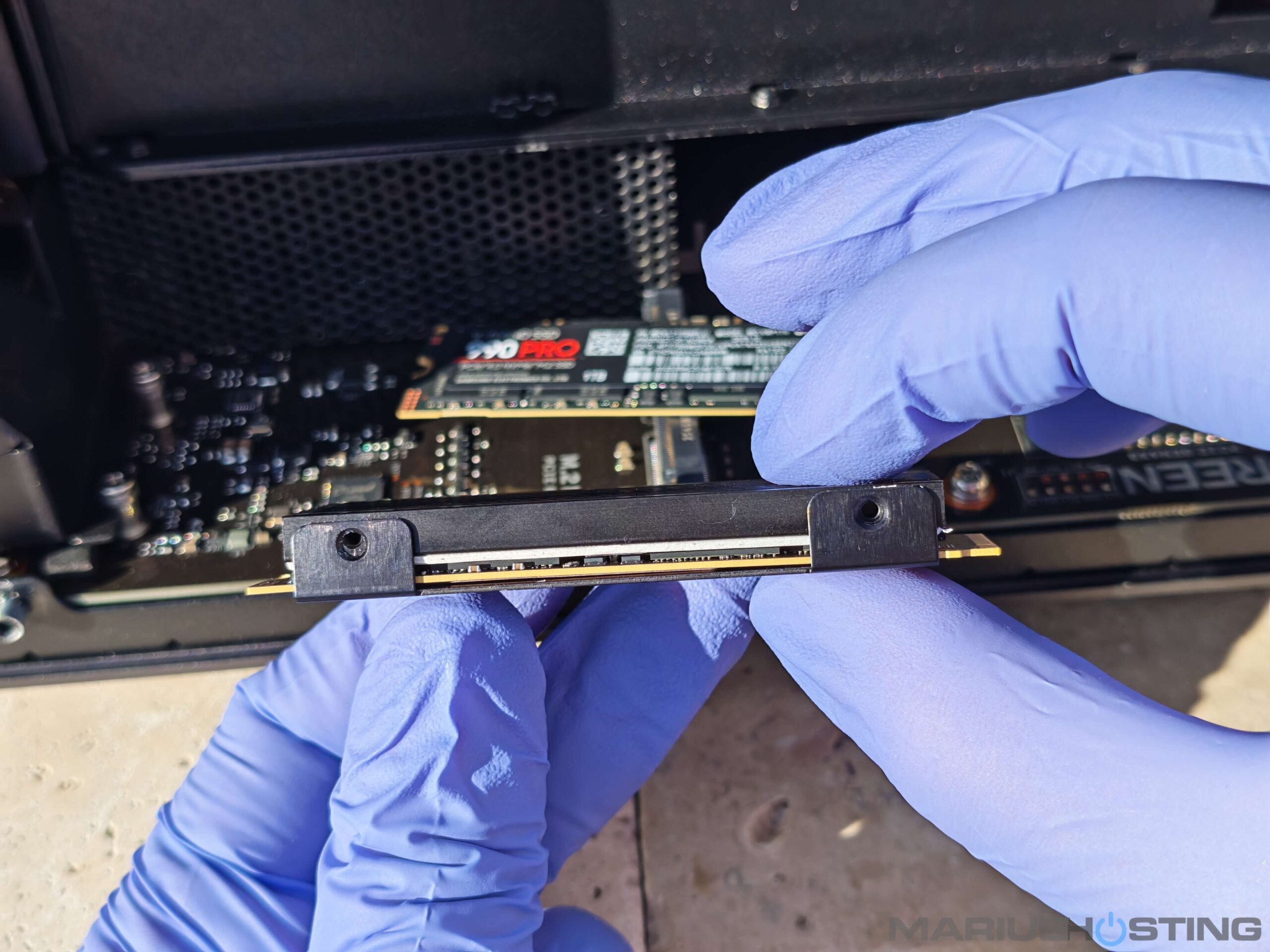
The result is not only optimal heat dissipation, but also a very professional and robust final look. I also secured them with the tiny screws that I previously mentioned that you will find in the UGREEN NAS package.
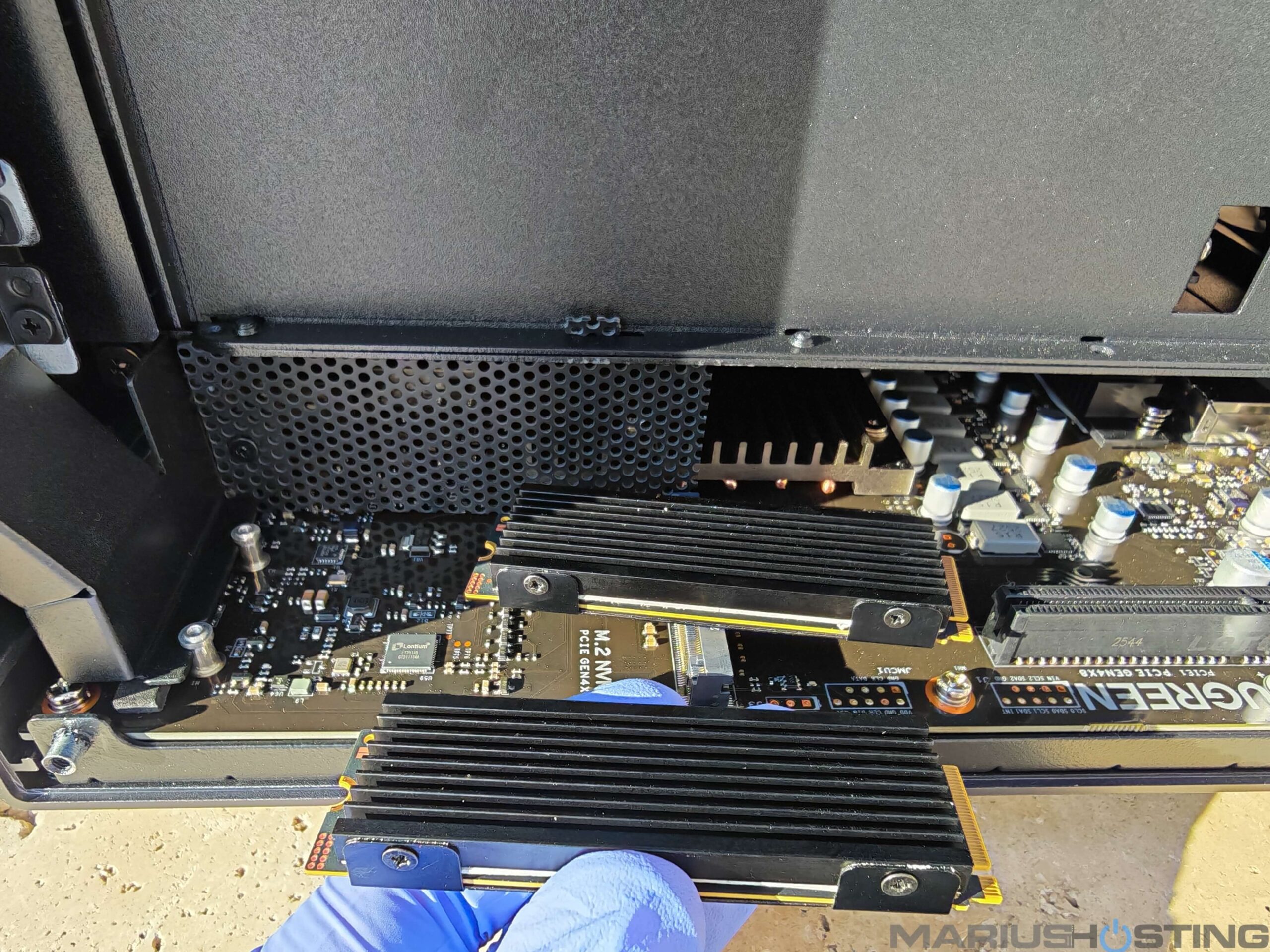
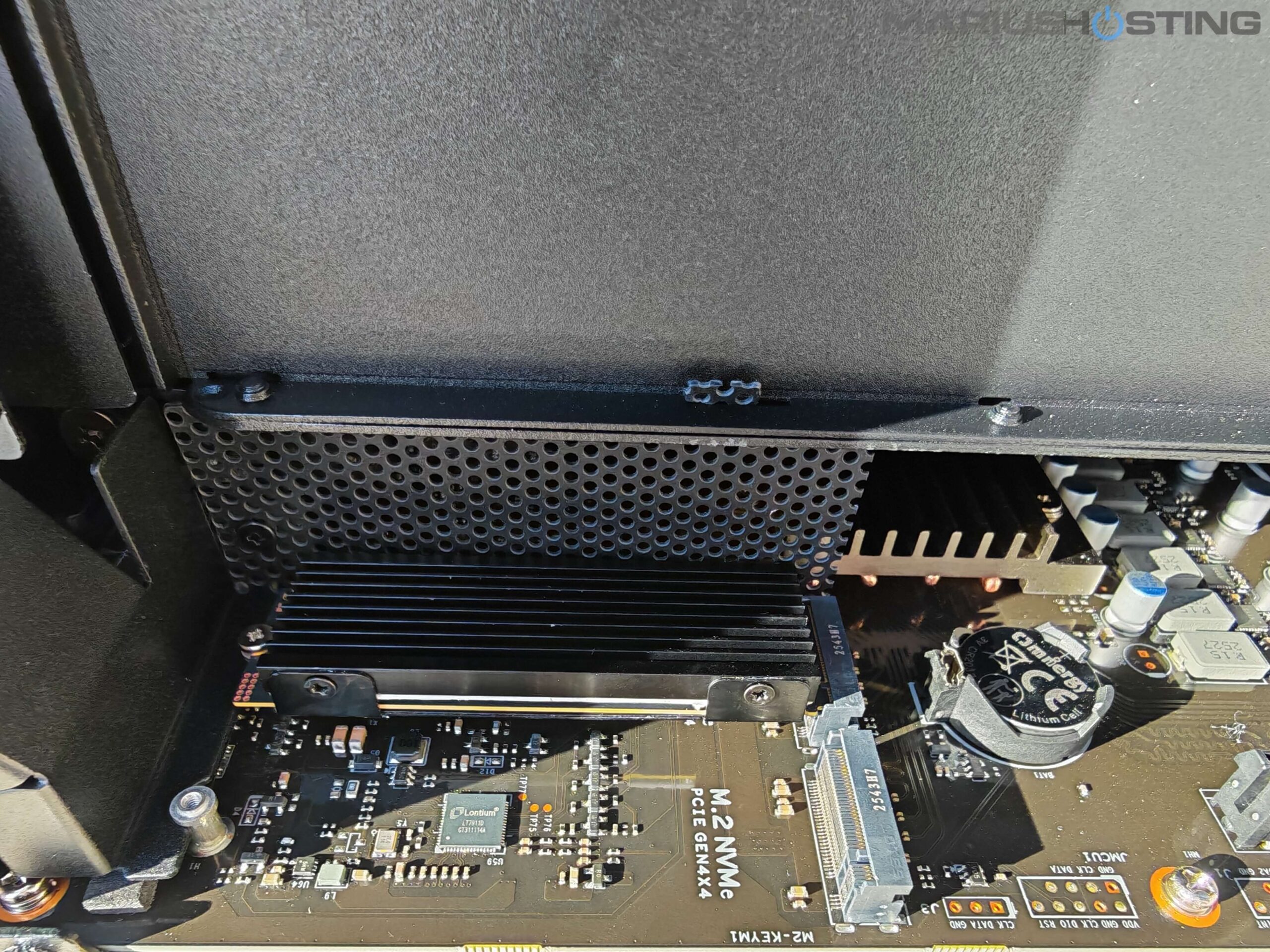
Fixing the first M.2 disk in place.
Fixing the second M.2 disk in place.
Note: A quick note for those considering the latest SSDs: many people are now buying high-end Gen5 M.2 NVMe drives (like the new Samsung 9100 series or similar models) expecting maximum speed. However, the iDX6011 Pro’s two internal M.2 slots are PCIe Gen4 only. This means that, even if you install a Gen5 SSD, it will automatically negotiate and run at Gen4 speeds (maximum theoretical bandwidth of ~8,000 MB/s). You will still enjoy incredibly fast performance, especially for cache, app acceleration or metadata, but you won’t be able to unlock the full 14,000+ MB/s potential of a true Gen5 drive. For the best value and perfect compatibility, a premium Gen4 SSD like the Samsung 990 PRO (like the one Marcel kindly sent me) is actually the ideal choice. You get full performance without paying extra for speed you can’t use.
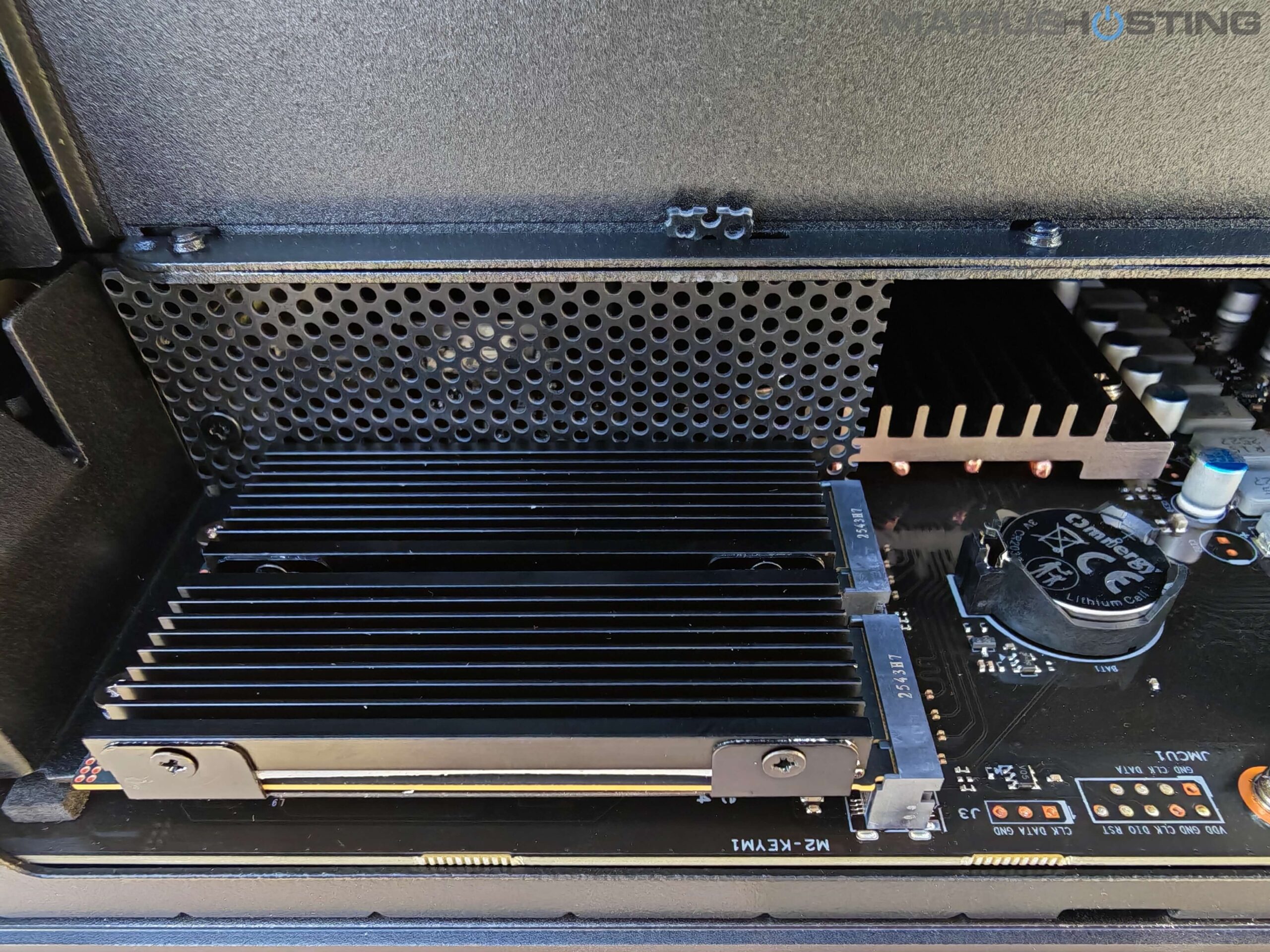
Note: Each of the two user-accessible M.2 NVMe slots on the iDX6011 Pro gets a dedicated PCIe 4.0 x4 link. You can also install a PCIe M.2 adapter/RAID card right inside the case or opt for the OCuLink port. Plug in an external OCuLink NVMe enclosure and get multiple extra SSDs at full PCIe 4.0 speed (basically like they’re internal).
Insane Power
The Intel Core Ultra 7 255H processor with 16 cores/16 threads, up to 5.1 GHz, and especially 96 TOPS of AI performance (NPU + Arc GPU) is a beast. Paired with 64 GB of LPDDR5x 8533 MHz RAM, this NAS becomes a multitasking monster. Transfers, 4K/8K transcoding; virtualization, everything flies effortlessly.
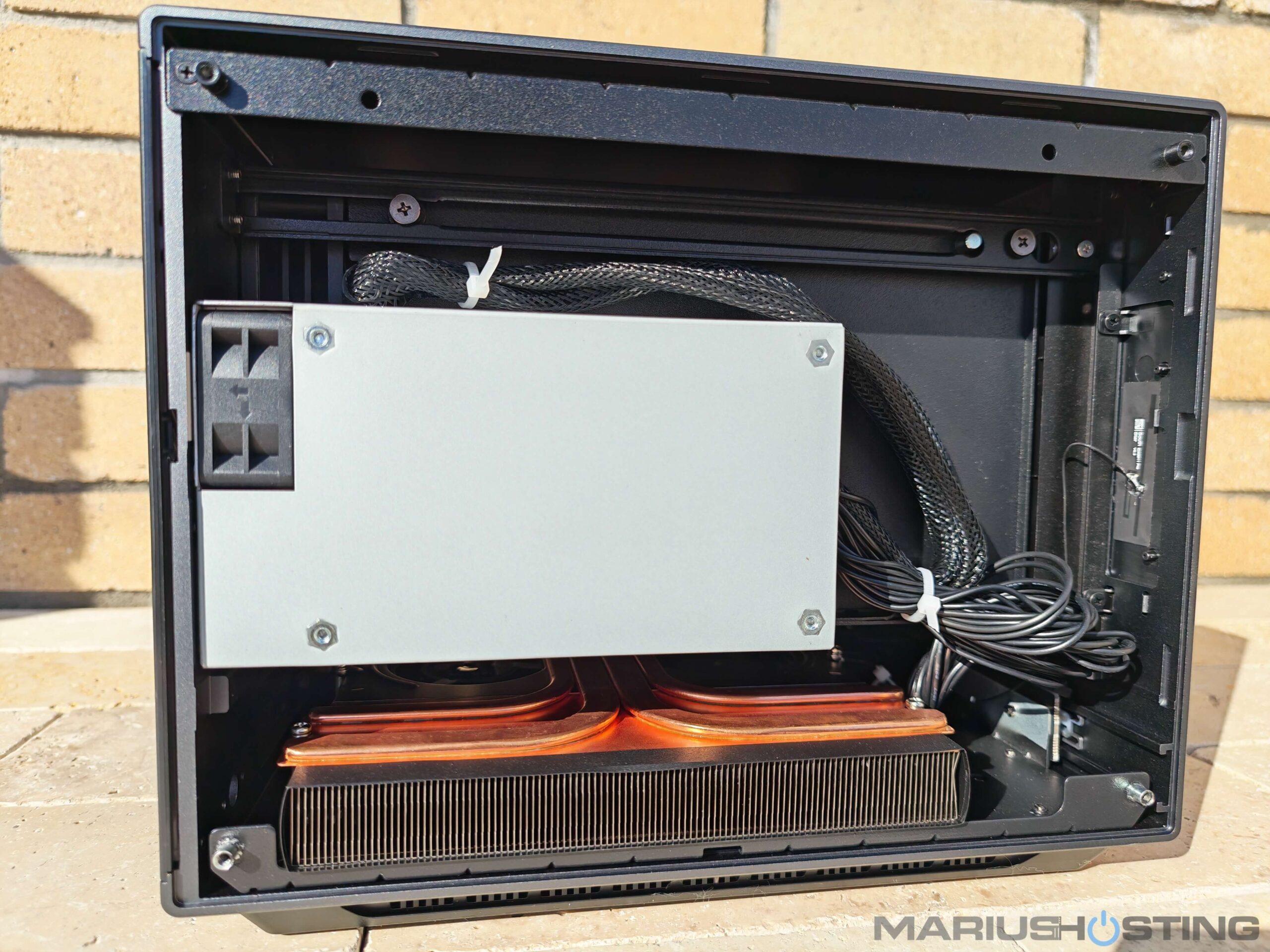
Advanced Copper-Heavy Thermal Dissipation
One of the things that impressed me the most is the massive use of high-purity copper throughout the cooling system. You can literally see and feel the generous copper heatsinks, thick copper at that. This “copper overload” design turns the entire chassis into a giant heat spreader, keeping temperatures impressively low and stable even during long 24/7 heavy workloads. In my tests, the CPU never exceeded 68°Celsius under full load, and the M.2 SSDs stayed cool, under 55°Celsius, thanks to the dedicated copper heatsinks. This level of thermal engineering is rarely seen in a NAS and makes the iDX6011 Pro feel like a true high-end workstation.
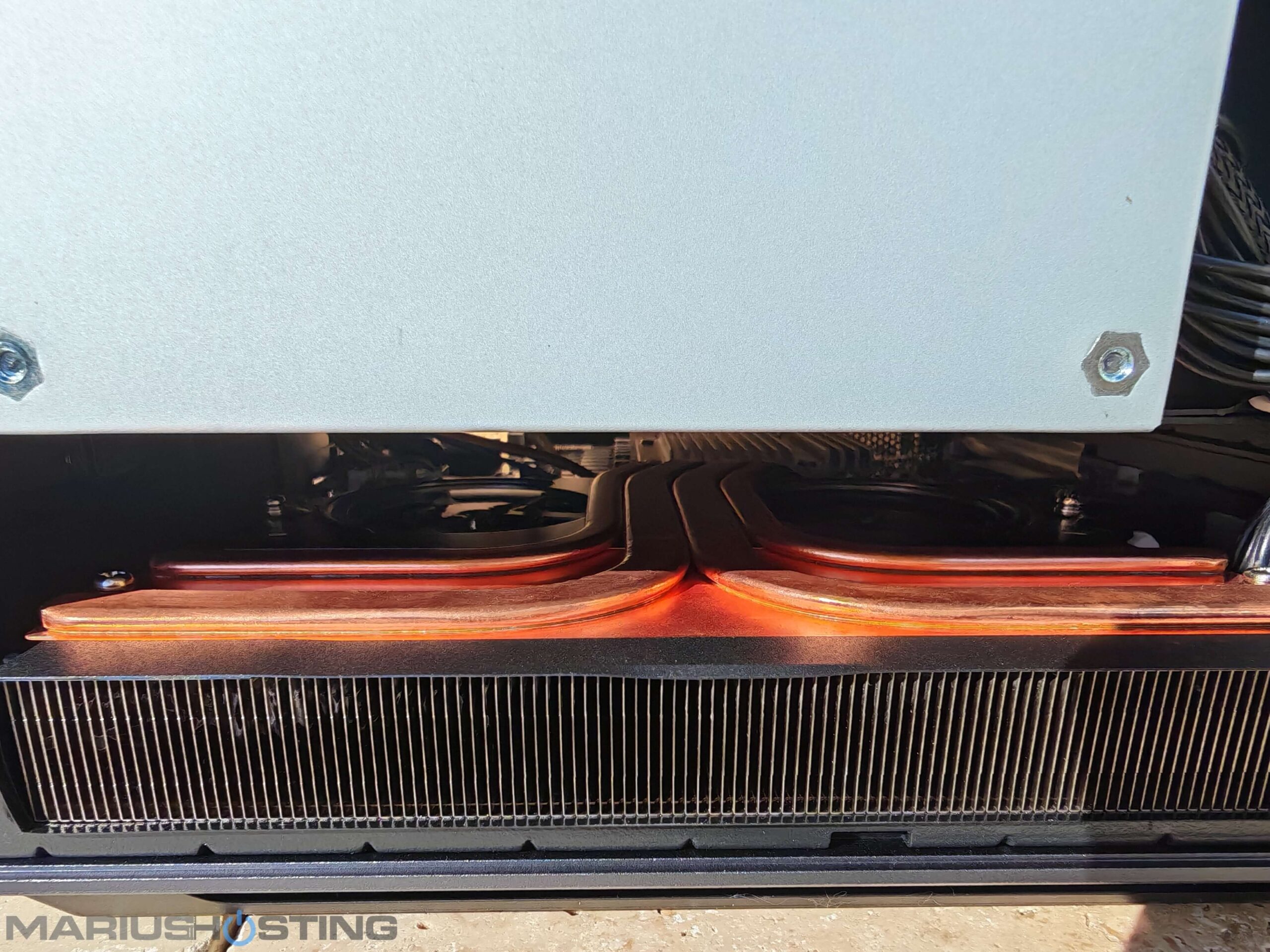
Temperatures stay under control perfectly, even under heavy load.
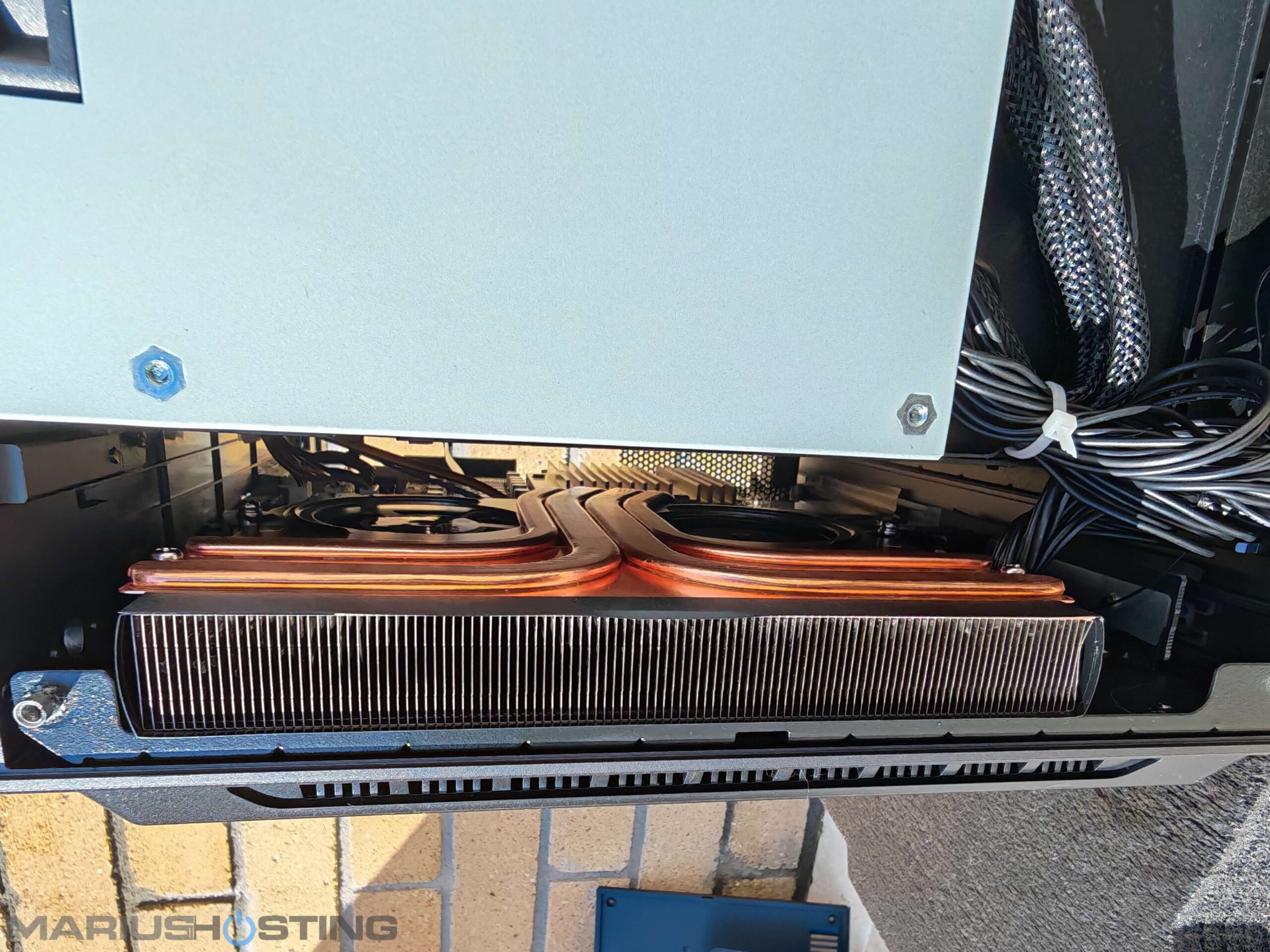
As you can tell from the picture below, the copper is very thick!
To access the internal fans, you’ll first need to remove the eight small rubber plugs that completely cover and hide the screws underneath. UGREEN has cleverly concealed them to keep the exterior looking clean and premium. Simply use the cross-head screwdriver that came in the original box for this. In total, there are exactly 8 rubber plugs and 8 screws.
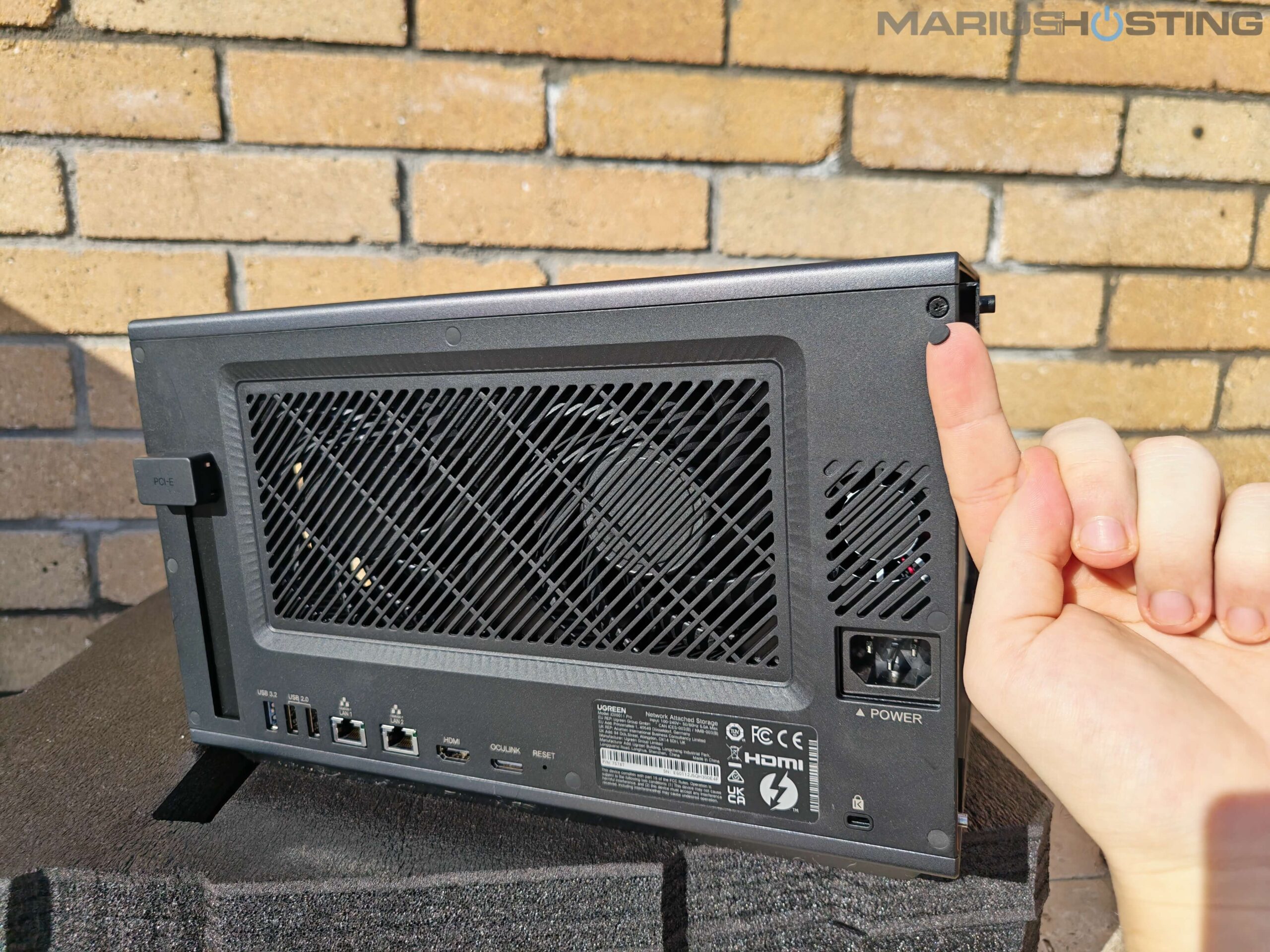
Impressive Cooling Heart
Turning the iDX6011 Pro around reveals its impressive cooling heart: two generously sized, high-quality rear exhaust fans that dominate the back panel. Their large diameter is a clever choice because it means they can move a huge volume of air while spinning at lower RPMs, delivering outstanding thermal performance without ever becoming loud. Thanks to premium hydraulic bearings and intelligent fan control, noise levels stay remarkably low, typically between 29 and 34 dB even under heavy load.
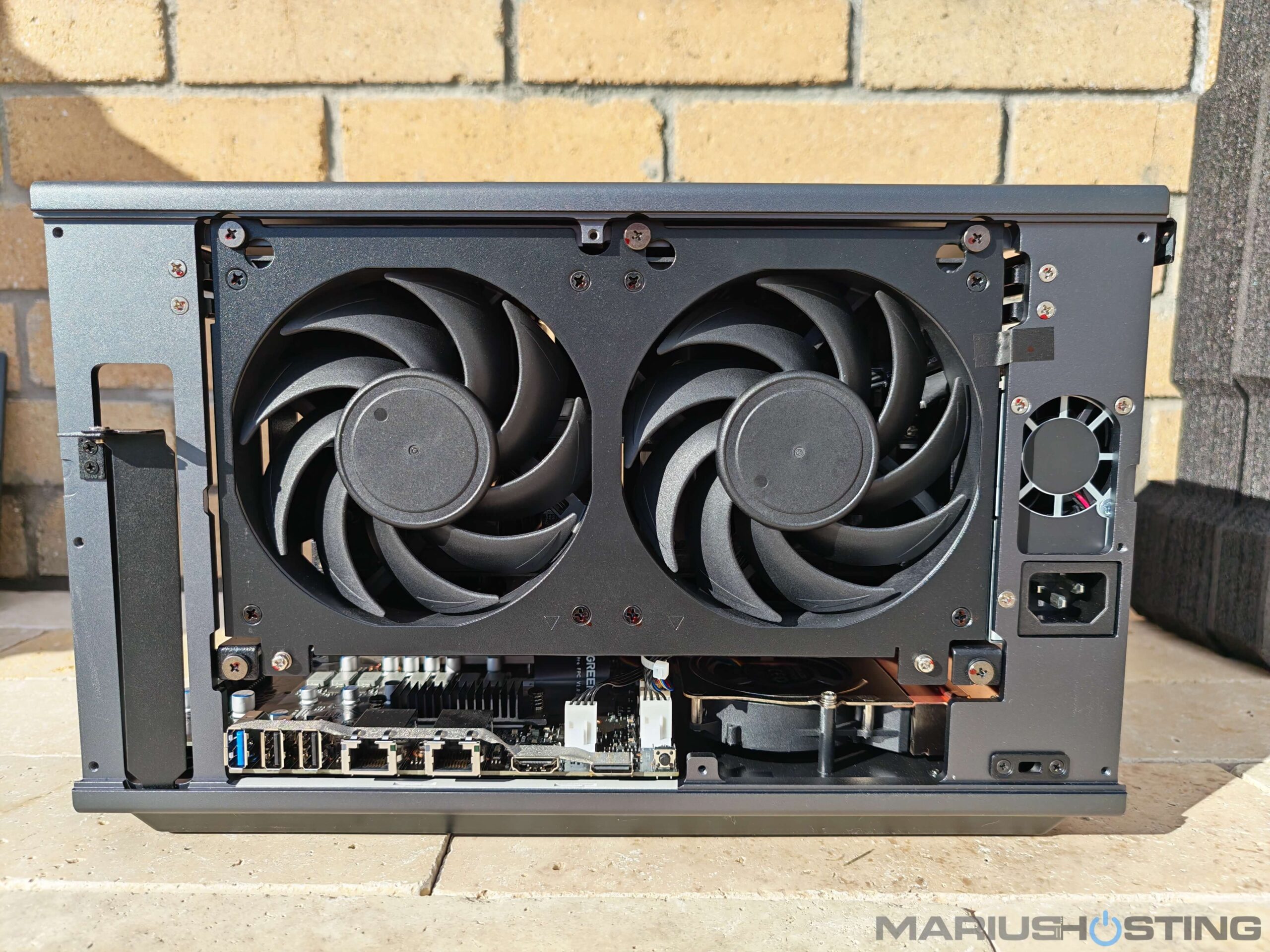
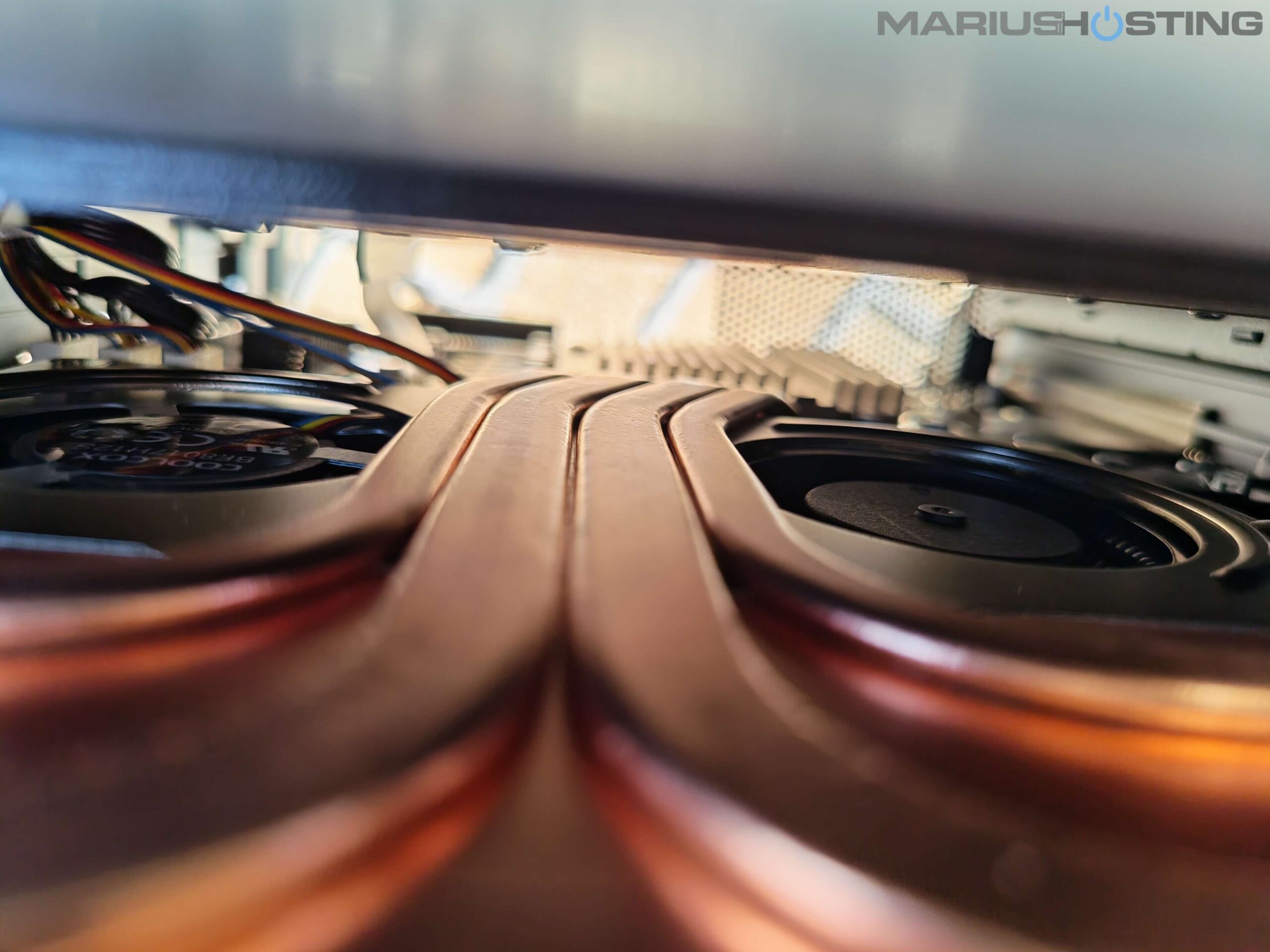
In addition to the two large rear exhaust fans, I discovered that the iDX6011 Pro also features a dedicated internal dual-fan cooling array mounted directly above the CPU heatsink and copper heat pipes.
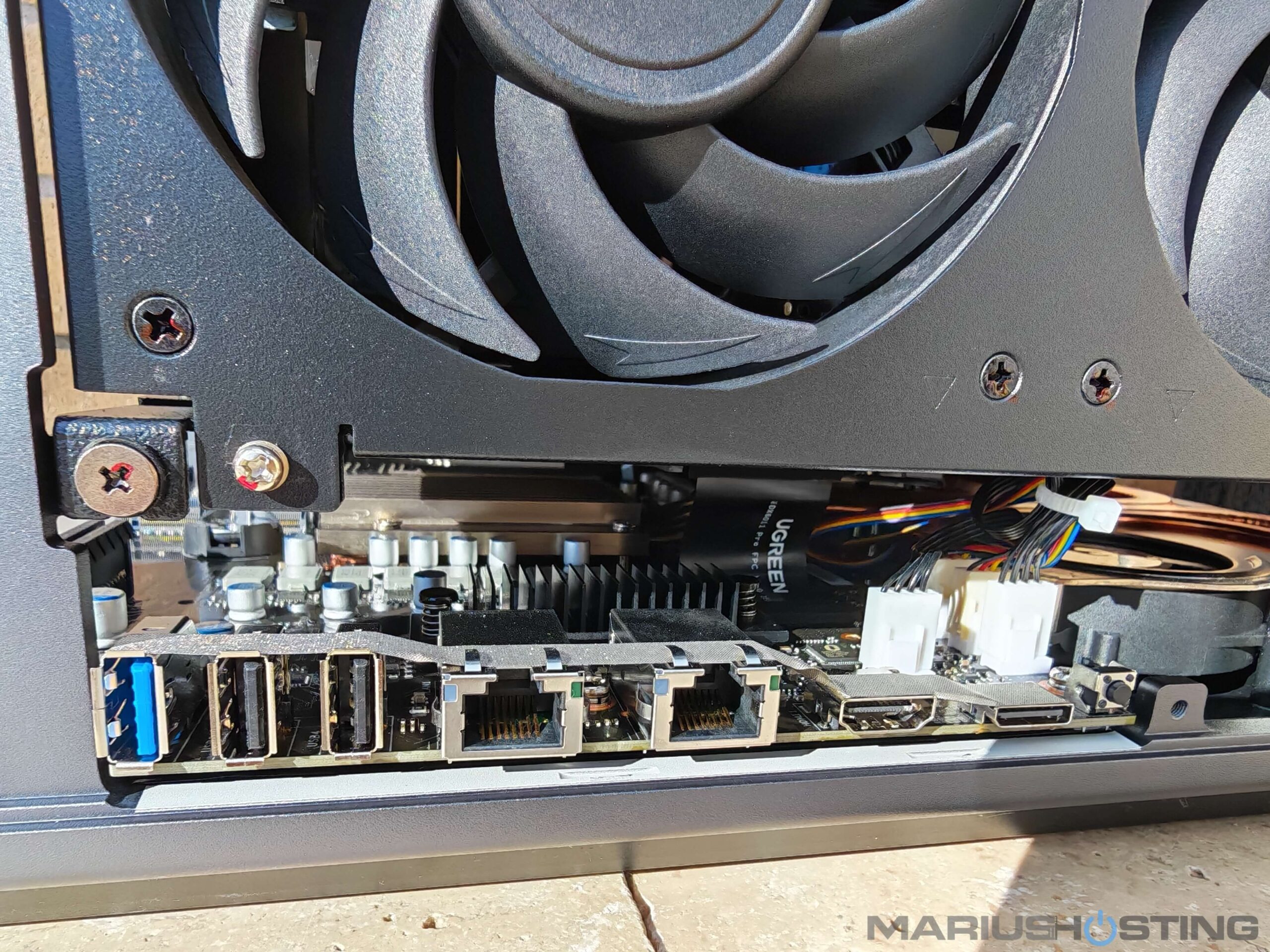
This smaller, but highly efficient internal fan system works together with the massive rear fans to create a true multi-stage cooling design. It actively pulls cool air across the Intel Core Ultra 7 255H processor, VRMs, and the surrounding components, then pushes the warm air toward the rear exhaust.
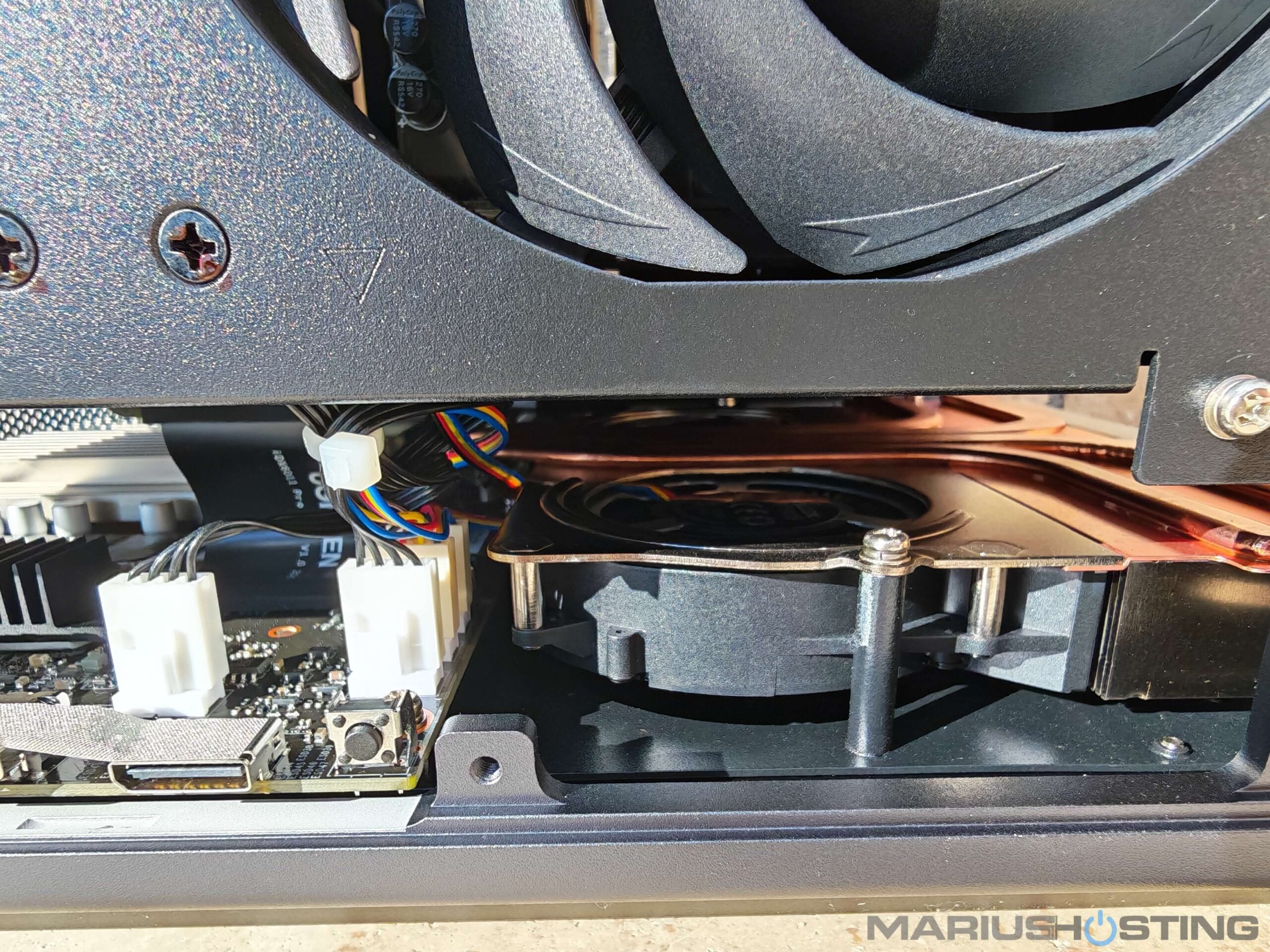
With the side panel completely removed and the two large 120mm rear exhaust fans placed in front for the photo, I got a full view of the internal layout. In addition to the two generous rear fans and the dedicated internal dual-fan array above the CPU, I noticed something interesting on the left side of the chassis: the PCIe Gen4 x8 expansion slots do not appear to be in the direct airflow path of any fan. This area seems to rely mainly on the excellent passive cooling provided by the extensive high-purity copper heatsinks and the massive aluminum chassis acting as a giant heat spreader, together with the general front-to-back exhaust created by the rear fans. I will be carefully monitoring temperatures in this zone during my long-term tests, especially if a higher-power expansion card is installed. For typical low-power cards or no card at all, the overall thermal design looks more than capable. Still, it’s a detail worth noting, and I’m genuinely curious to see how it performs in real-world use.
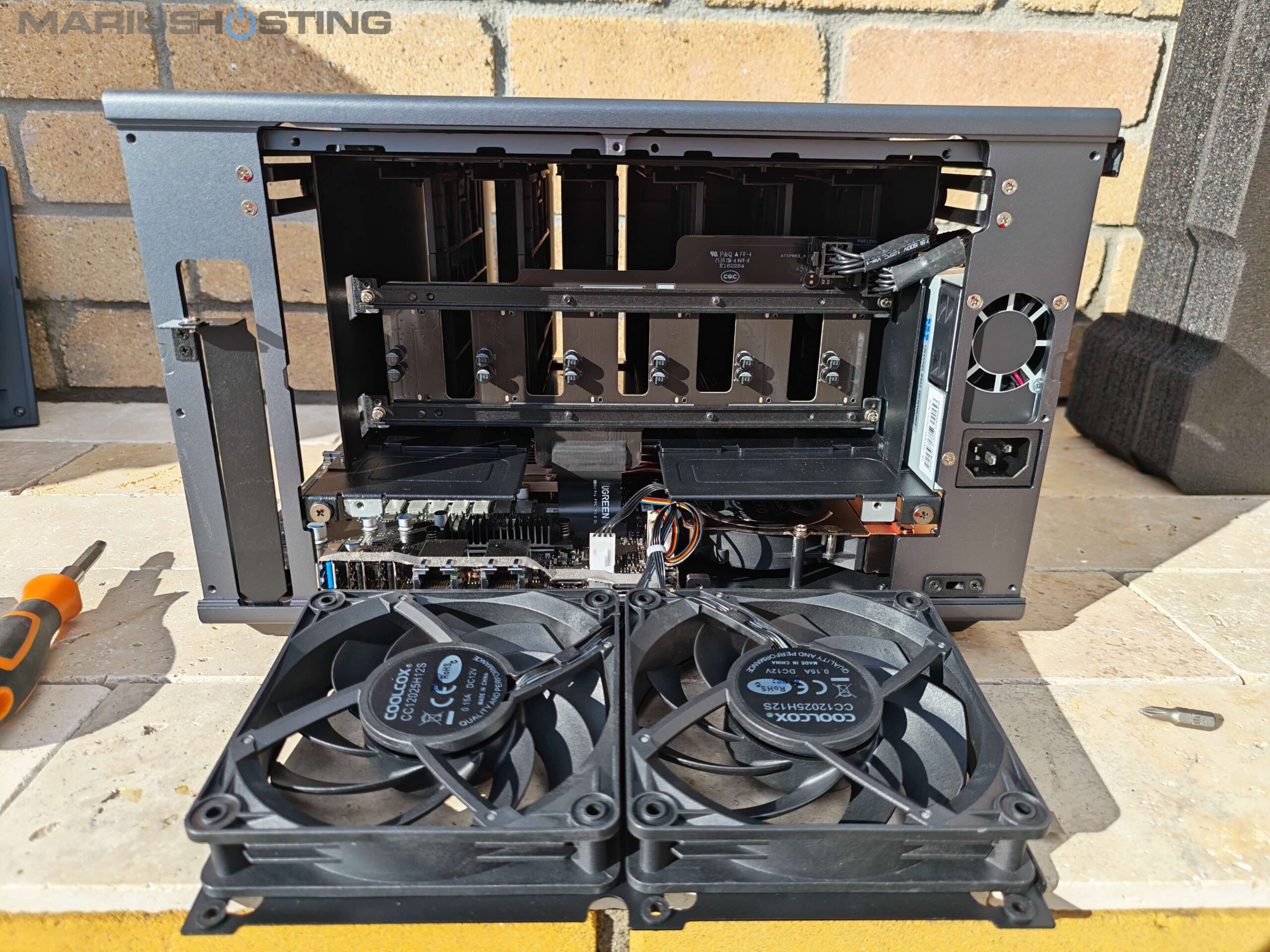
Below, a video with the general view of the inside of the NAS.
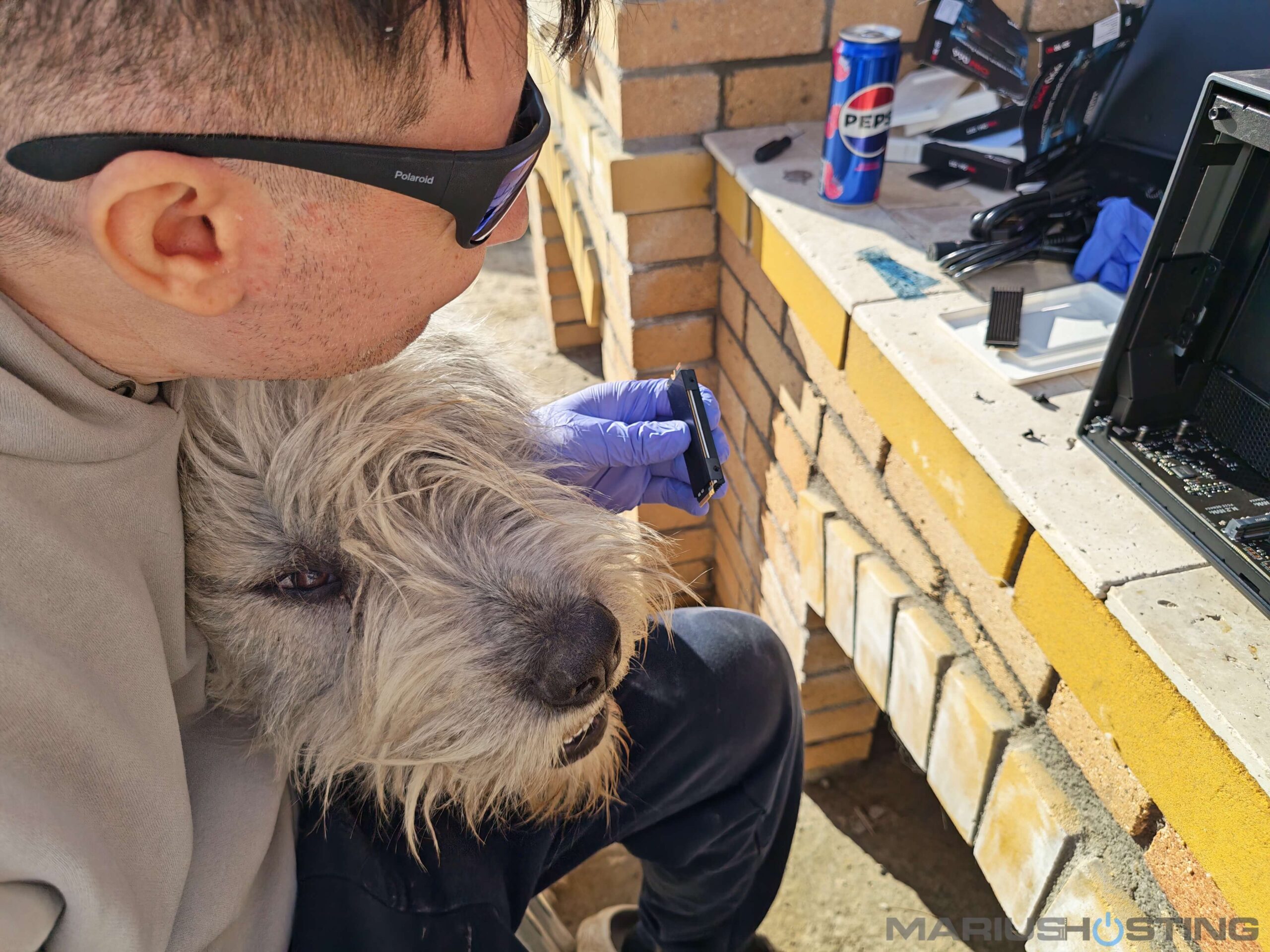
Of course, I wasn’t working alone during this delicate operation! My sweet Mioritic girl (RUNA) decided this was far too important a job to leave to just me. She stayed glued to my side the entire time, supervising every single step with those big, curious eyes, from peeling off the protective films to carefully tightening the tiny screws.

Her constant fluffy company and “quality control” turned what could have been a boring technical task into one of the most heartwarming moments of the whole unboxing.

As you can see in the photo, when I picked up the SSD with its shiny copper heatsink, she looked at it with pure fascination, almost as if she was personally approving (or maybe judging) my work!
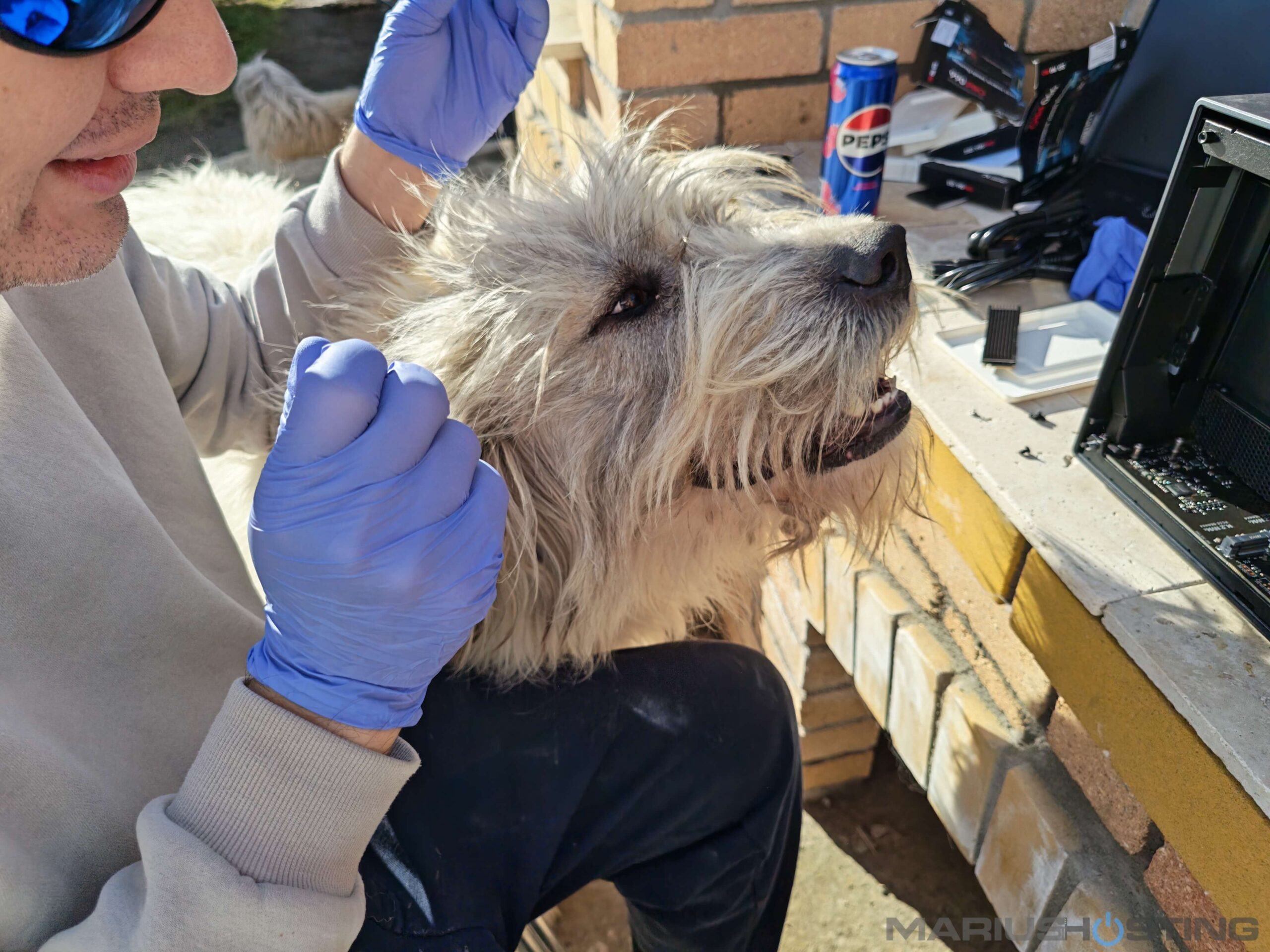
I guess my dogs have officially become full members of the mariushosting test team now!
Close up look of the high-quality shielded Cat7 Ethernet patch cables.
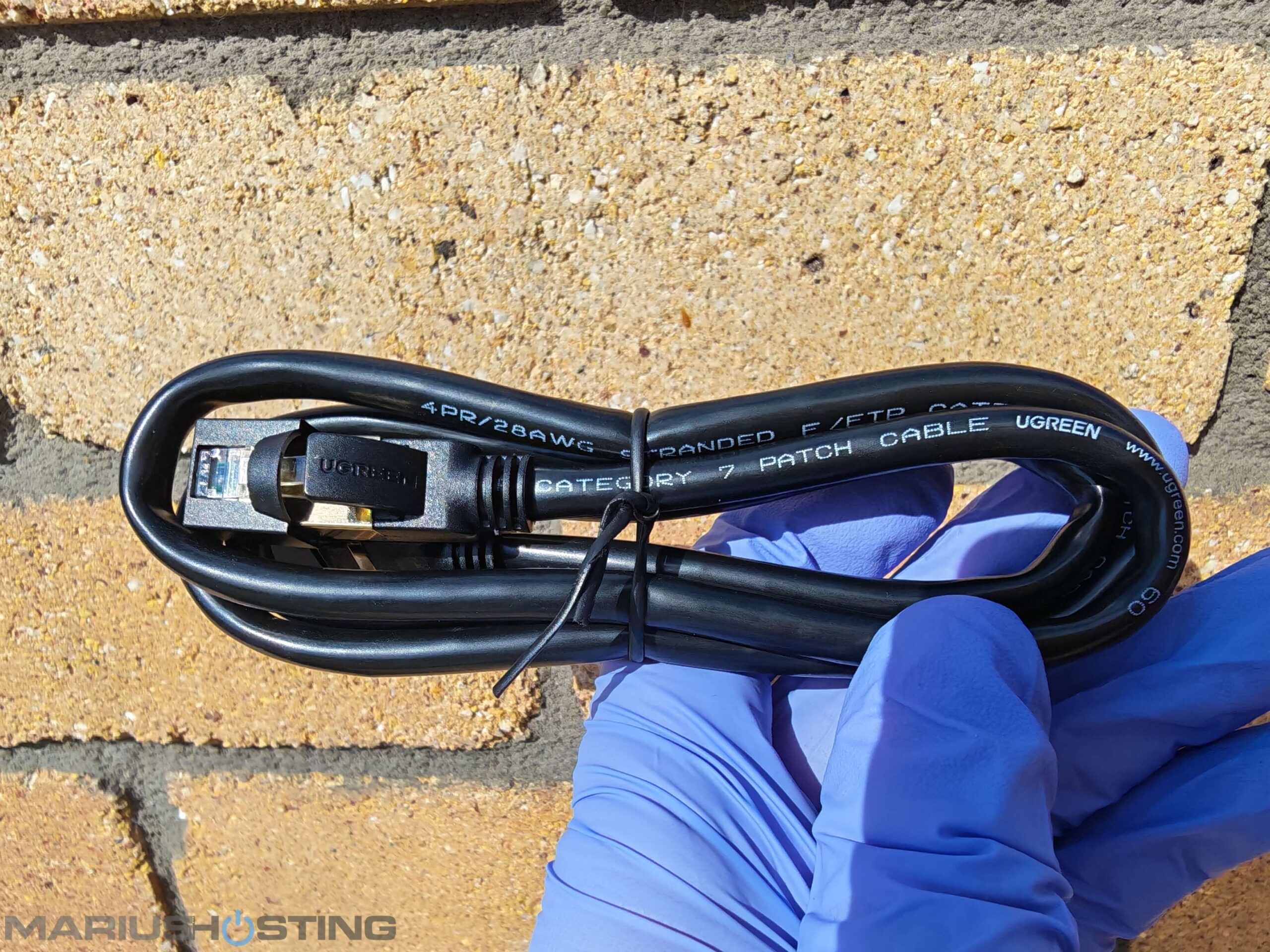
The UGREEN iDX6011 Pro also comes with two high-quality shielded Cat7 Ethernet patch cables in the box. These are nicely made, properly shielded, and fully rated for the dual 10GbE ports, so they can deliver the full 10 Gigabit speeds without any issues. However, they are only about 1 meter long. Since my 10GbE switch is quite far from where I placed the NAS, the original cables were unfortunately too short for my test setup. Instead, I used two longer generic (no-name) Cat7 cables that I already had, same 10Gbps capability, just with extra length. I’m happy to say they have been working perfectly and I’m still getting stable, full-speed 10GbE transfers without any problems. The original UGREEN cables definitely feel more premium, but sometimes practicality has to win!
UGREEN AI NAS iDX6011 Pro: First Power On
After I inserted the Samsung SSDs disks, everything was up and running in a couple of minutes! To set up the UGREEN iDX6011 Pro, after you have inserted the disks, connect the LAN cables, plug it in, then click the ON button at the front of the device. Next, open your favorite browser and access the following address below to start the UGOS Pro Operating system installation process. Once the device is found, click Connect.
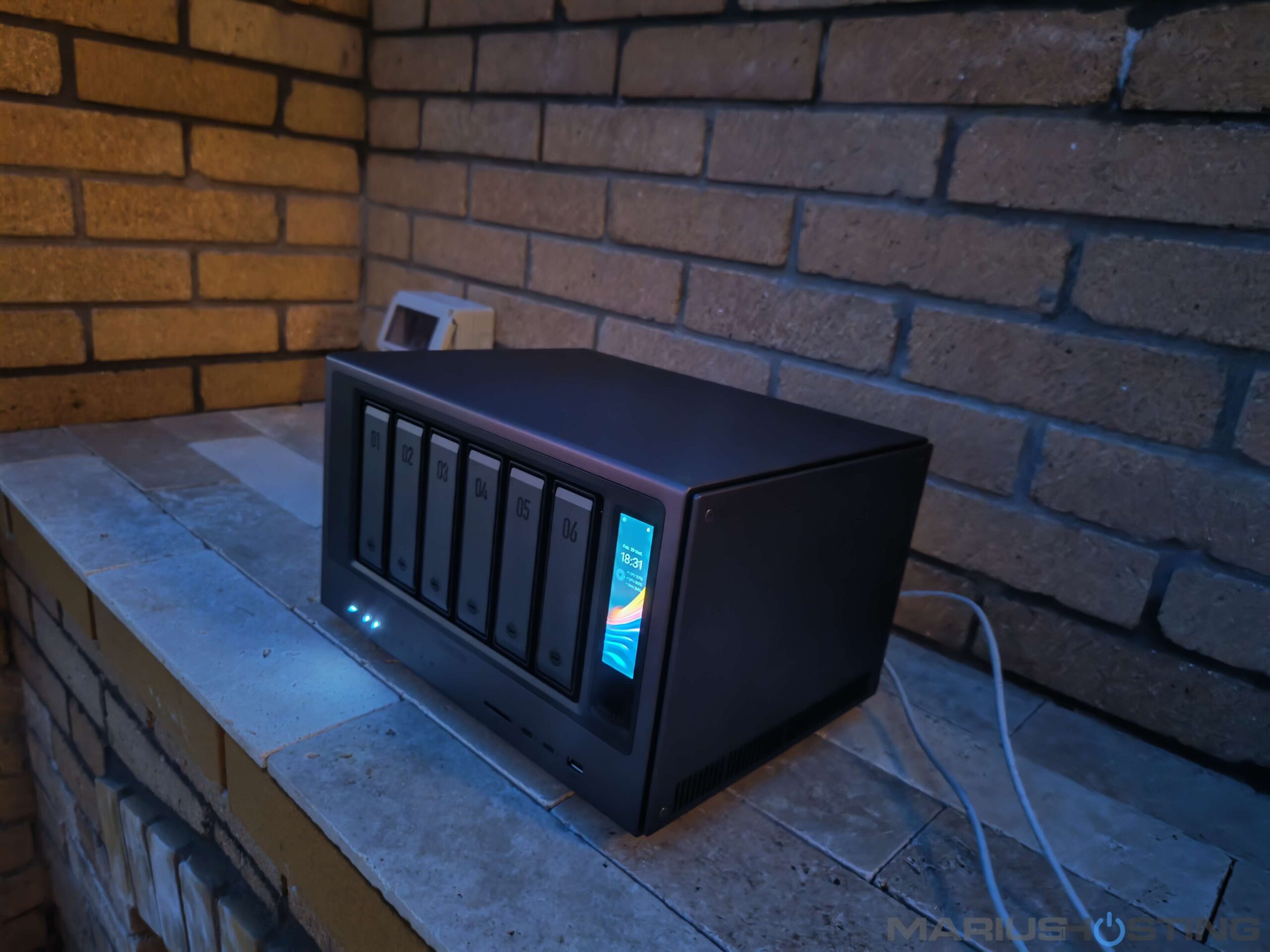
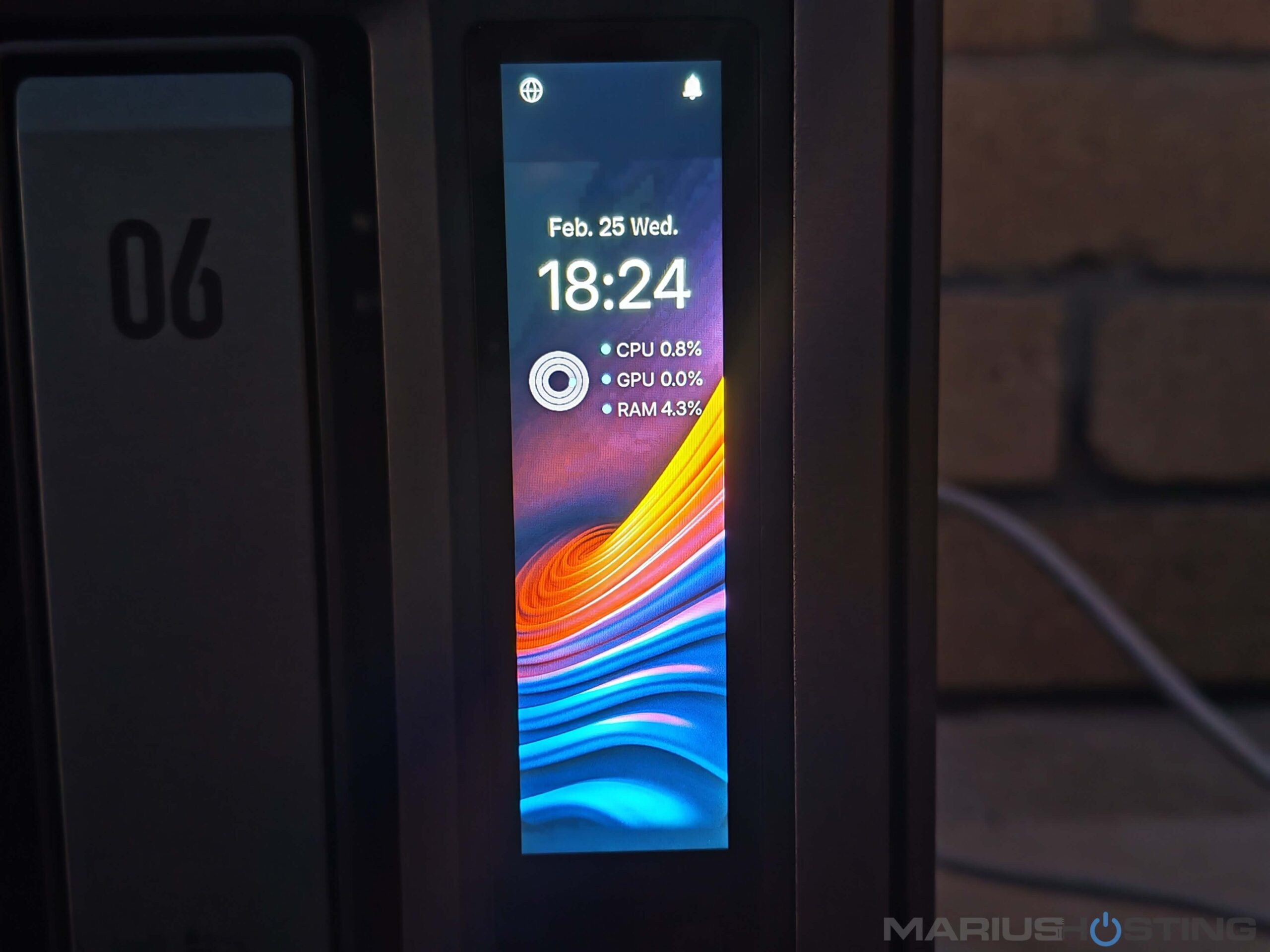
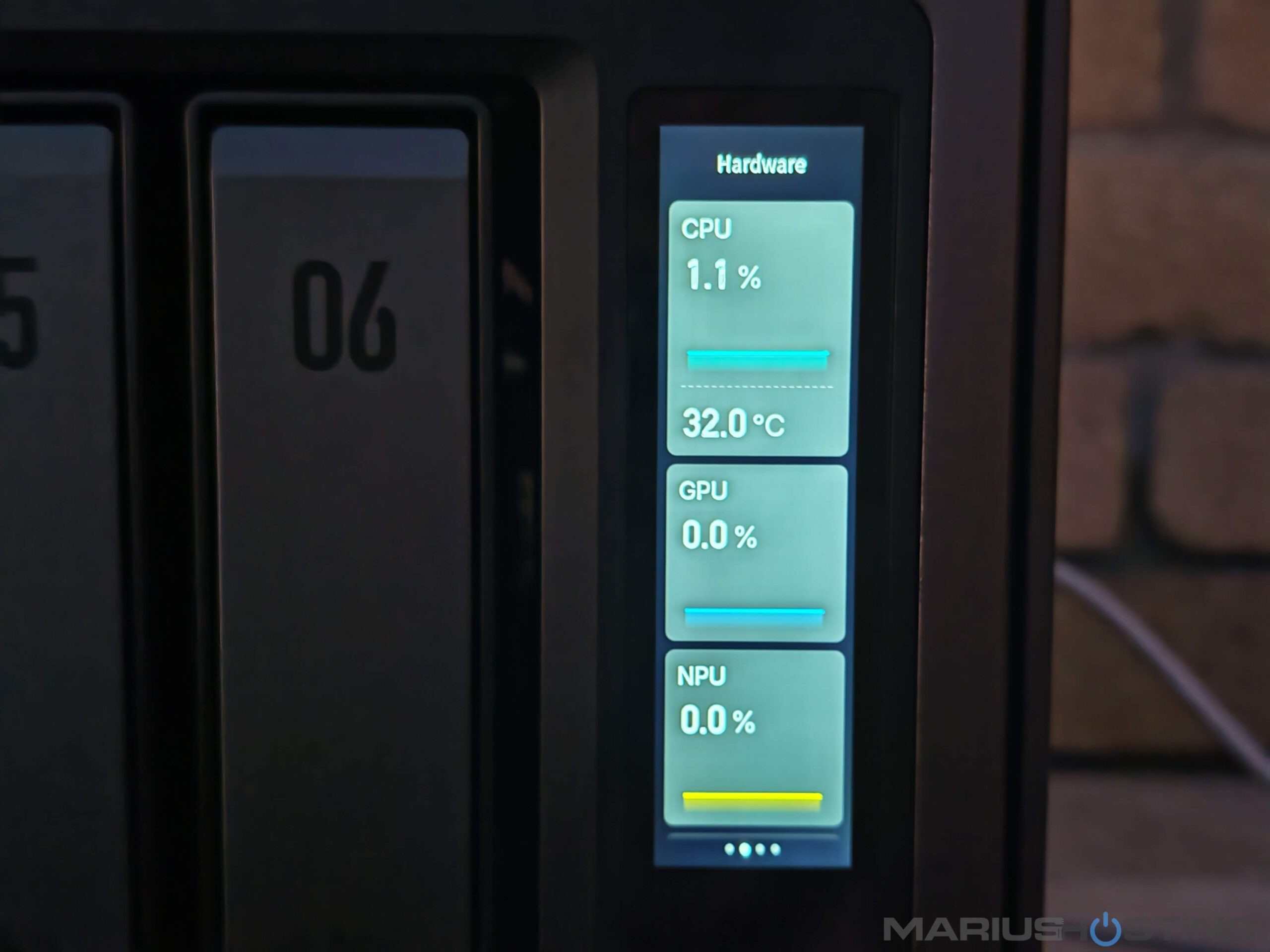
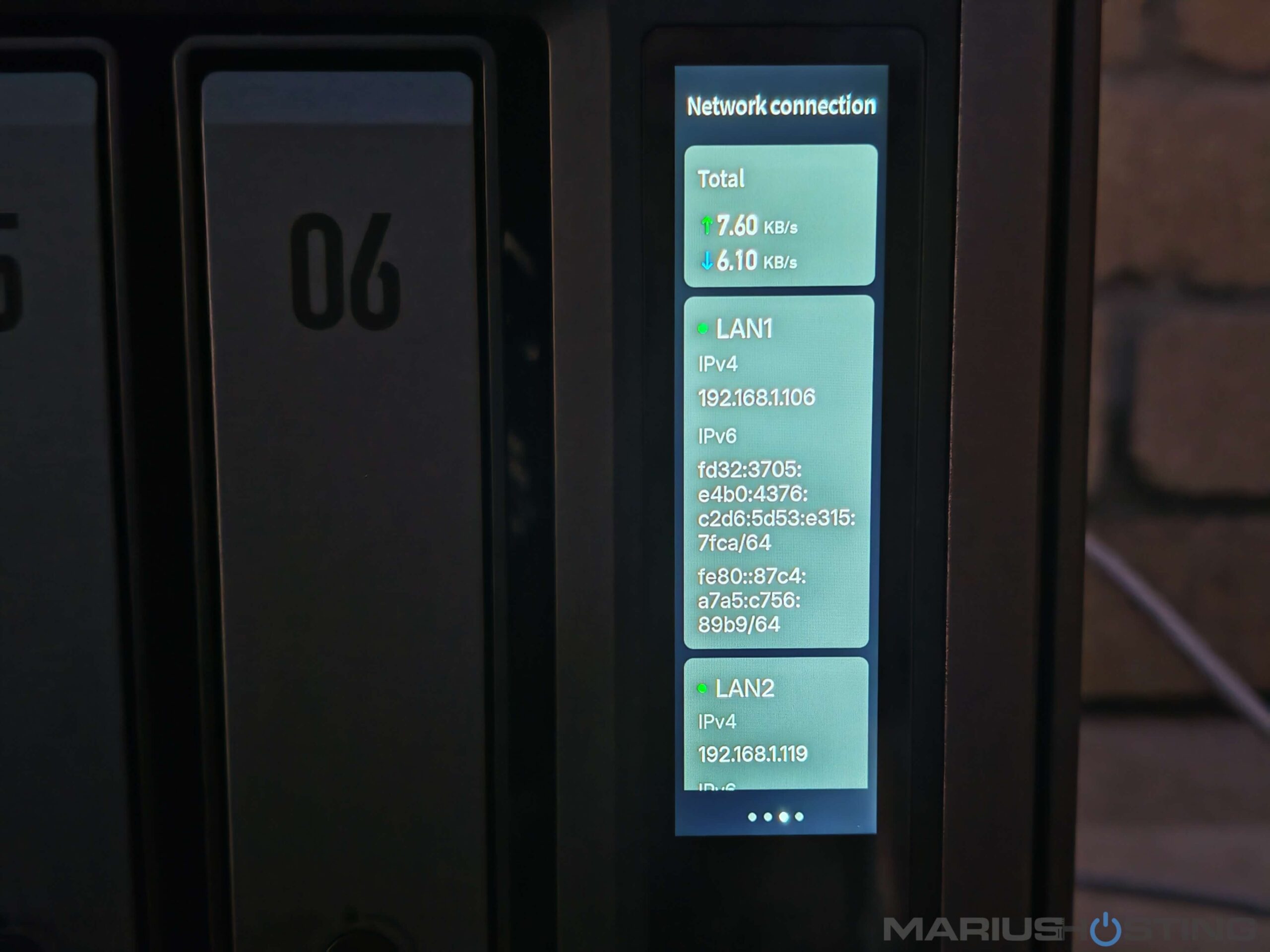
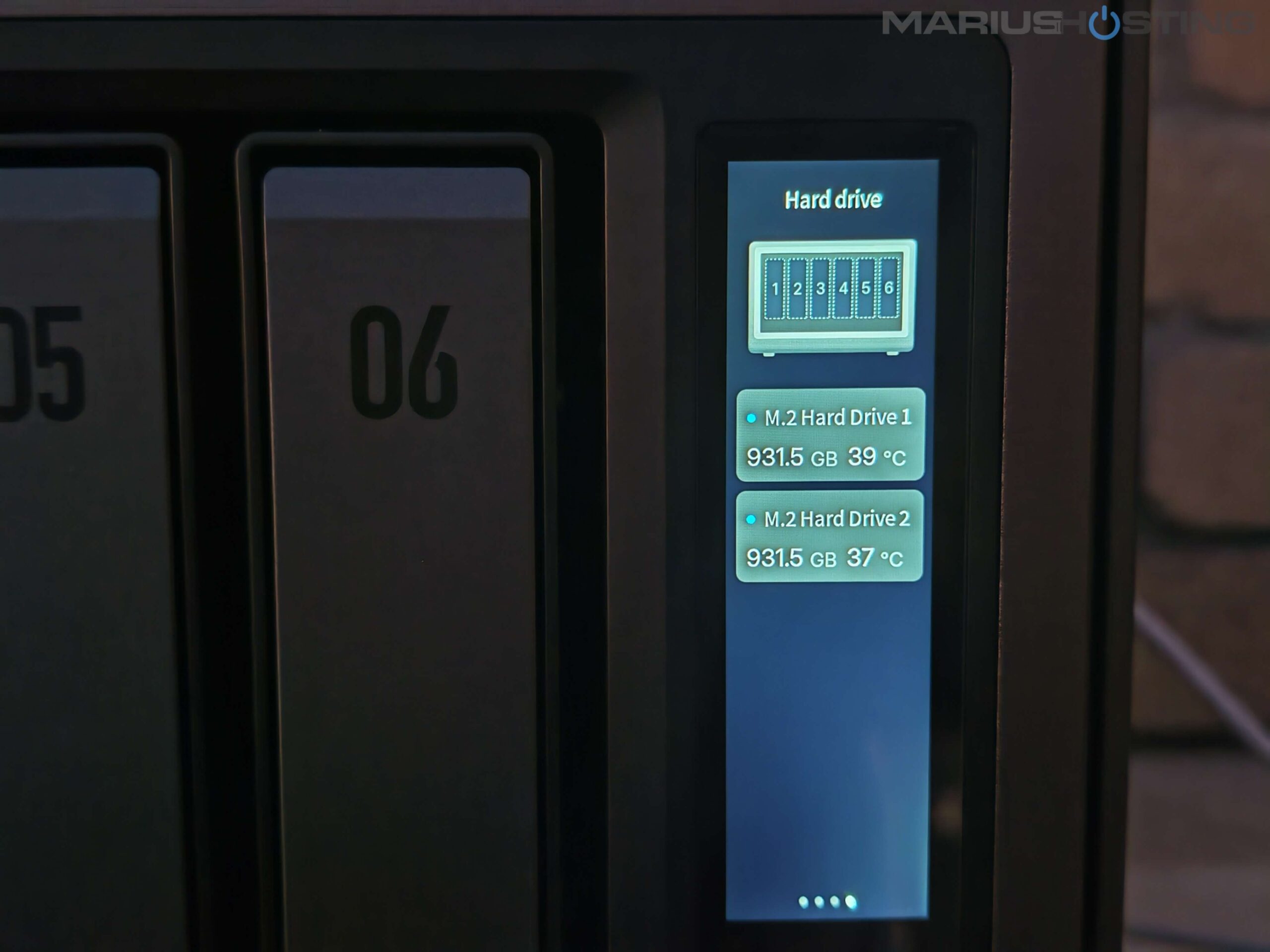
One of the features that continues to delight me every single day is the elegant 3.71-inch smart color touchscreen located on the right side of the iDX6011 Pro. This responsive LCD display is crisp, vibrant, and incredibly intuitive. With just a quick glance or a light touch I can see real-time information about CPU, GPU, and NPU utilization and temperatures, RAM usage, the health and temperature of all installed drives, current network speeds on both 10GbE ports, fan status, and much more. Everything is presented in a clean, modern interface that makes monitoring the NAS feel effortless and professional. Having this smart touchscreen right on the device is one of those thoughtful touches that truly elevates the whole experience. I no longer need to open the web interface or grab my phone just to check if everything is running smoothly. It gives the iDX6011 Pro a premium, workstation-like feel that you rarely find on traditional NAS systems, and I genuinely love it.
Below, a little video to show you the iDX6011 Pro display.
The NAS is now in its place, and I’m unlikely to move it in the coming years. The screen automatically turns off after a short period of inactivity, so the gentle glow won’t disturb you at night if the NAS is placed in a bedroom, living room, or anywhere you want complete darkness. It’s another small but very welcome detail that shows how carefully UGREEN thought about real-world home use.
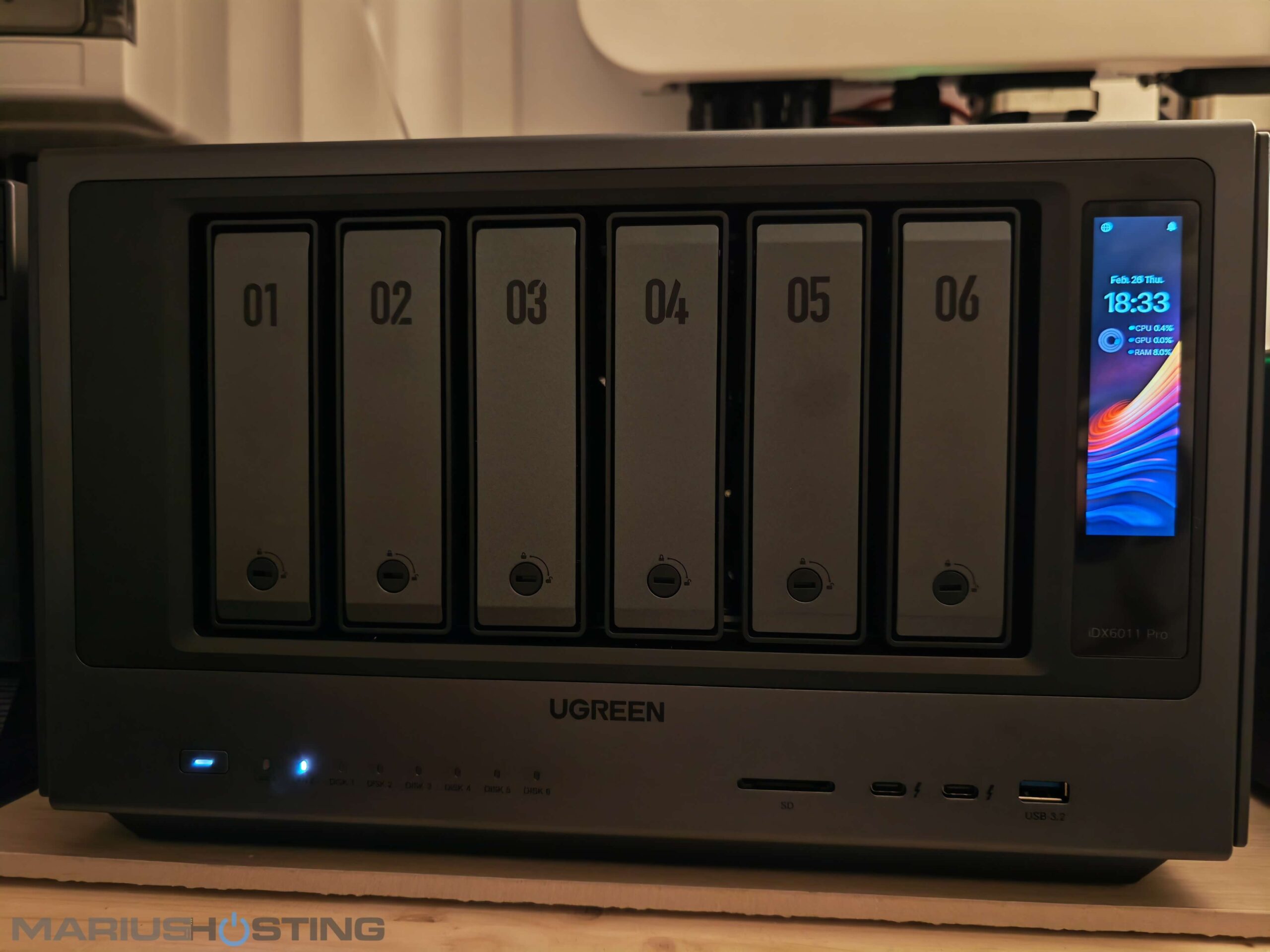
Date and Time, CPU, GPU, RAM, everything at a glance!
CPU with temperatures, GPU, NPU.
Network connection at a glance!
Disks overview!
Your UGOS Pro operating system at a glance!

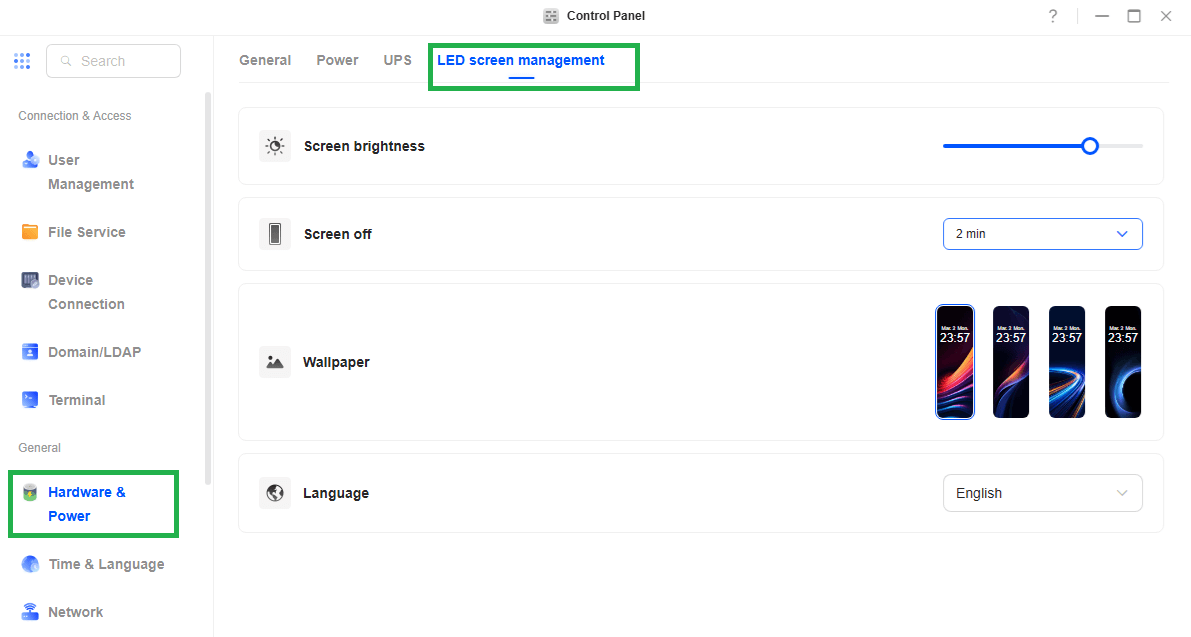
You can easily manage your LED screen in Control Panel / Hardware & Power / LED screen management tab. Follow the instructions in the image below.
Uliya AI Assistant
One of the things that truly makes the iDX6011 Pro feel like the future is Uliya, UGREEN’s fully on-device AI assistant. Powered by the 96 TOPS of dedicated AI performance from the Intel Core Ultra 7 255H, Uliya lives entirely inside the NAS. There is no cloud, no subscription, no data ever leaves your home. It’s like having your own private, always-available assistant that knows everything stored on your drives.
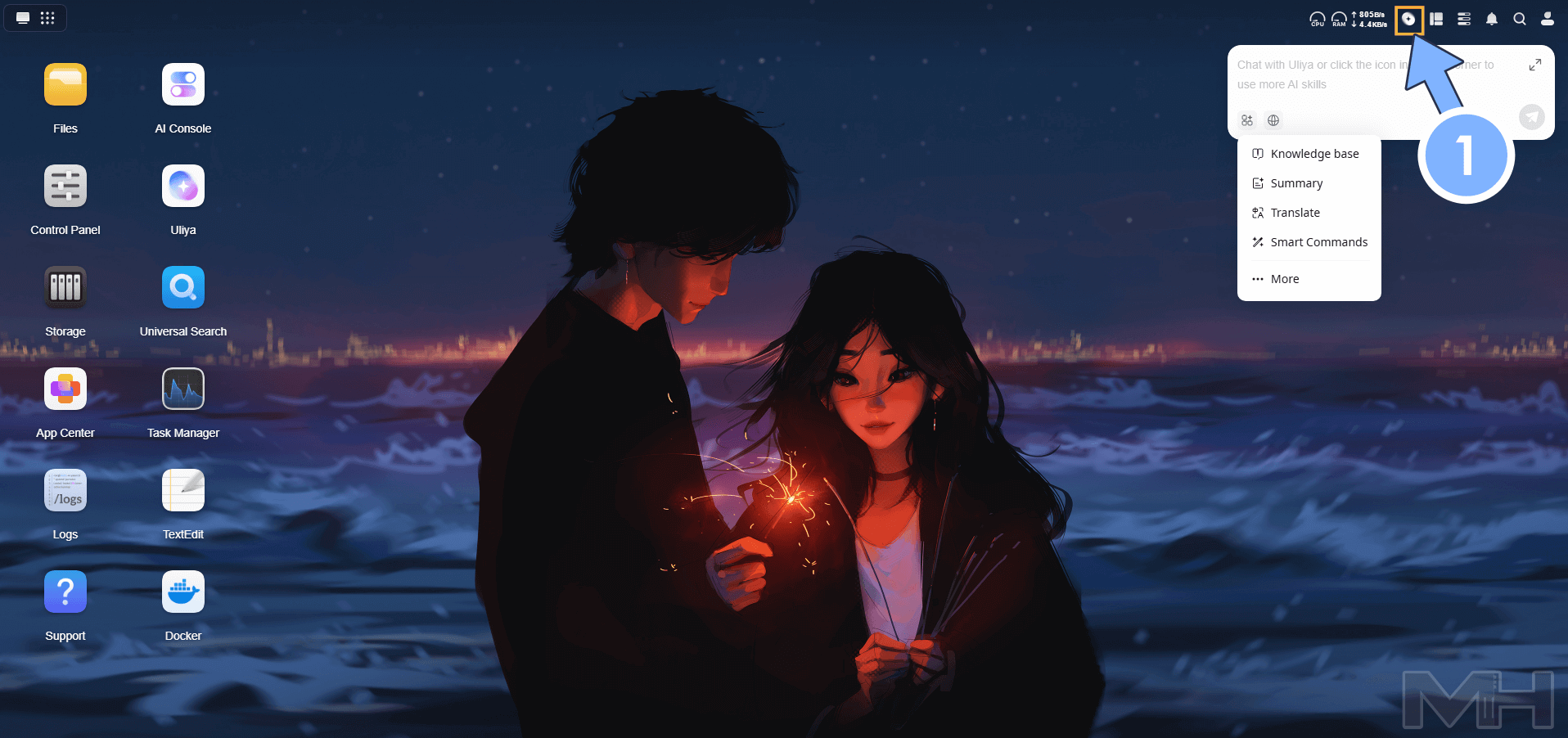
You can simply chat with Uliya in natural language:
- “Summarize the last quarterly report and highlight the key numbers”
- “Translate this contract from Italian to English”
- “Show me all photos from our trip to the mountains with the dogs”
- “What did we discuss in the meeting recording from last Tuesday?”
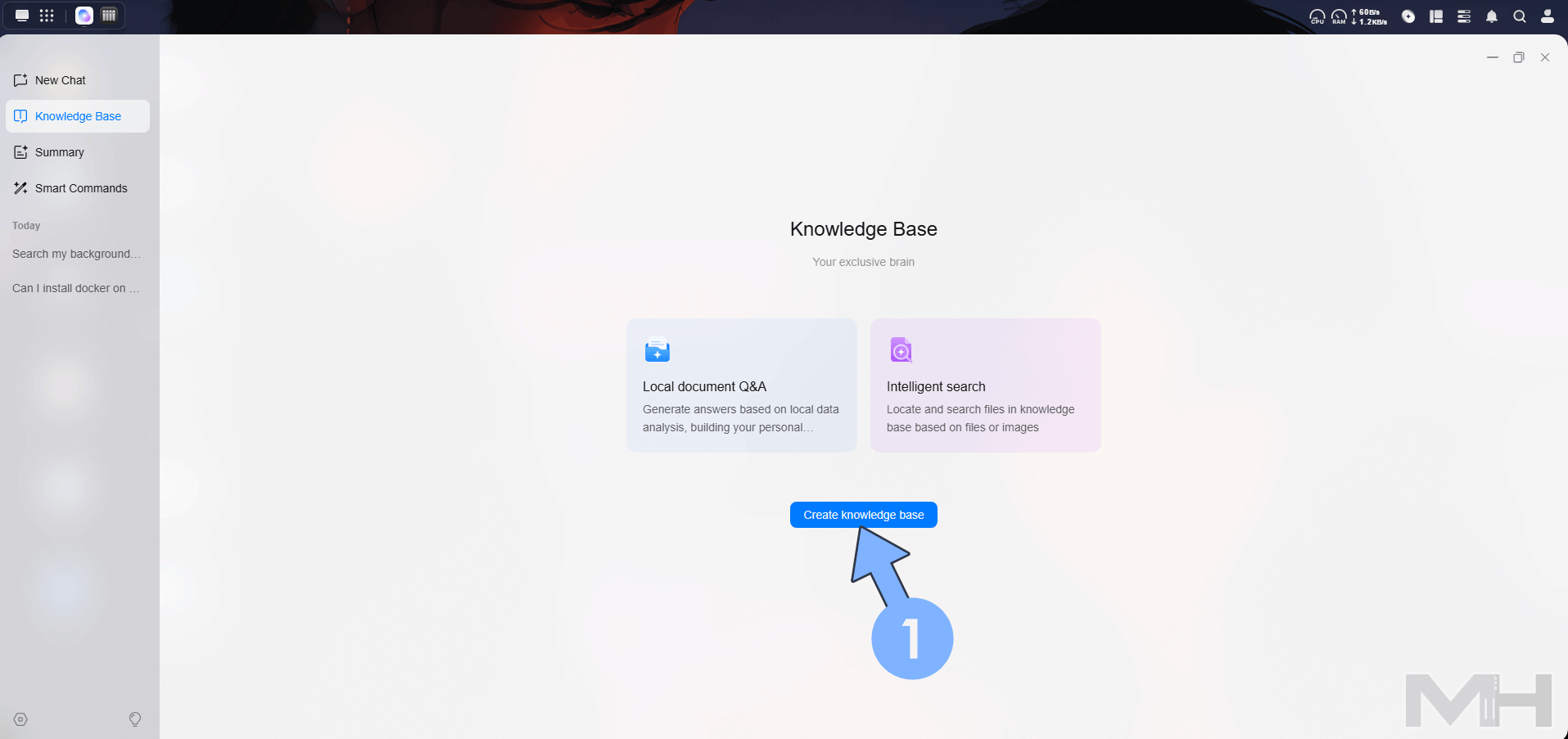
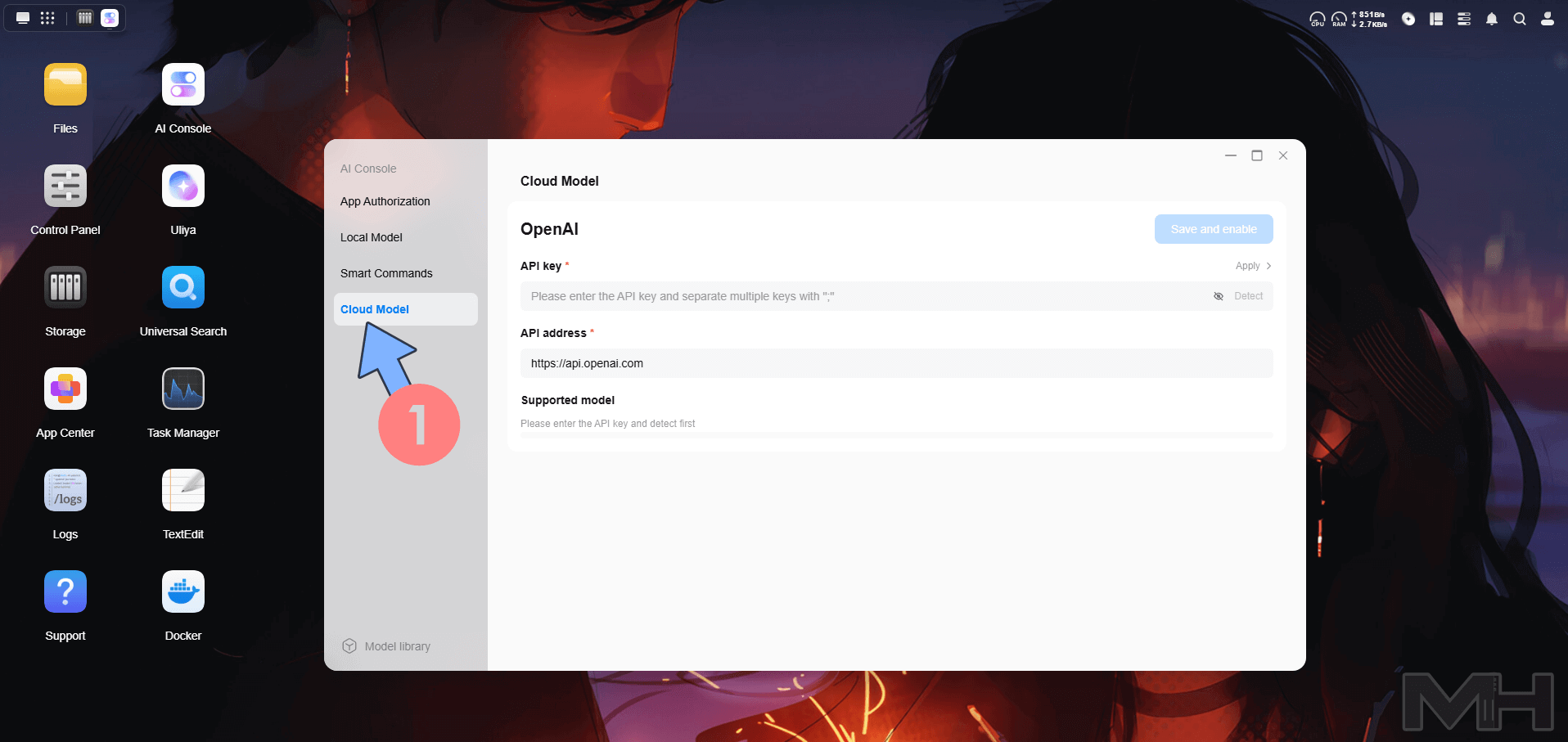
Uliya itself is 100% local and offline. Every conversation, every summary, every search through your files happens entirely inside the iDX6011 Pro using its powerful 96 TOPS AI engine. Nothing is sent to the cloud your data and your chats stay completely private and under your control. However, if you ever want even more power, UGREEN gives you the optional choice to connect to popular cloud-based large language models (like ChatGPT, Gemini, or Claude) directly from the NAS interface. You can switch between pure local Uliya or hybrid mode with just one click. For the moment, Uliya is available only for English, German, Chinese and Japanese. But more languages will be added with time.
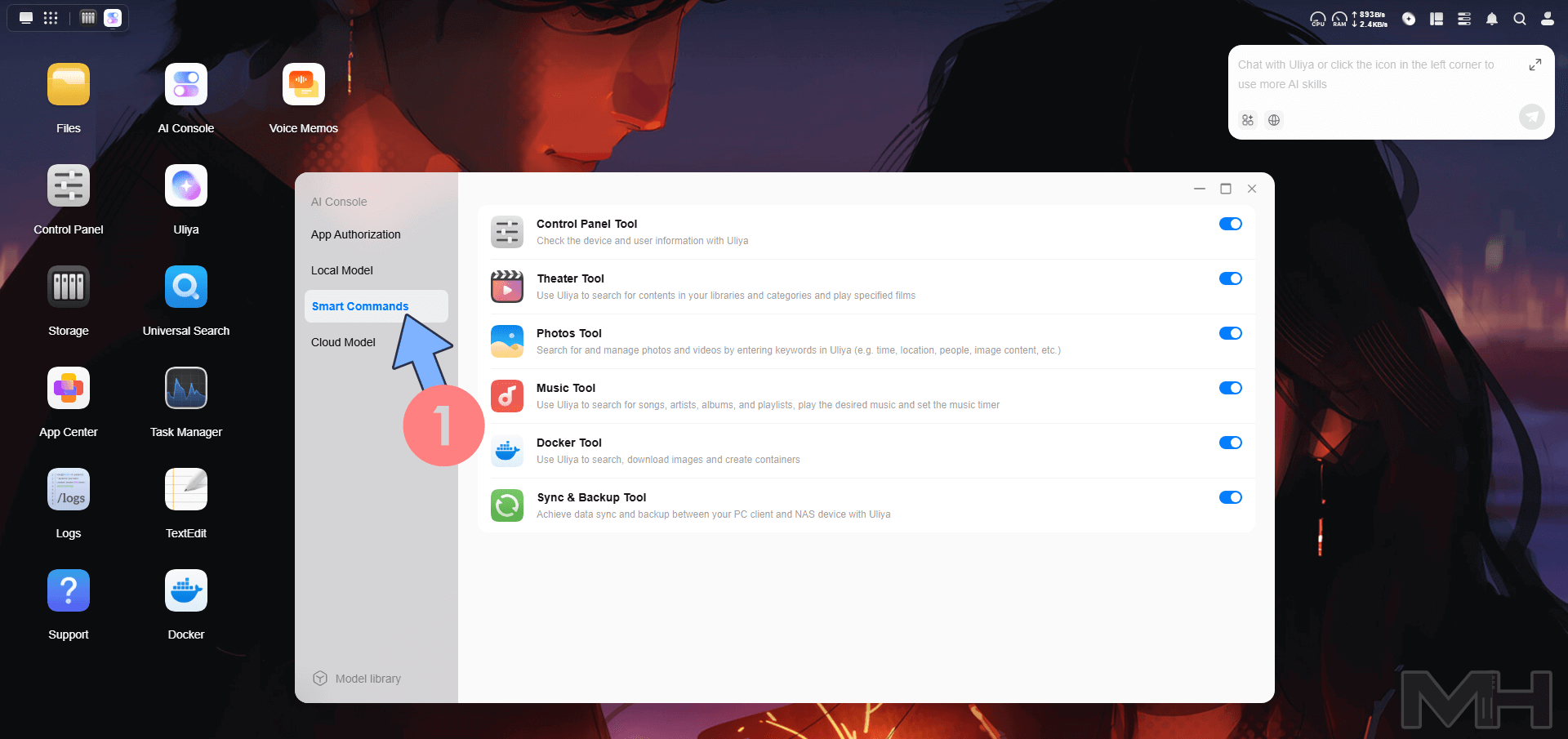
Inside the AI Console, you’ll find a very useful section called Smart Commands. This is where you can enable or disable the different “skills” and tools that Uliya can use to help you. Each tool is a dedicated module that makes the AI smarter and more specialized for everyday tasks. Here are the ones available right now:
- Control Panel Tool: Ask Uliya about the NAS status, user info, temperatures, network speeds etc.
- Theater Tool: Search your movie libraries and ask Uliya to play a specific film or series.
- Photos Tool: The one I use the most! Just tell Uliya “show me photos from last summer in the mountains with the dogs” and it finds them instantly using time, location, people, or even what’s inside the image.
- Music Tool: Search songs, artists, albums or playlists and play them directly. You can even set a sleep timer with your voice.
- Docker Tool: Search for, download and create Docker containers using natural language.
- Sync & Backup Tool: Manage backups and syncs between your PC and the NAS through simple voice or text commands.
What I love is that everything is toggleable. If you don’t need one tool, you can simply turn it off.
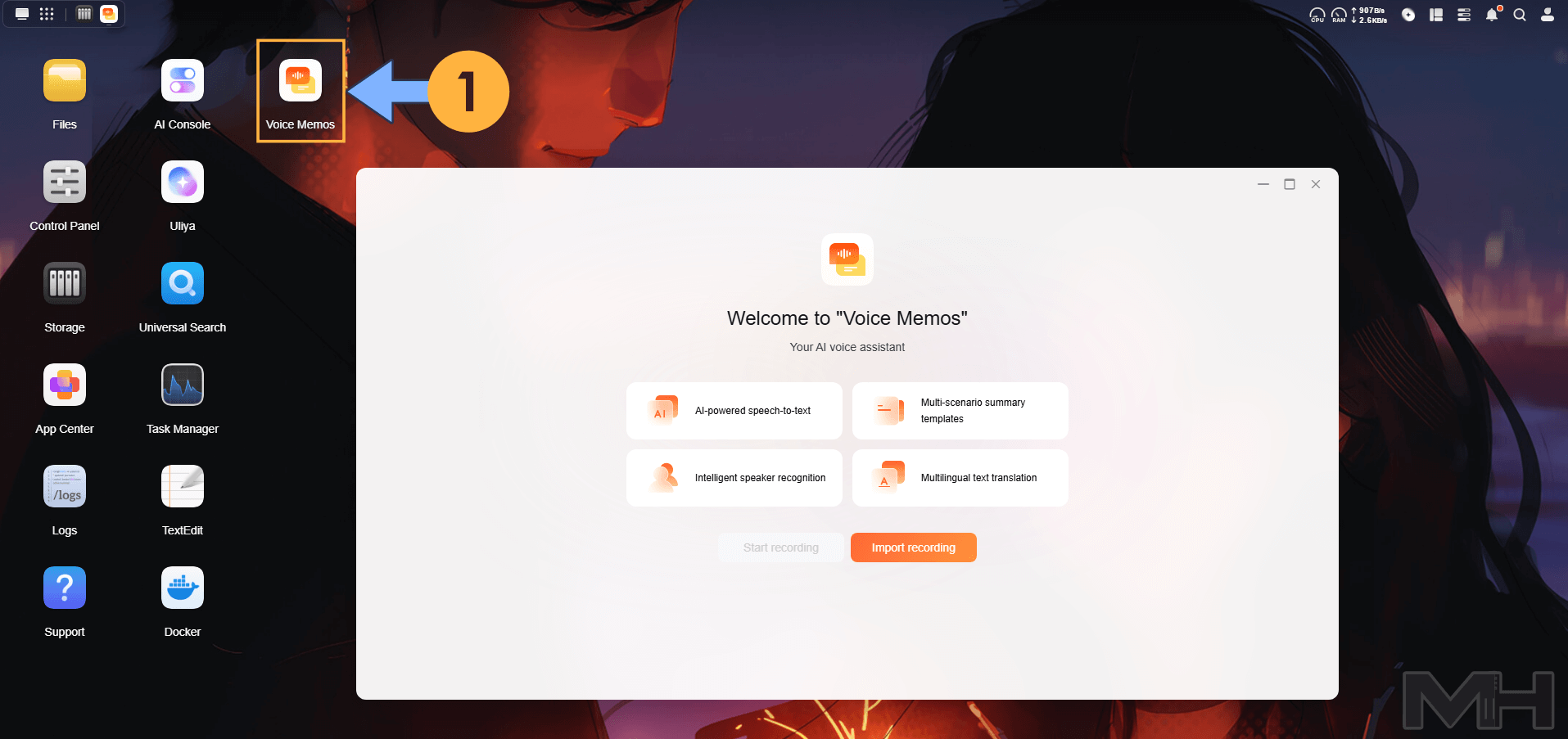
Another feature that I like is Voice Memos, the dedicated app that turns any voice recording into structured, useful information, all processed 100% locally on the NAS. You can record directly from the UGREEN mobile app (super convenient when you’re in a meeting, taking notes while walking the dogs, or capturing a quick idea), or simply upload any existing audio file. Once the recording is on the iDX6011 Pro, Uliya will instantly:
- Transcribe the entire audio with impressive accuracy.
- Summarize the key points in a clean, readable format.
- Translate it into other languages if needed.
- Even turn the content into a beautiful, organized mind map so you can see the structure of your meeting or thoughts at a glance.
Everything stays private: no cloud, no subscriptions, no data ever leaves your home.
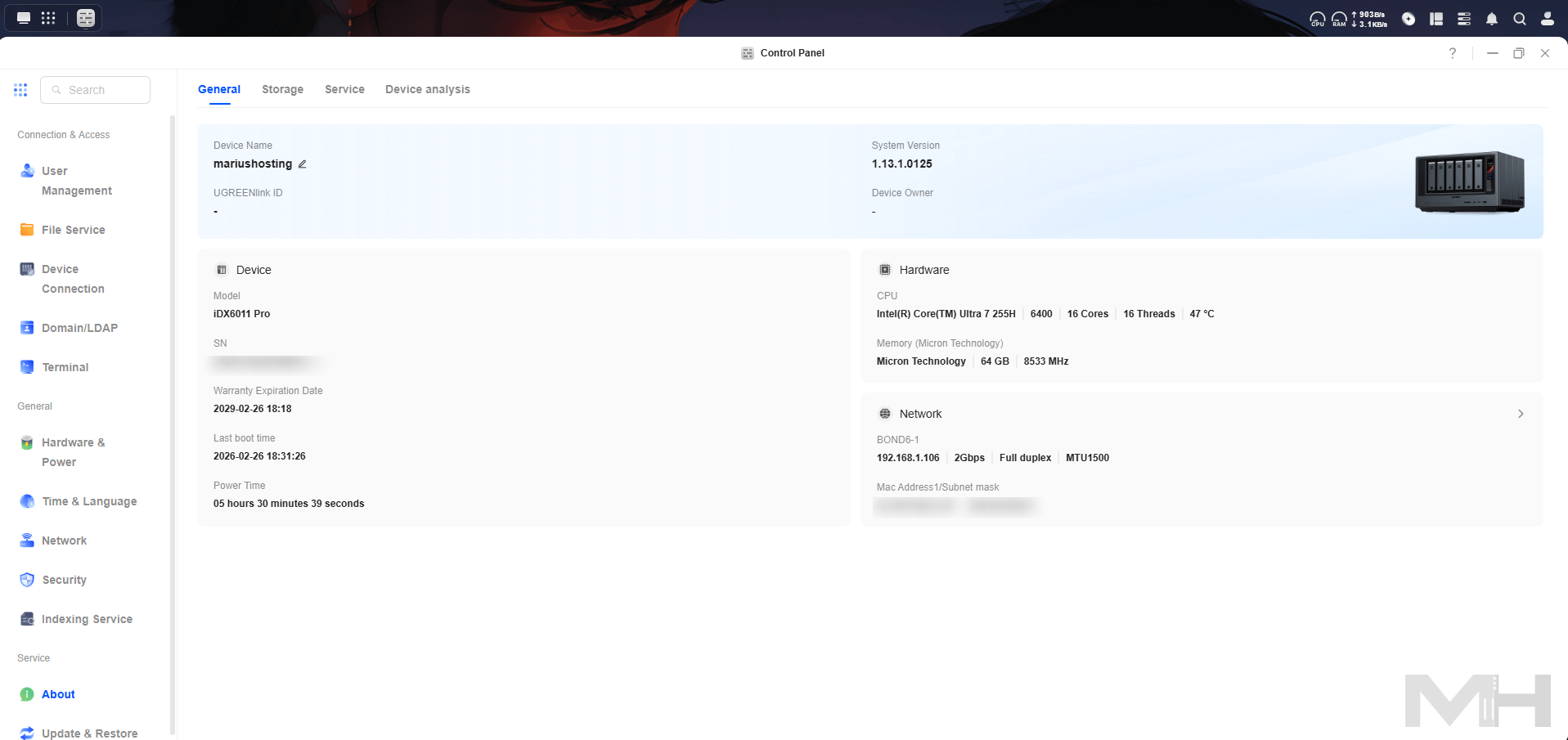
General Specs at a glance, This is a screenshot from the Control Panel.
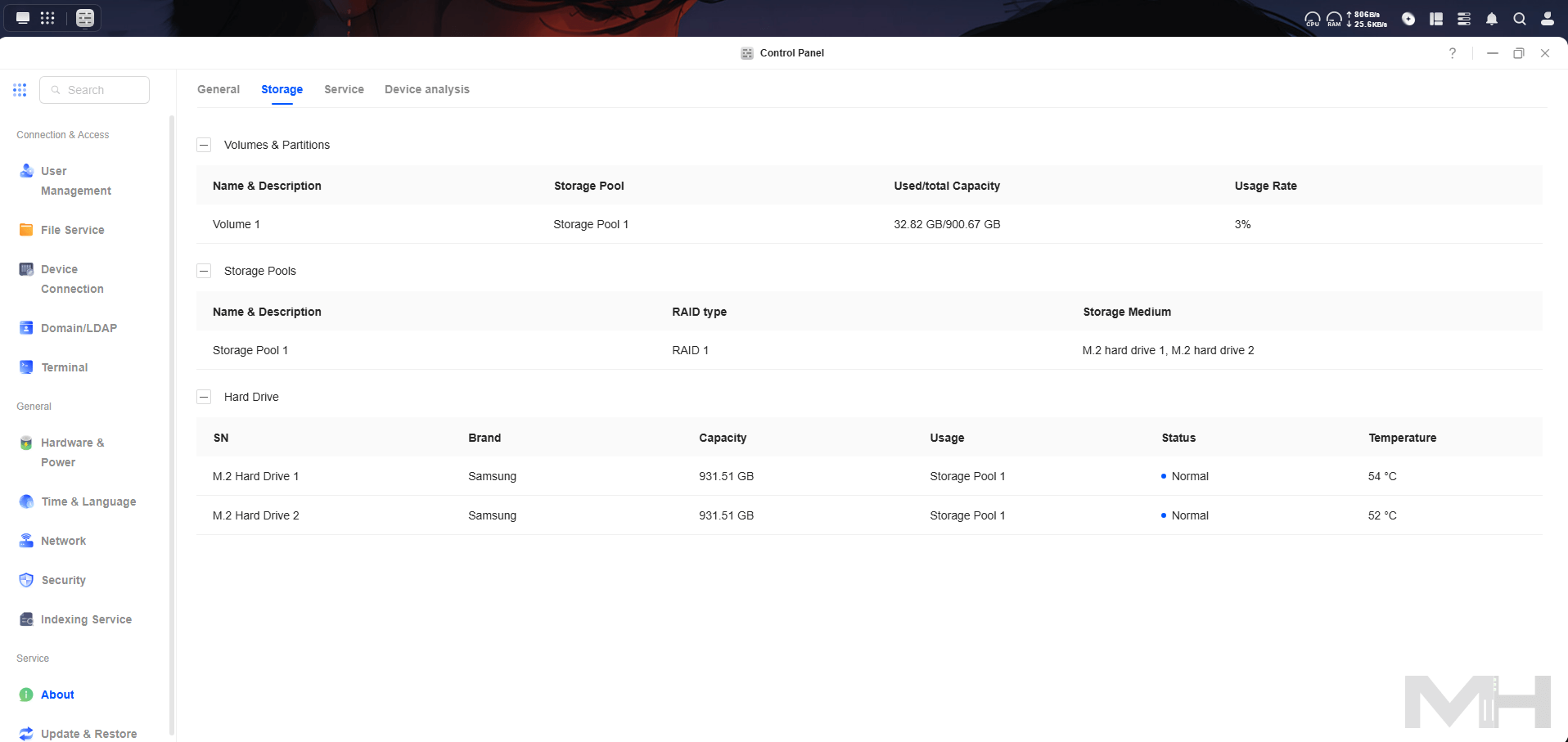
A screenshot from the Storage in the Control Panel.
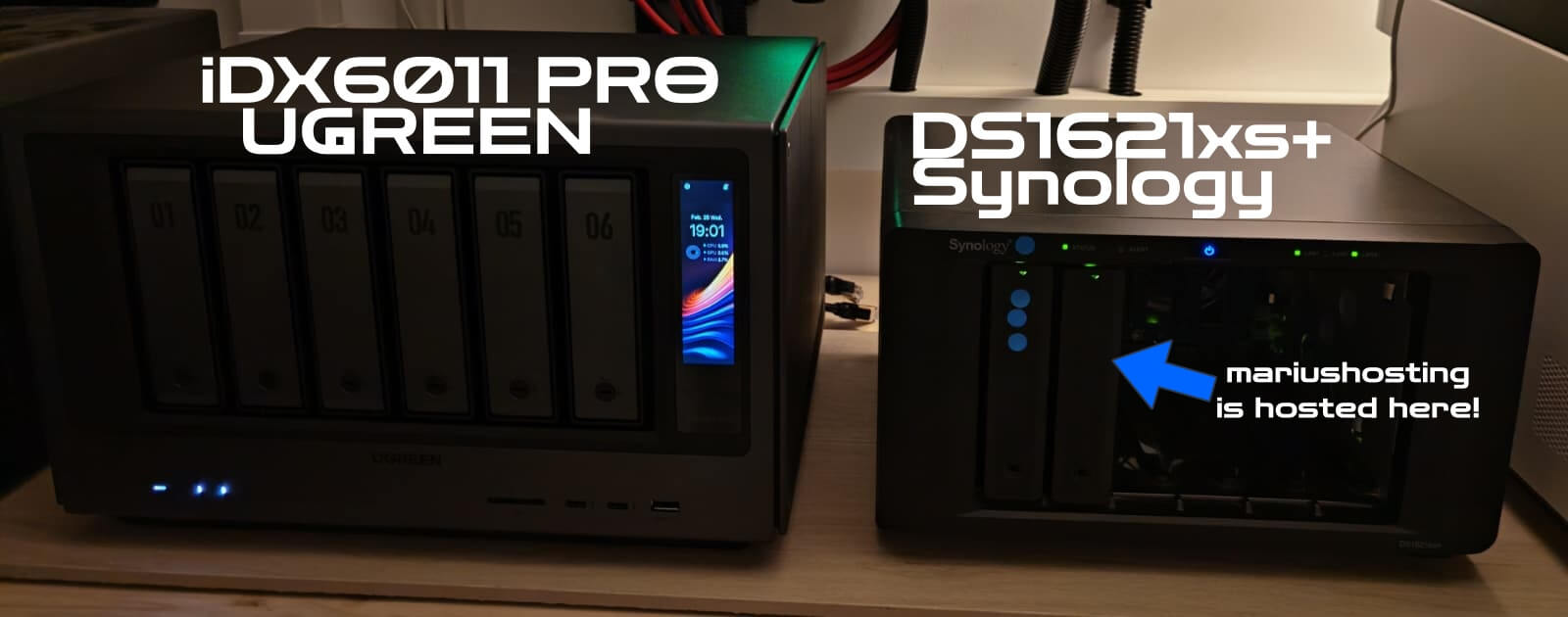
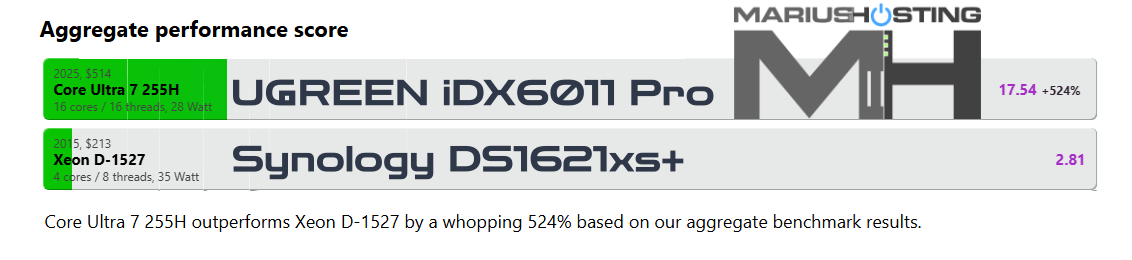
mariushosting dot com is actually hosted on the Synology DS1621xs+ and I’m thinking of moving it to the new UGREEN iDX6011 Pro at the beginning of spring. Tonight, when I placed them side by side, I realized that the DS1621xs+ reminds me of an old Nokia phone. This photo clearly shows that Synology hasn’t been investing in new hardware for years.
So Who Needs This NAS in Real Life?
The iDX6011 Pro is an extremely powerful NAS, and for most people it would be complete overkill. This machine is not made for the average user who just needs to store family photos and do simple backups. For that, a normal 4-bay NAS is more than enough and much cheaper. So who actually needs something like this in real life?
Professional photographers & videographers with tens or hundreds of terabytes of RAW files and 4K/8K footage. They get ultra-fast editing over 10GbE or Thunderbolt 4 + local AI search.
Content creators, YouTubers, people who want to run Plex/Jellyfin with hardware 8K transcoding, edit directly from the NAS, and have everything fast and private.
People who are tired of cloud subscriptions and want a true private AI (Uliya) that can read all their documents, summarize meetings, translate files, and answer questions about their own data without sending anything outside their home.
Developers, homelabbers and small creative studios who run many Docker containers, virtual machines, or need maximum performance + expansion options (PCIe slot, OCuLink for eGPU etc.)
For me personally, I’m keeping it very simple: I’ll mainly use it as my main web server for mariushosting.com (you’ll see the real speed difference vs my old Synology in Part 2).
Final Thoughts & Personal Notes
I want to be completely honest with you: personally, I will not be using the AI features (Uliya, Smart Commands, Voice Memos etc.). I simply don’t need them in my daily workflow, and I prefer to keep things simple and traditional. That said, I’m still incredibly impressed by how well they are implemented and how powerful they are for those who actually want and need them. UGREEN has done an outstanding job here.
As for real-world noise testing, I have to admit something: I didn’t have any proper HDDs available for a full long-term test. I quickly inserted two random HDDs just to create a supplementary volume and to answer the question that everyone always asks me “Does it make noise?” As you probably already know, the only thing that ever makes real noise in a NAS are the HDDs themselves. Neither SATA SSDs nor M.2 SSDs produce any noticeable sound. From what I could hear with my own ears, the iDX6011 Pro remained perfectly quiet. No strange vibrations, no exaggerated fan noise, nothing at all. The fans are really well controlled. Maybe I should ask my Mioritic dog for a second opinion. She has much better hearing than me!
You can find the current best price and all purchase options in the first big blue link at the very top of this review. The official Kickstarter campaign will launch very soon (in March), so if you’re interested in this little gem, you can already reserve your spot and grab one of the super early-bird deals.
In the next few weeks I will also publish Part 2, where I will move mariushosting.com to this iDX6011 Pro as my main production server. We’ll be able to see together the real-world speed difference compared to my old Synology setup. I’m really curious myself!
If you have any questions, feel free to ask them in the Facebook group. For everything else, as always, I’m available on Discord or via email.
Thank you from the bottom of my heart for reading all the way to the end. I truly hope you enjoyed this review. A huge thank you also goes to all the people who made this review possible (you already know their names from the beginning), and to every single one of my loyal followers. Together we really are a great team. A big virtual hug from your Internet friend, Marius.
This post was updated on Tuesday / March 3rd, 2026 at 12:00 AM